Chat with us if you have any questions!

Chime 2.4 Beta - v2.4.4645 (March 7, 2016)
Main New Features:
- New documentation about how to debug virtual agents in the Sandbox using Visual Studio
- Sandbox unloads virtual agents that exceed 20 seconds to load
- Show error messages from virtual agents that time out when they’re loaded in the Admin section
- Disable all virtual agents if they are unloaded because of a virtual agent exceeding the timeout value when loading
- Make the timeout value for loading virtual agents configurable in settings.xml
- Improved the filter of the log files
- Added a more informative web client error message
- Ability to send email to a specified queue address for ticketing
Bug Fixes:
- Sandbox associates virtual agents correctly if they’re moved from “loaded” to “ready for testing” individually
- Update queue’s settings associated with a virtual agent when that virtual agent status is changed from enabled/disabled in the Admin panel
- Fixed bug where end date could be before the start date on session
- Fixed bug where Basic Details was unable to be exported as a CSV
- Converted session history to use local time
- Fixed tool tips being cut off
- Fixed issue where Queue Status and State might be displayed in an odd position based on screen resolution
- Fixed issue with Office 365 rollover queues
- Updated the link for the .NET 4.5.1 with the live address
- Fixed issue with table not rendering long questions correctly
- Fixed issue where queues would come online if a schedule is added to it
- Catch exceptions if we are unable to write to the database due to size restrictions or SQL logging restrictions
Chime 2.4 Beta - v2.4.4514 (February 19, 2016)
Main New Features:
-
Virtual Agents
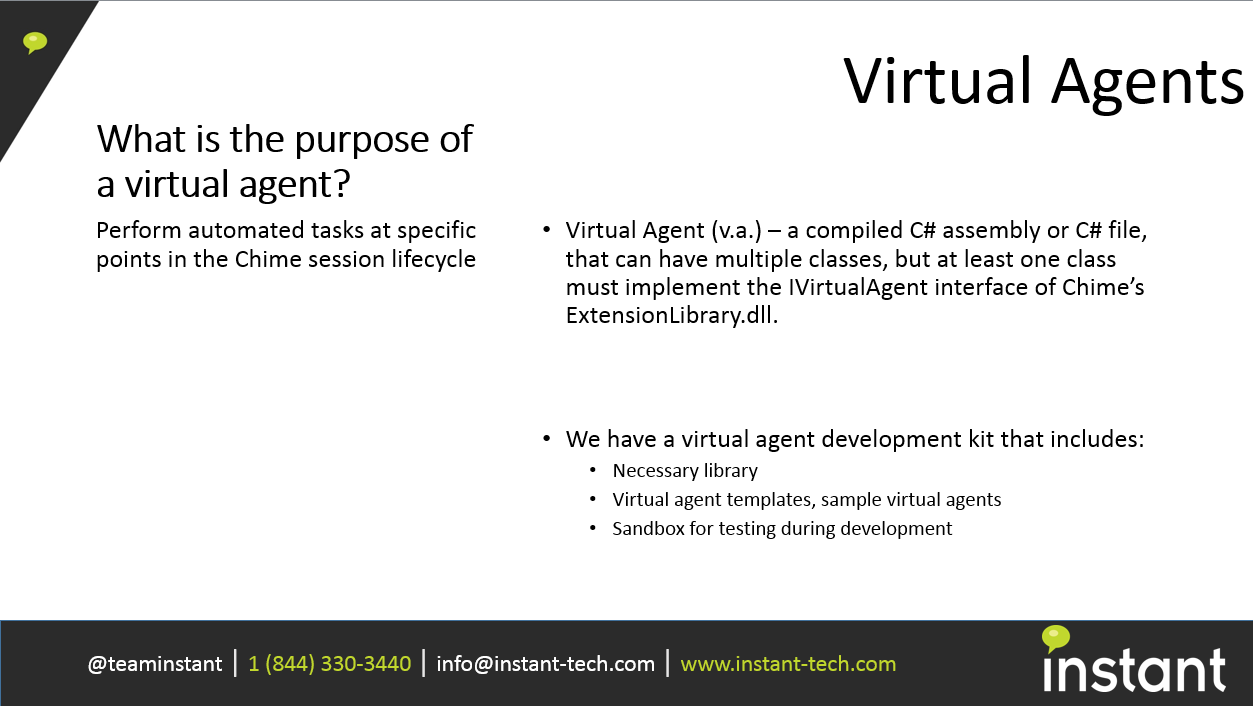
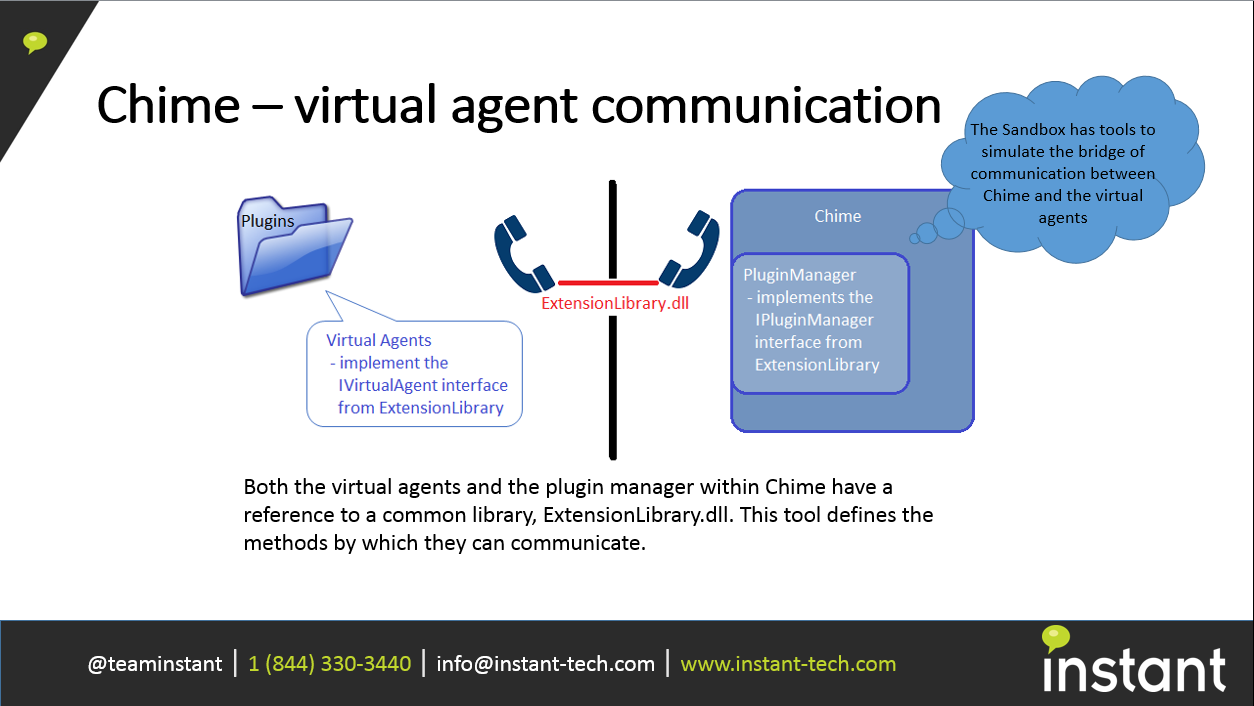
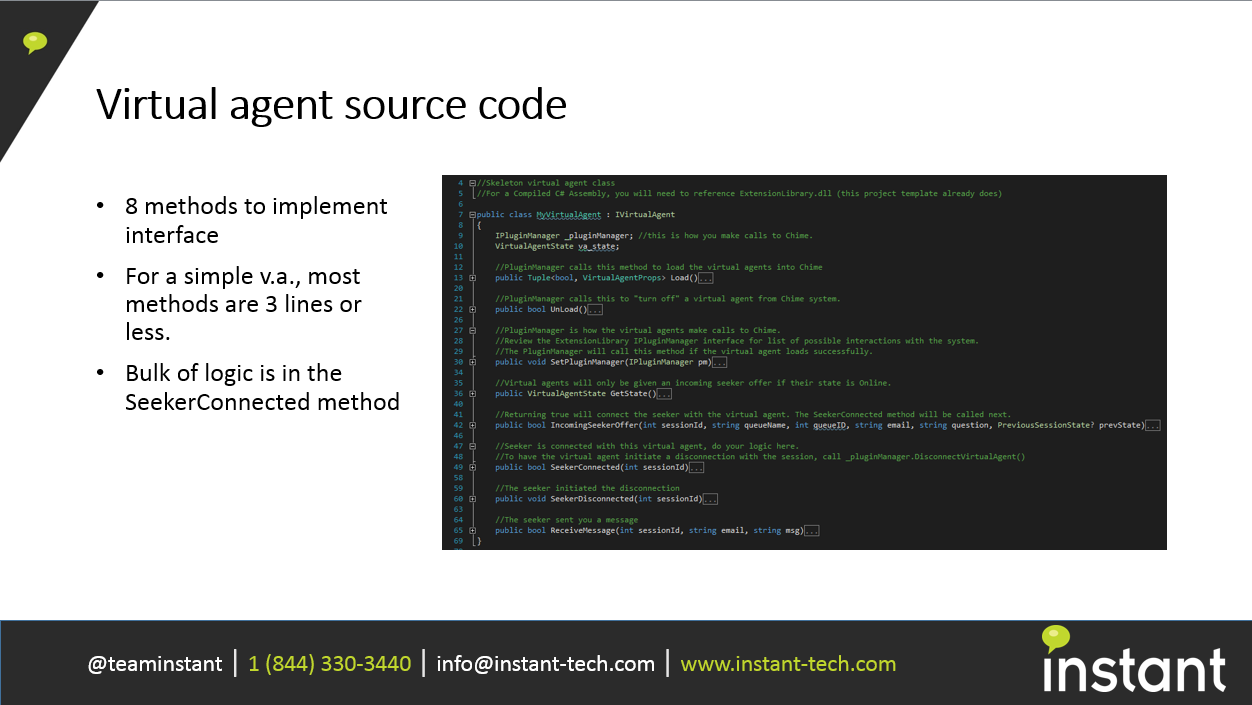
- The virtual agent layer will provide integration via compiled C# or C# as script in order to:
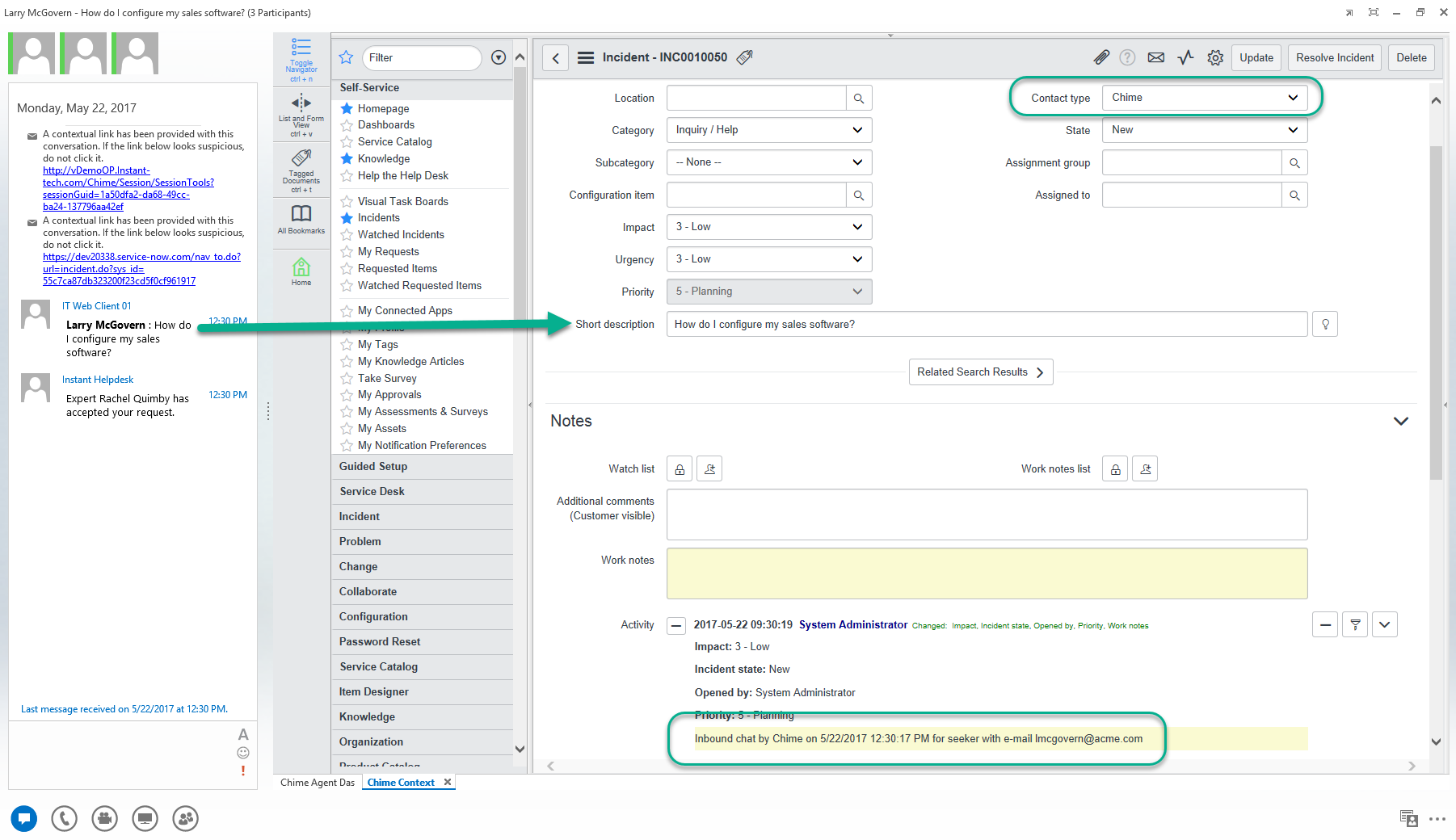
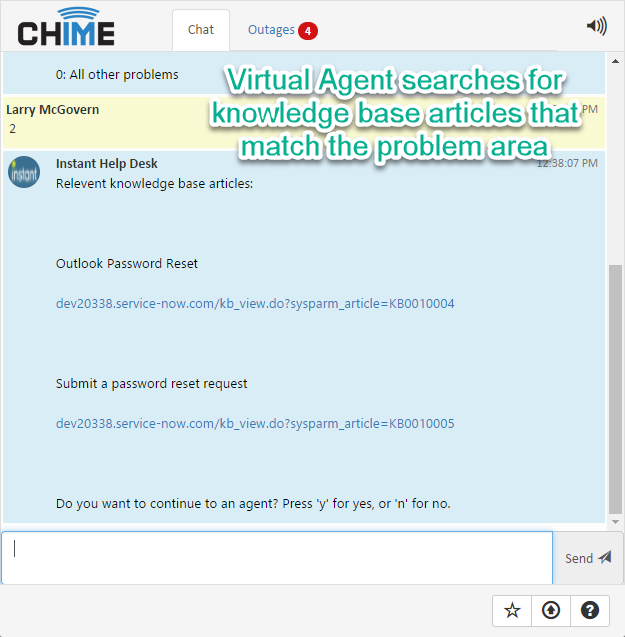
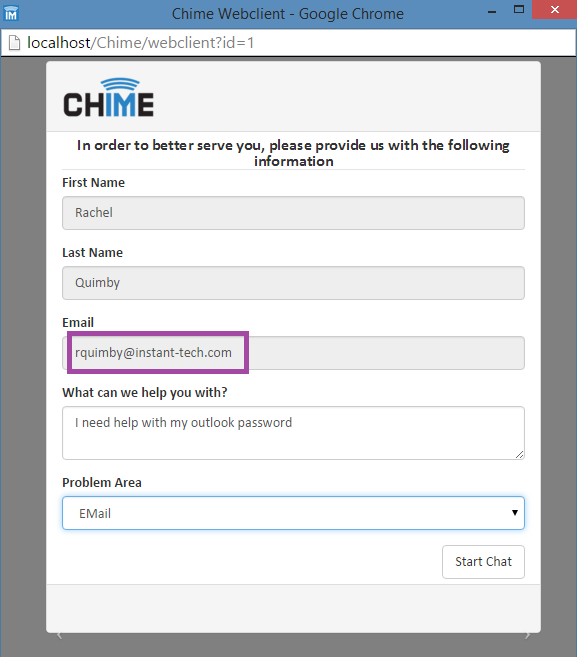
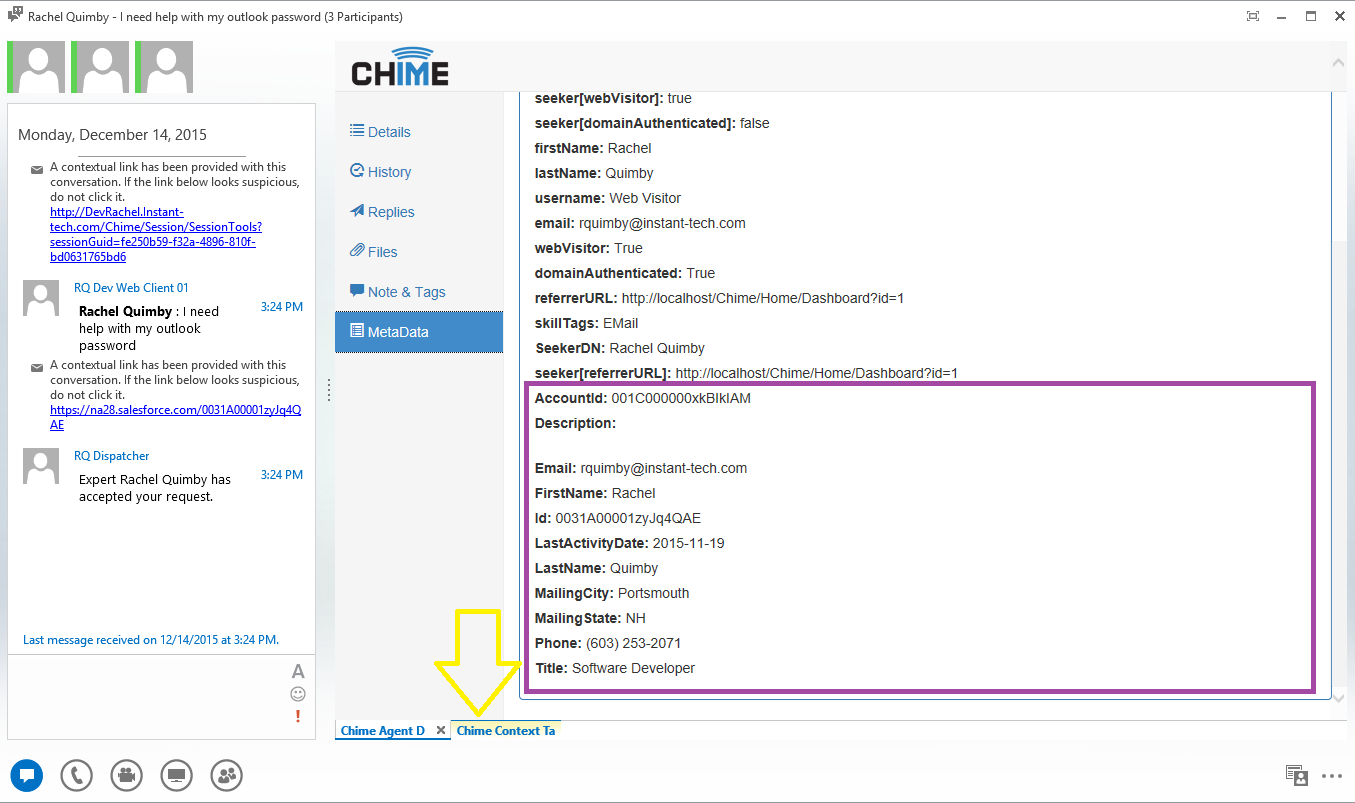
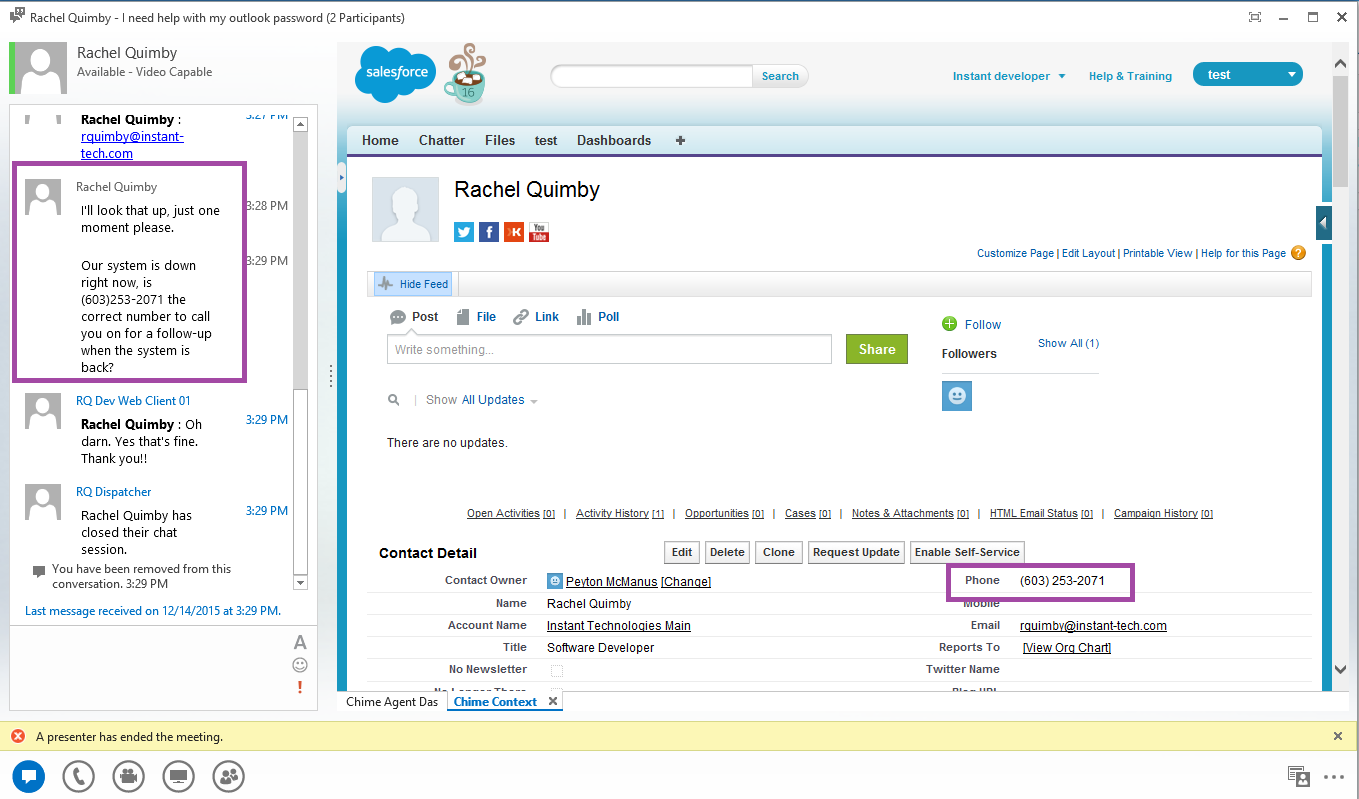
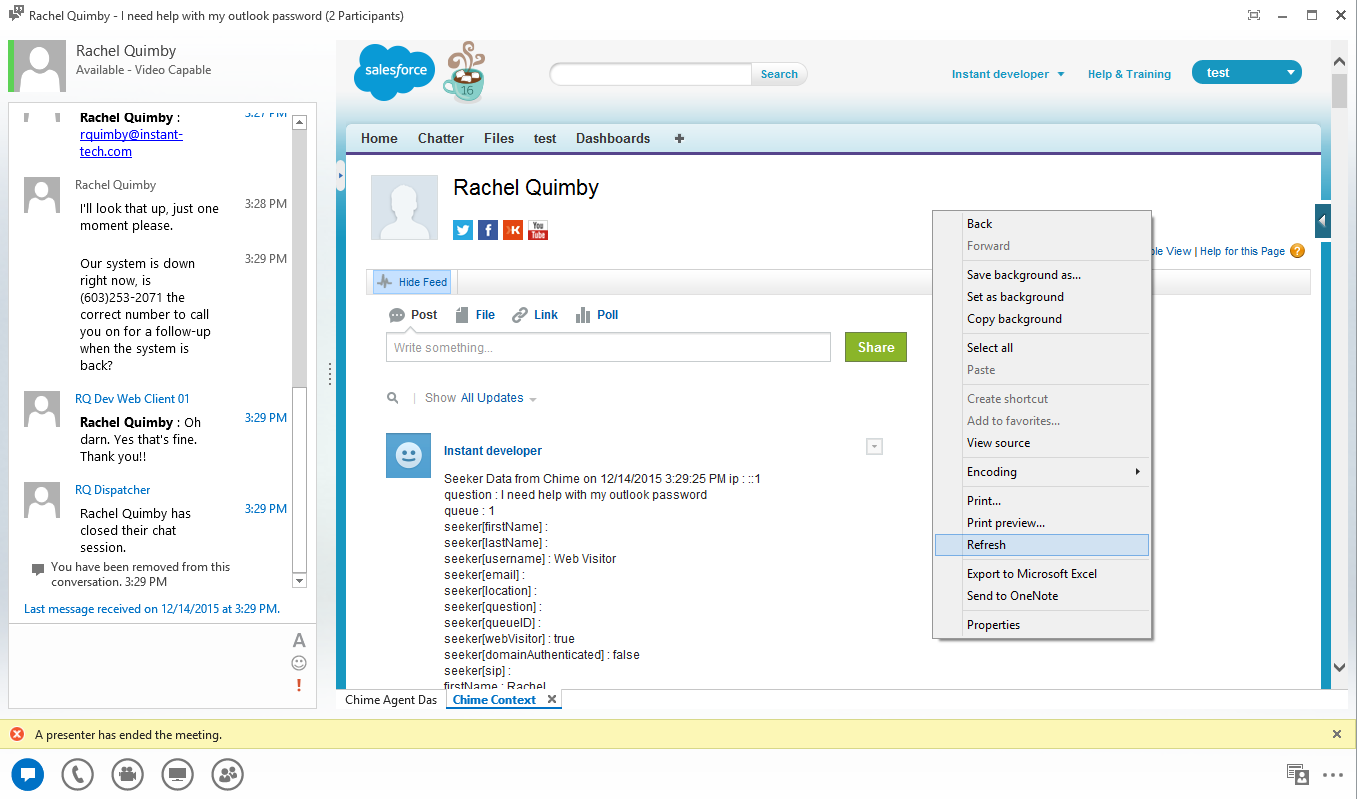
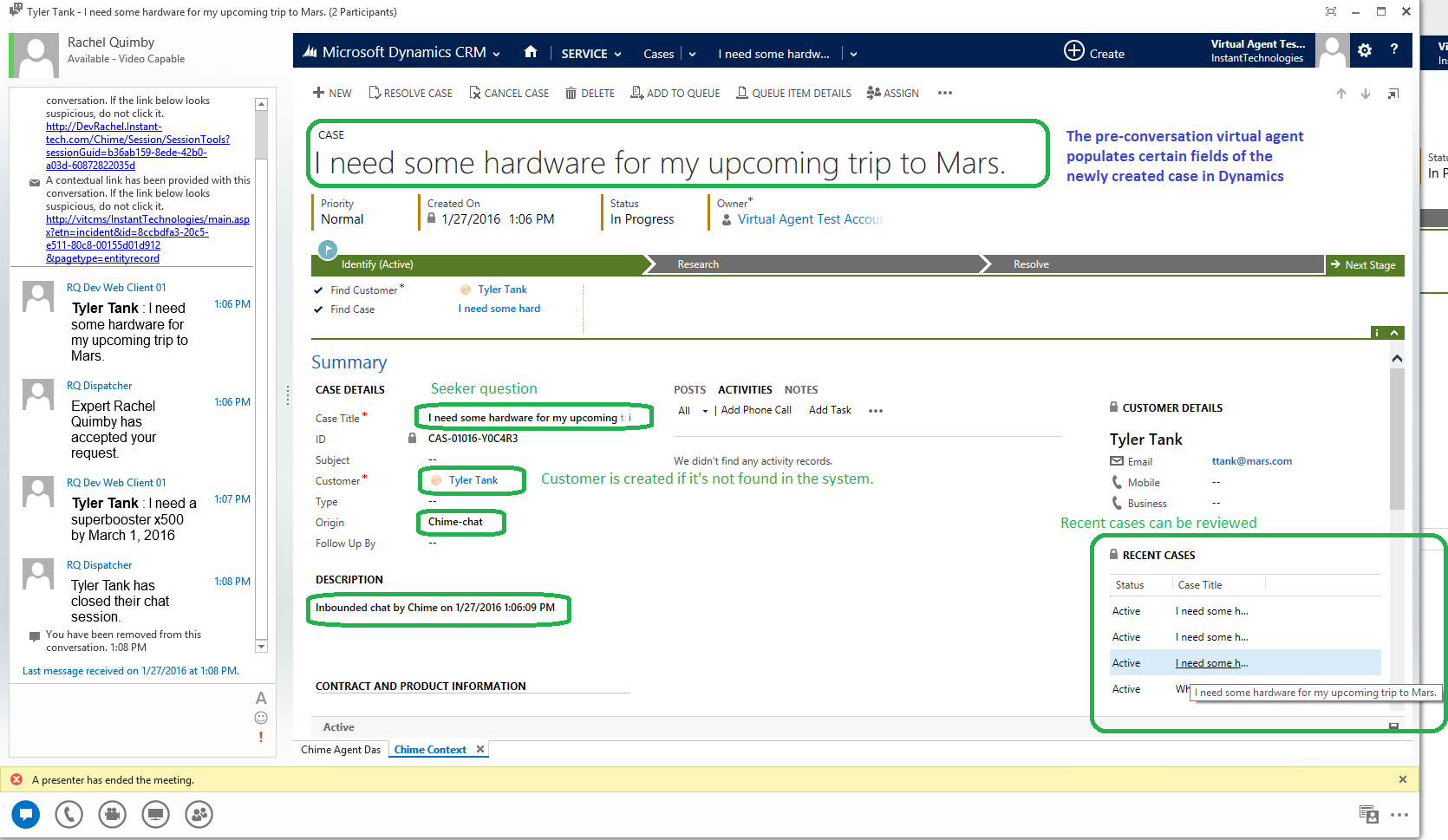
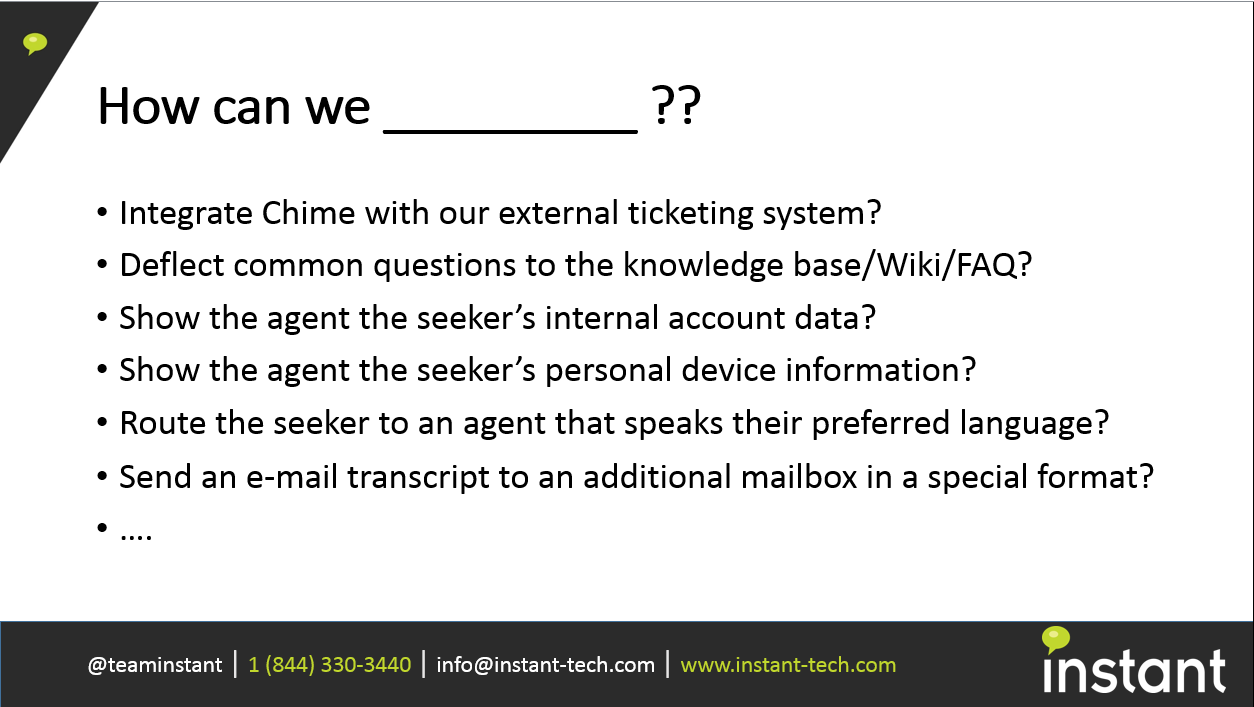
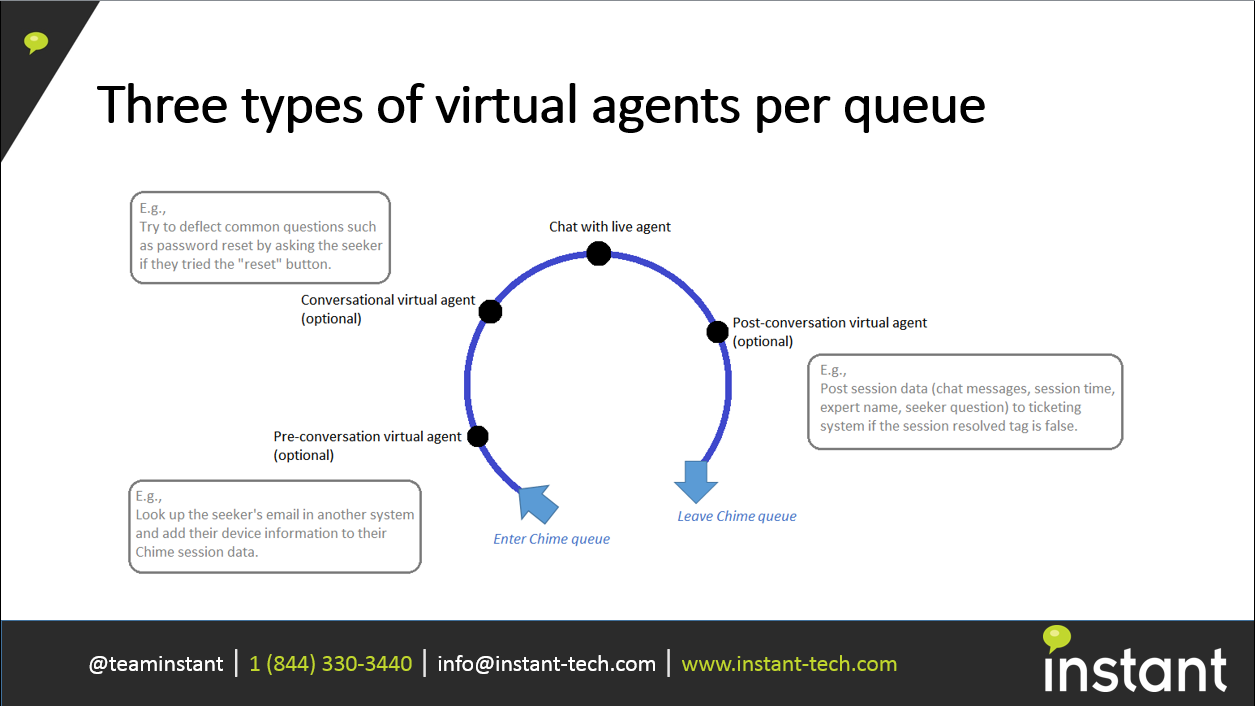
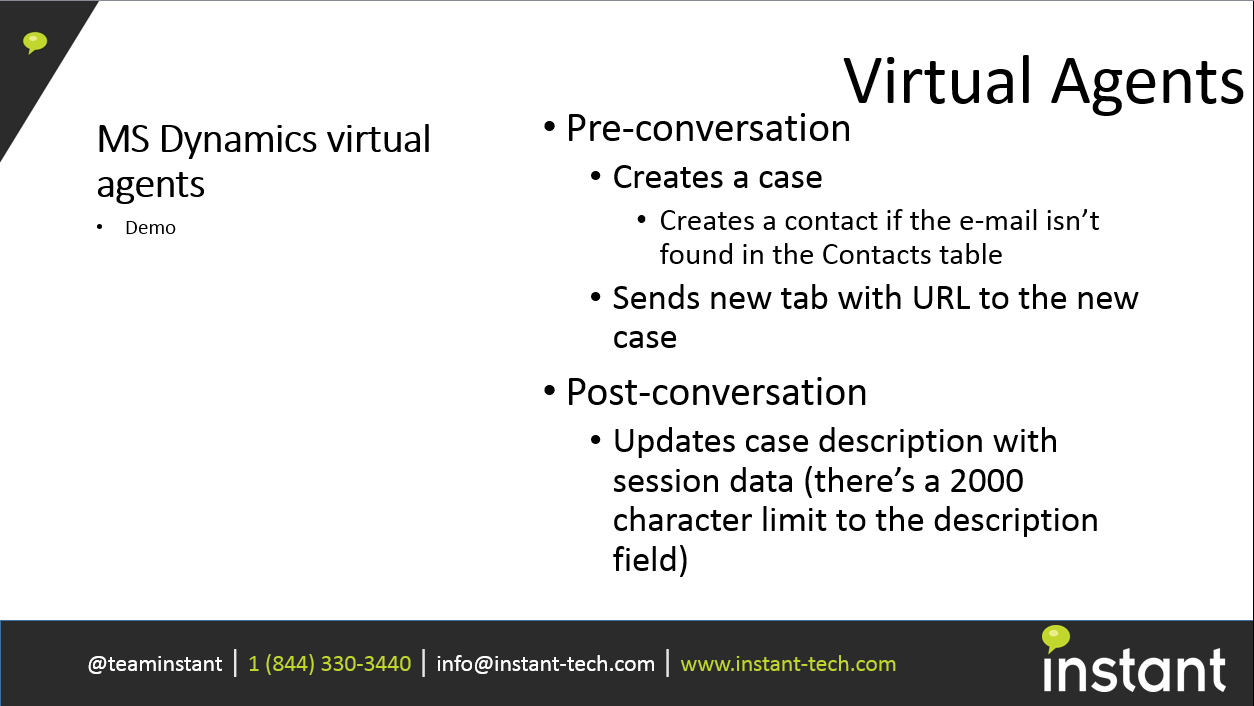
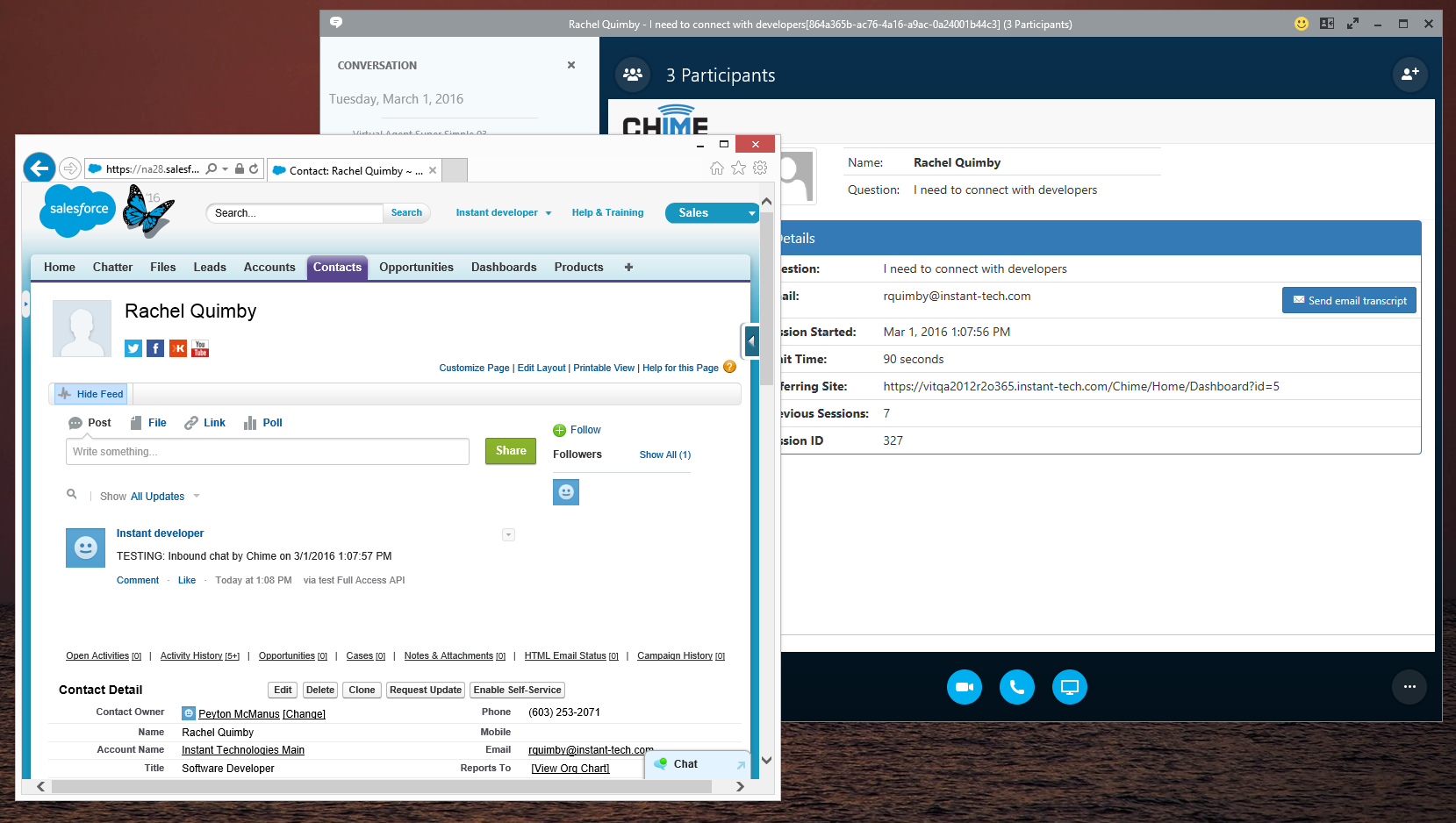
- Provide pre-chat integration with other systems - i.e. lookup customer’s email against ServiceNow®, Microsoft Dynamics®, Salesforce®, Alchemy®, or in house ITSM solution and retrieve all open tickets and/or assign routing tags
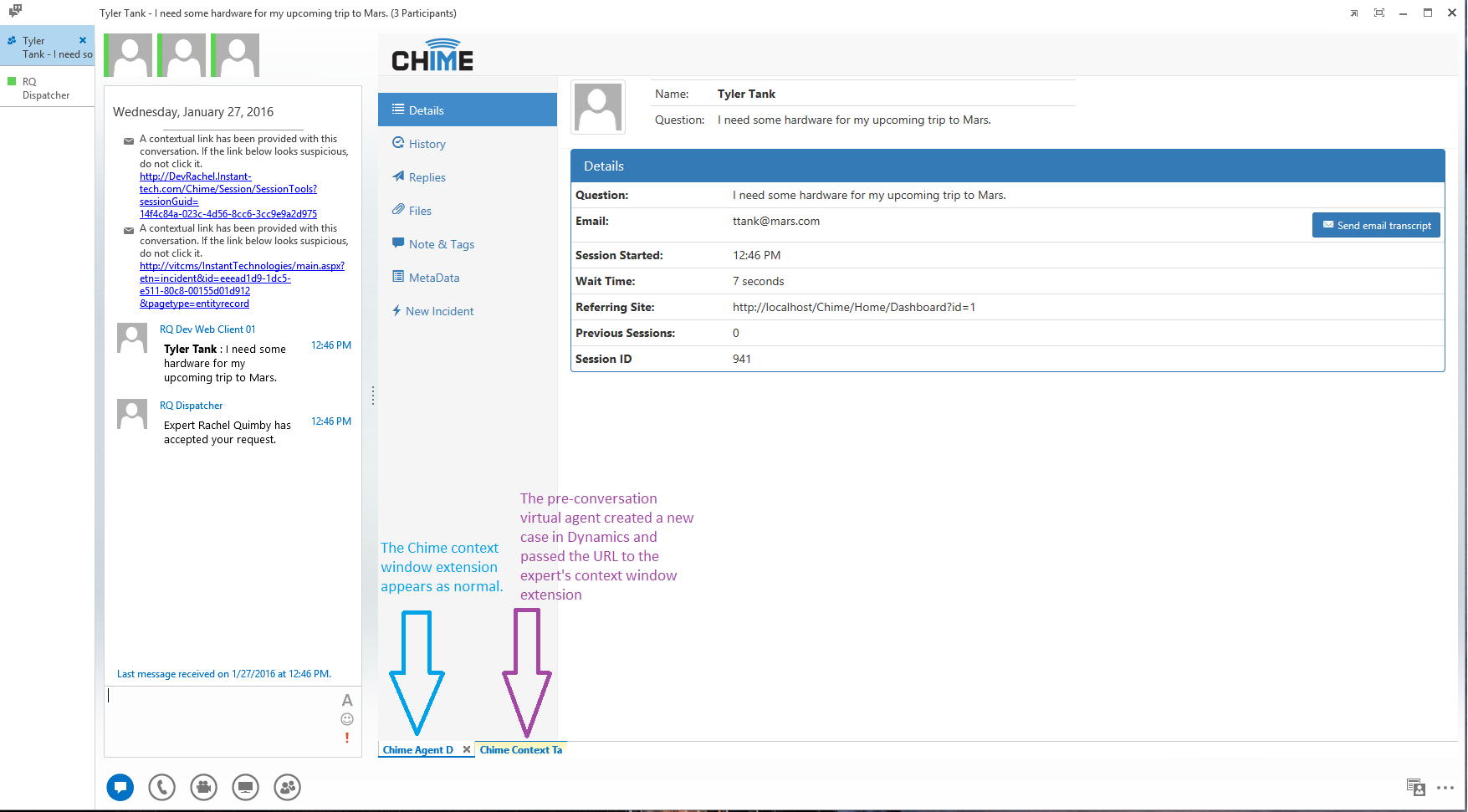
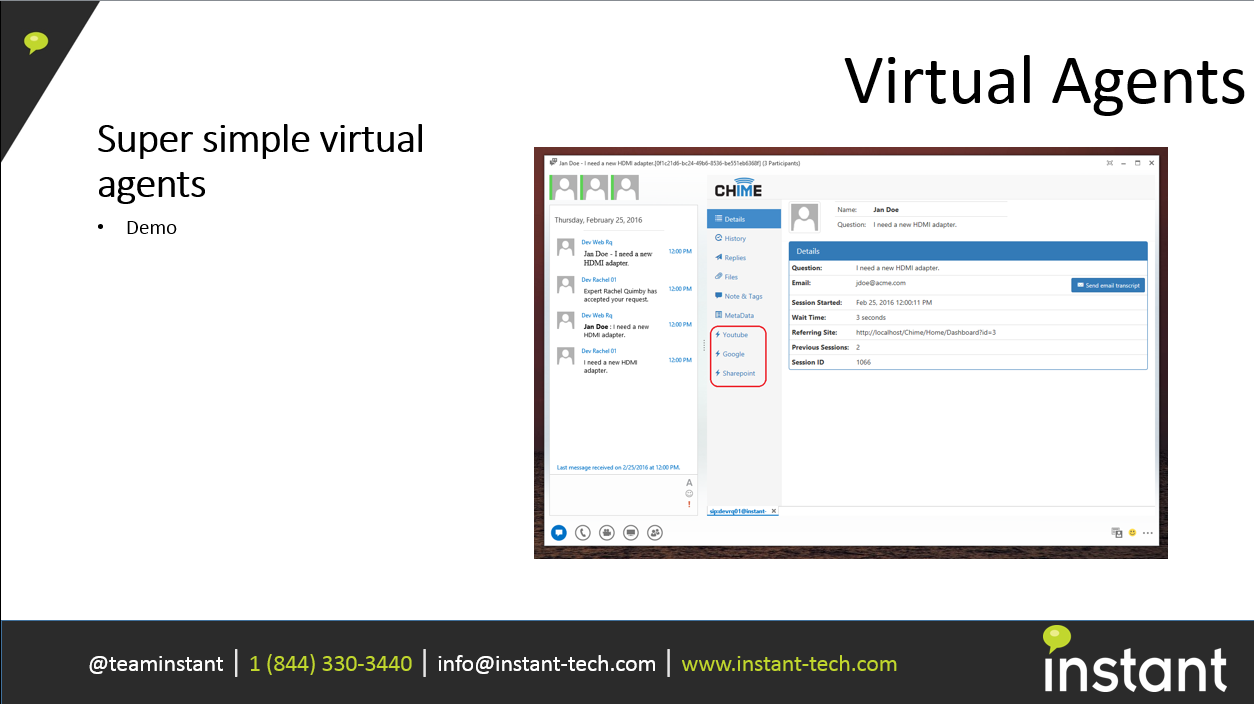
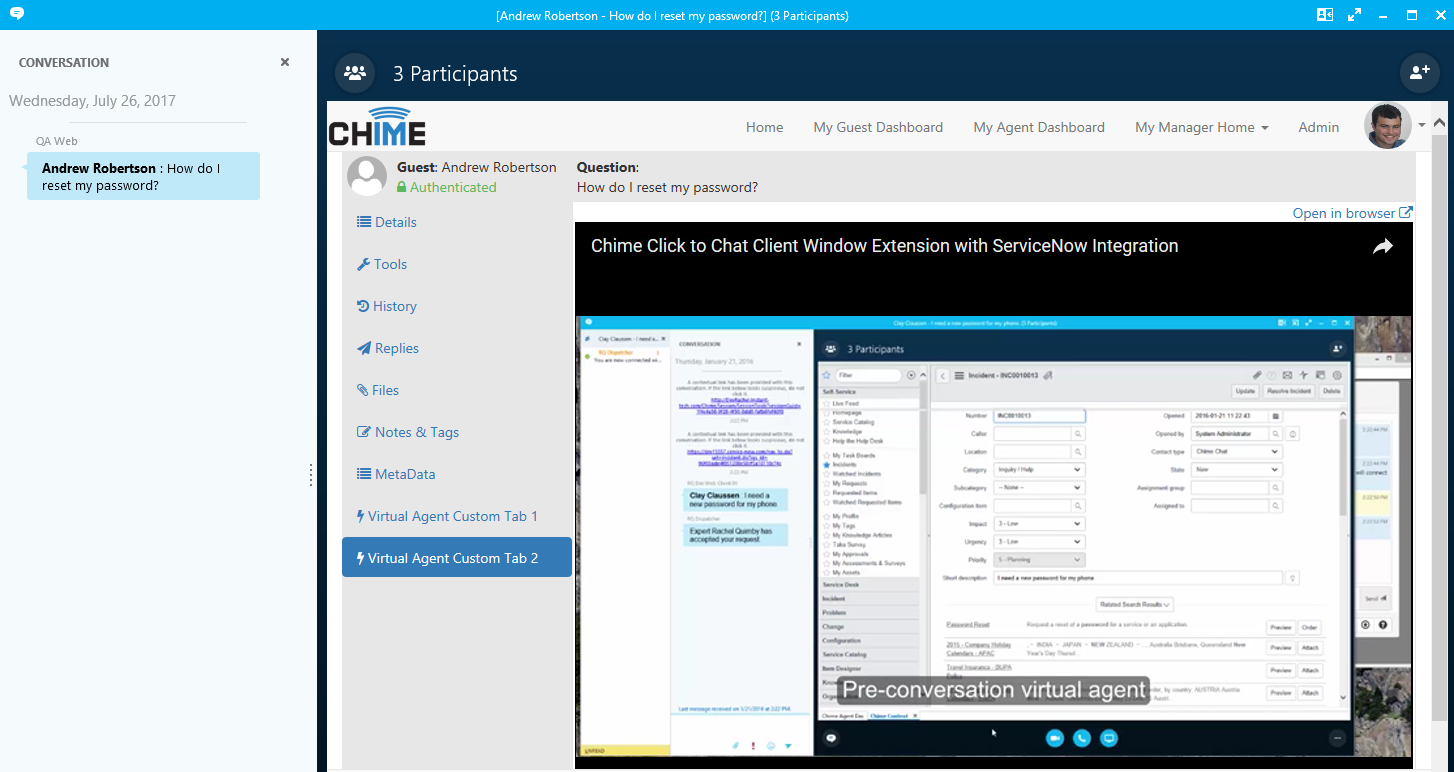
- Stage additional UI in the agent’s context window based on the pre-chat lookup. This will allow agents to see UI from other systems based on the customer and/or lookup in step 1 (i.e. new ticket UI)
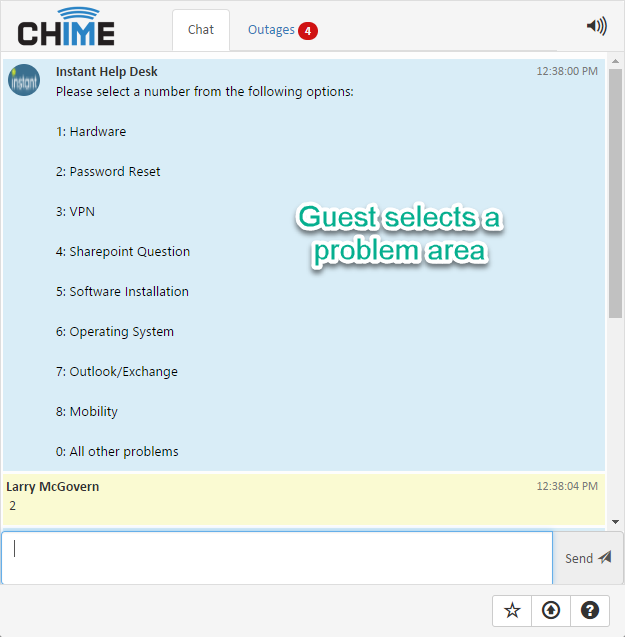
- Provide basic virtual conversational agent functionality (ask a series of questions and then assign routing options – scripted using JS or C#)
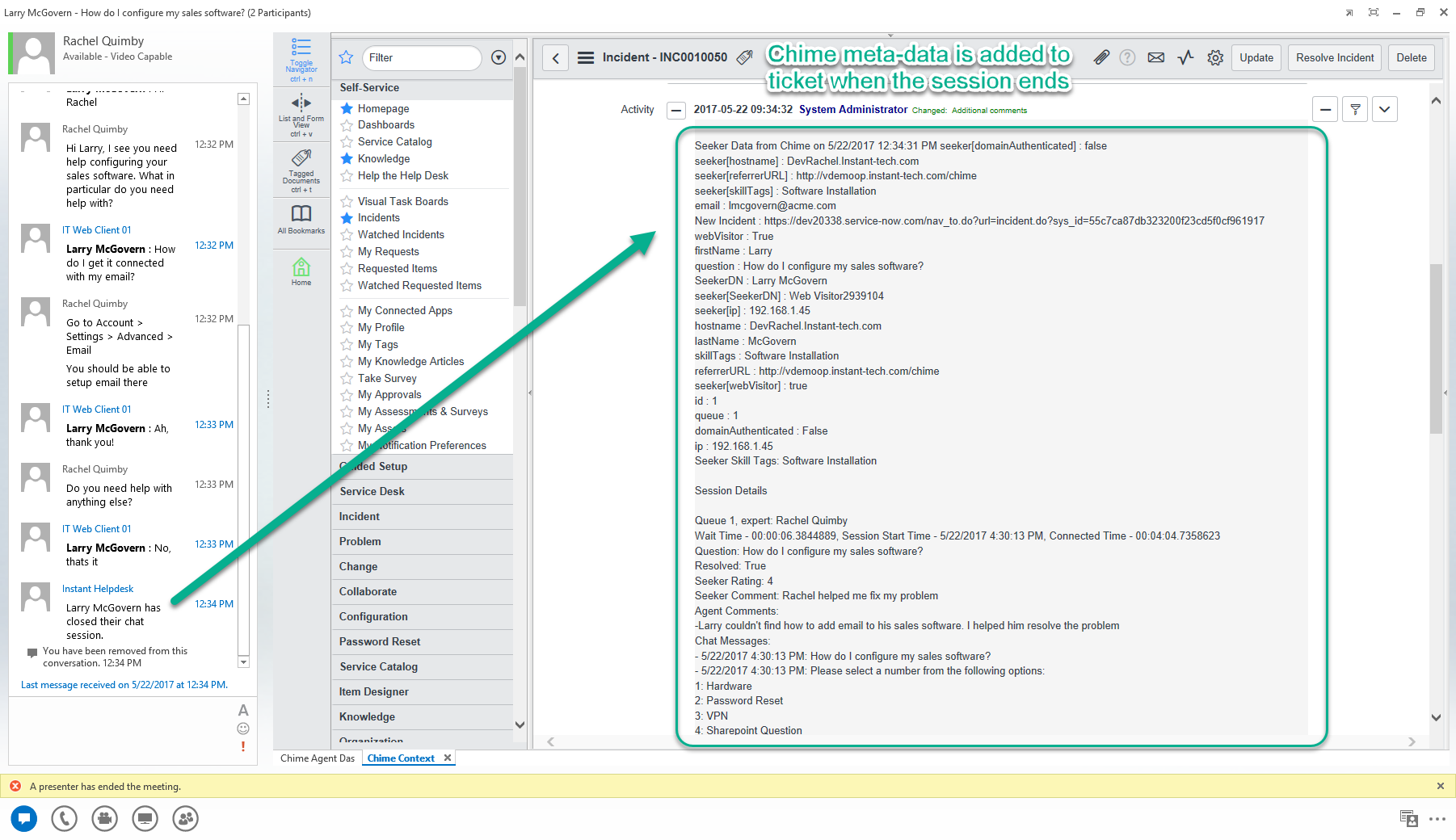
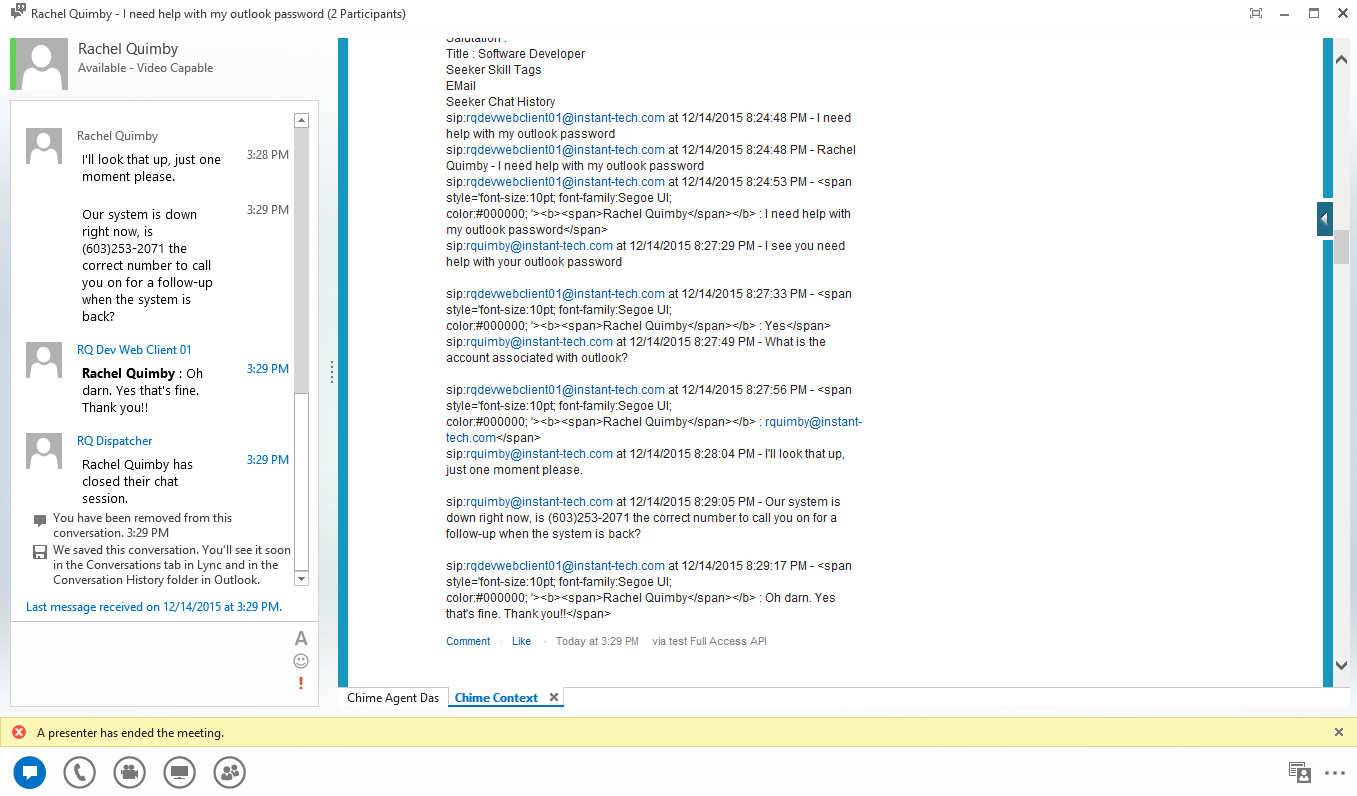
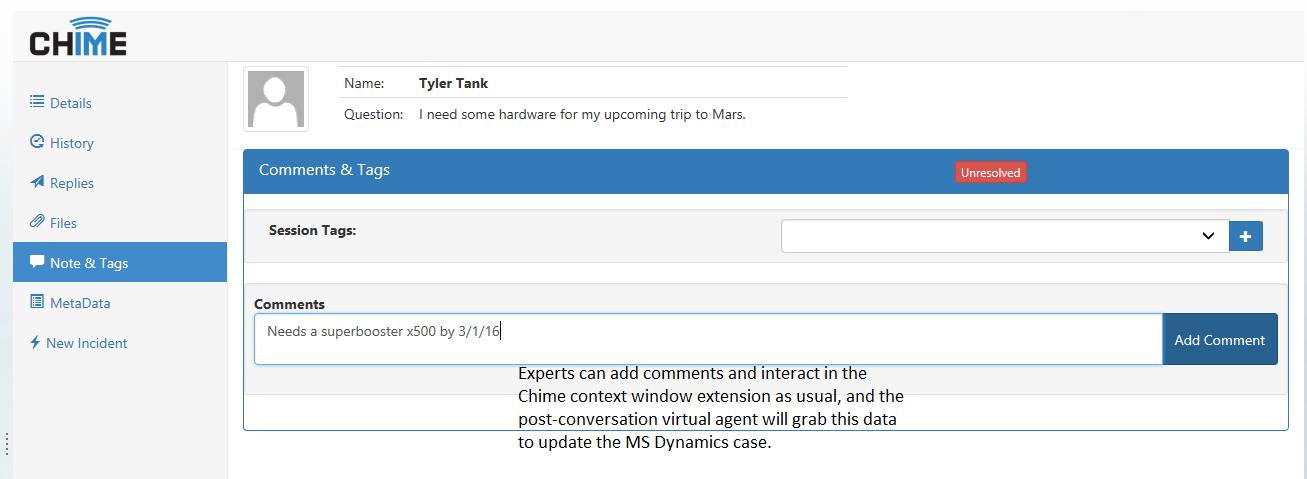
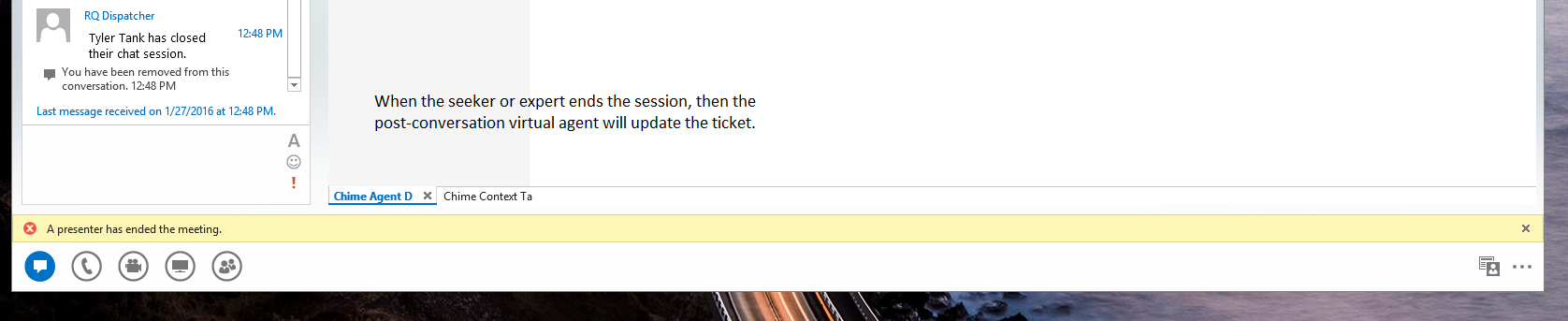
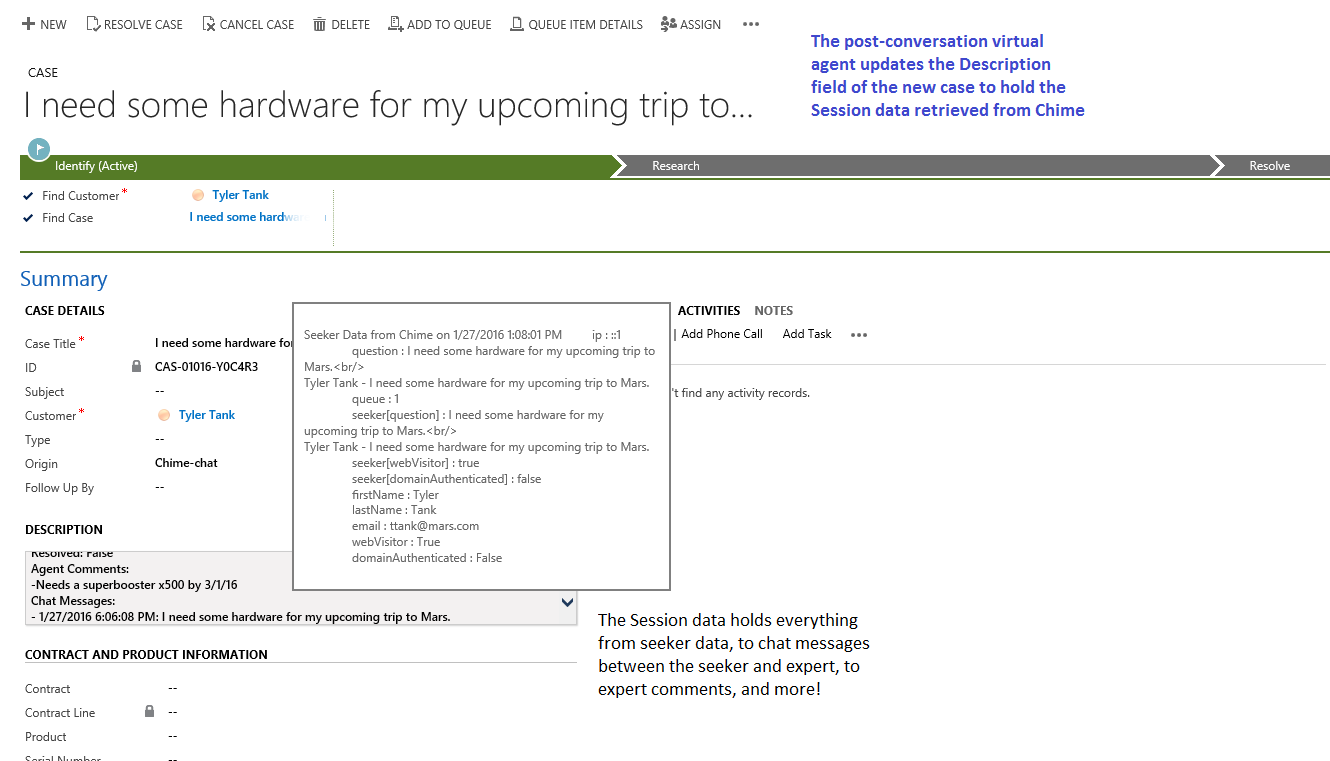
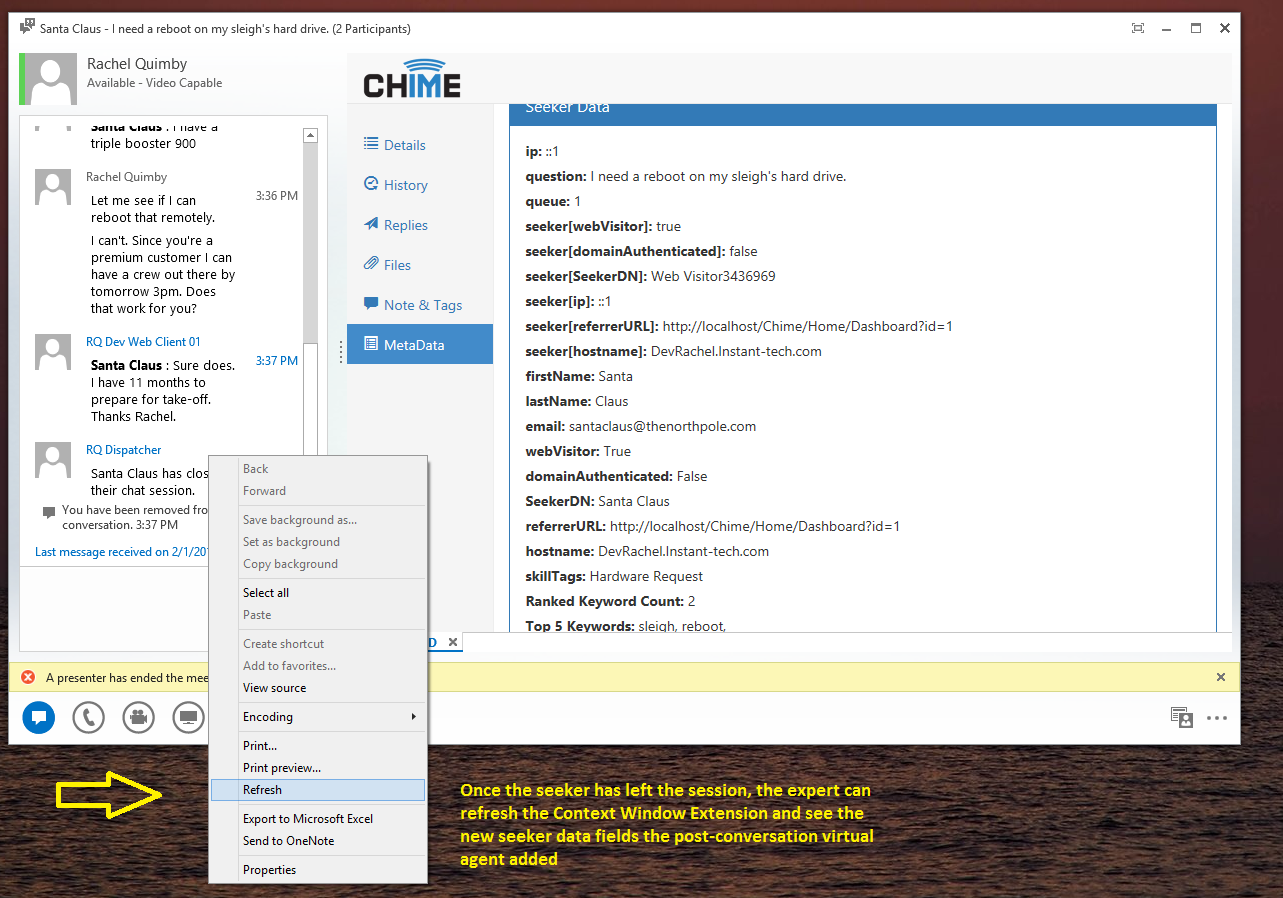
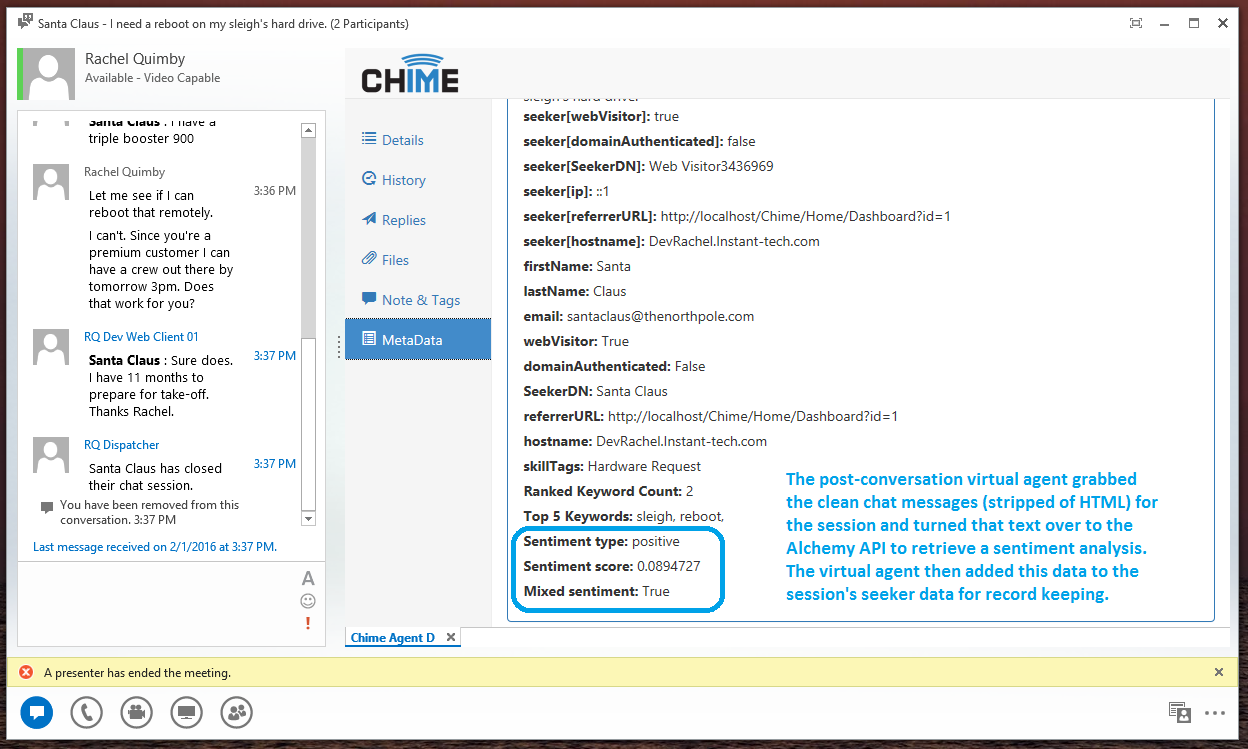
- Post-chat event handling – to allow Instant Chime to post the entire conversation, as well as metadata, to any external system
Virtual Agents are such a powerful new feature that we've created its own page. » Virtual Agent integration.
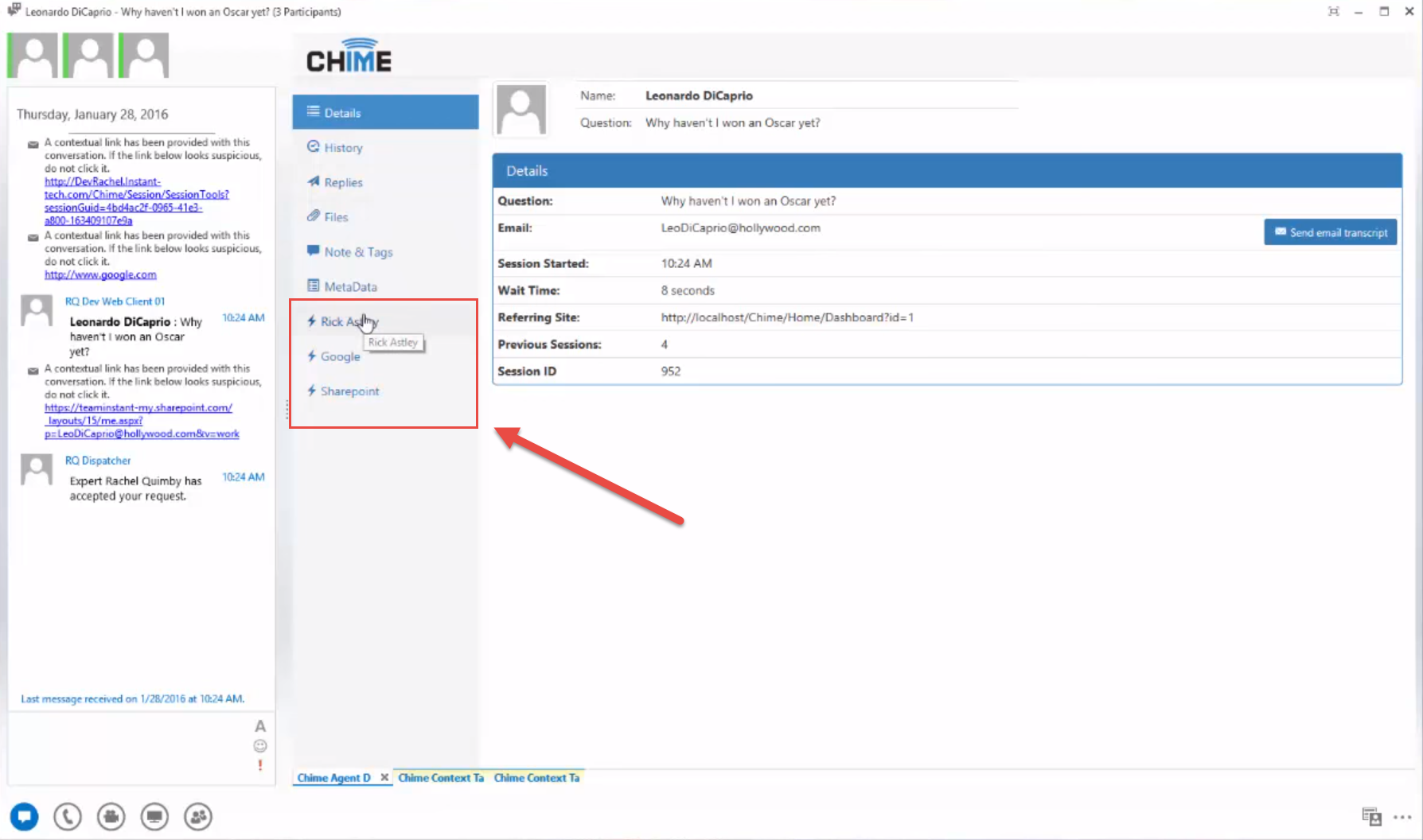
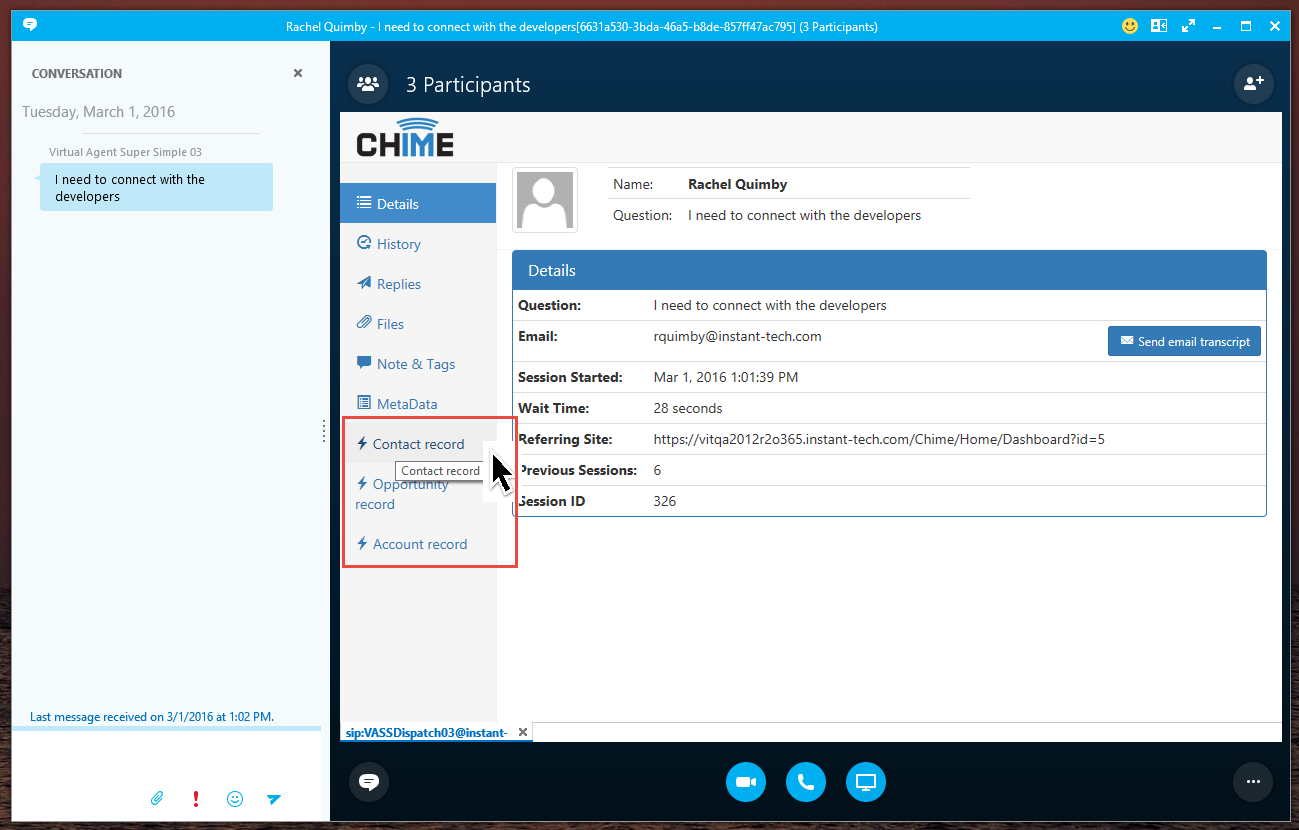
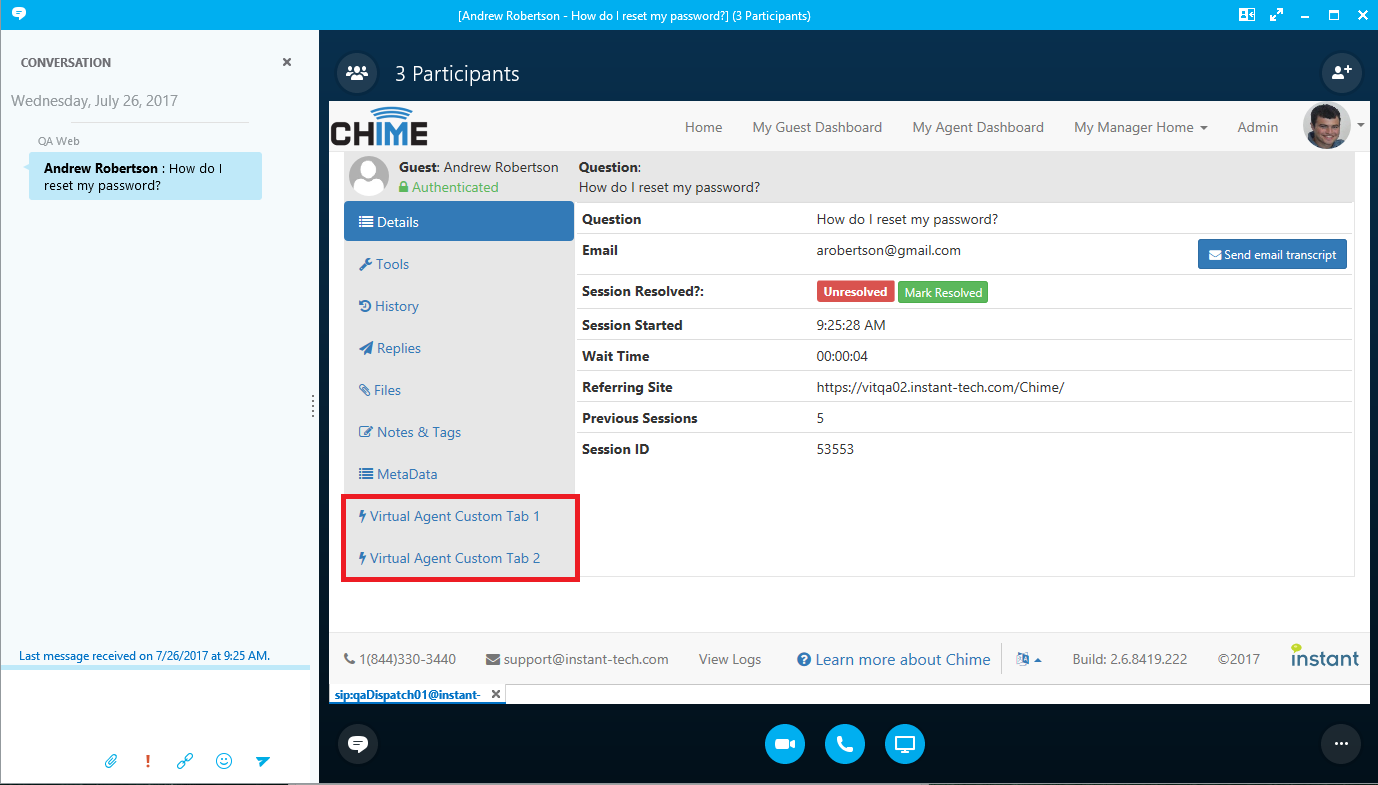
- Flexible Defined Services for Agents - Virtual Agents can also work with the new Agent Assist Tool to provide custom services in the Context Window Extension nav bar
- Configurable Web Client - Features such as agent picture, logo, or form fields would be configurable in the app UI. Ability to have multiple web clients on the same Chime server
- Enterprise IM Alerts - Send IM-based alerts via Lync® right from the Chime application
- Persistent Chat Rooms - Used as a back channel for agents and managers to communicate. One each for managers and agents per queue
- Outages - To be displayed in both the web client and system/queue dashboards and ability to turn an outage into an alert
- Agent and Queue Pictures - Agents and queues can have photos
- Routing based on idle time - Additional routing method where chats route to agents who have been idle longest instead of routing based on number of chats
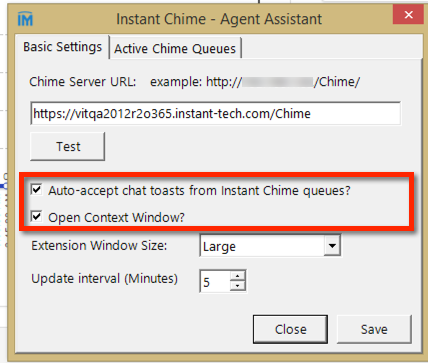
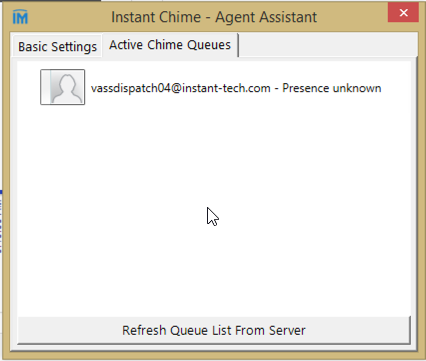
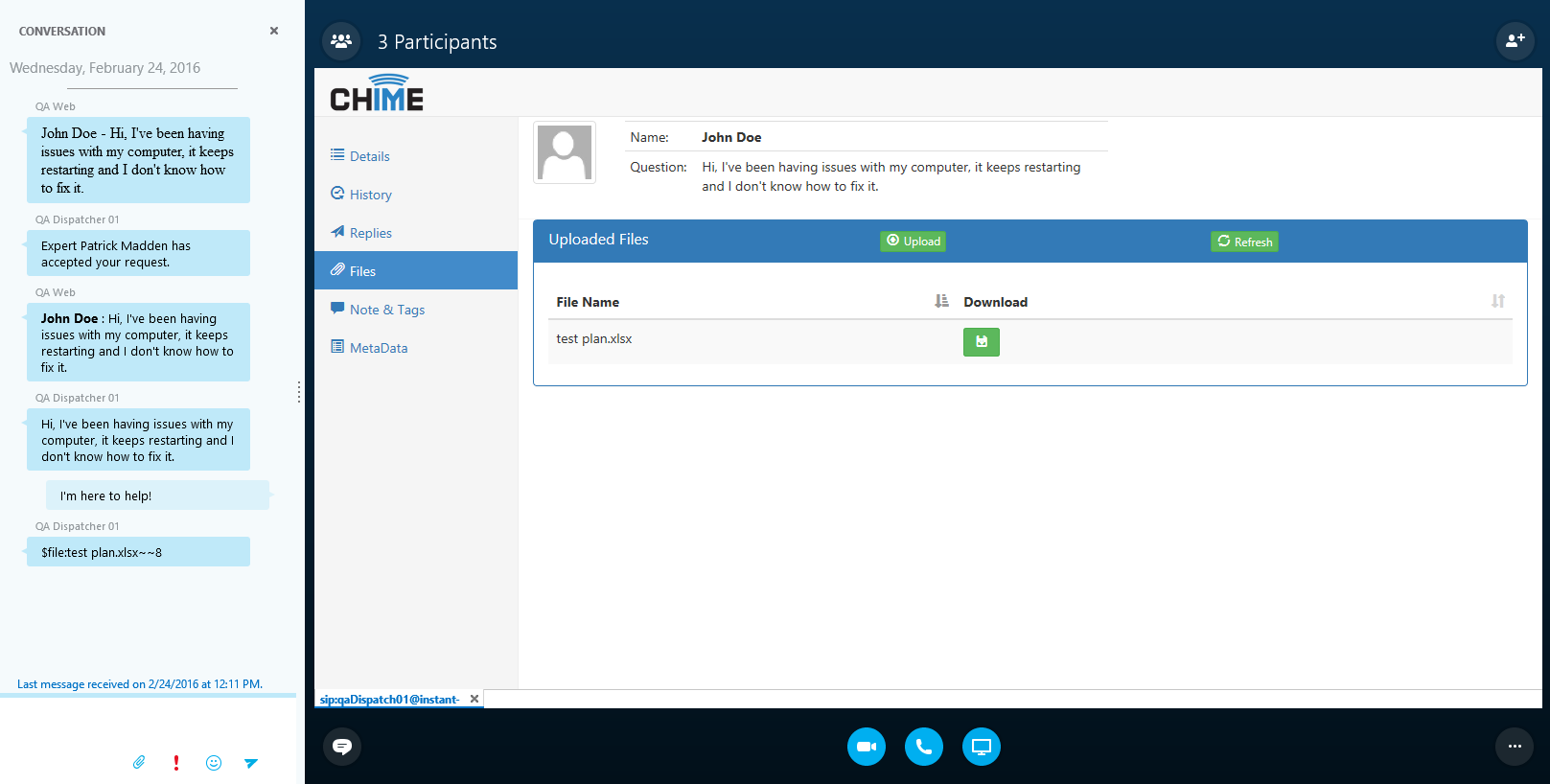
- Agent Assist Tool - Ability to auto accept conference invitations and context window extension support for Office 365
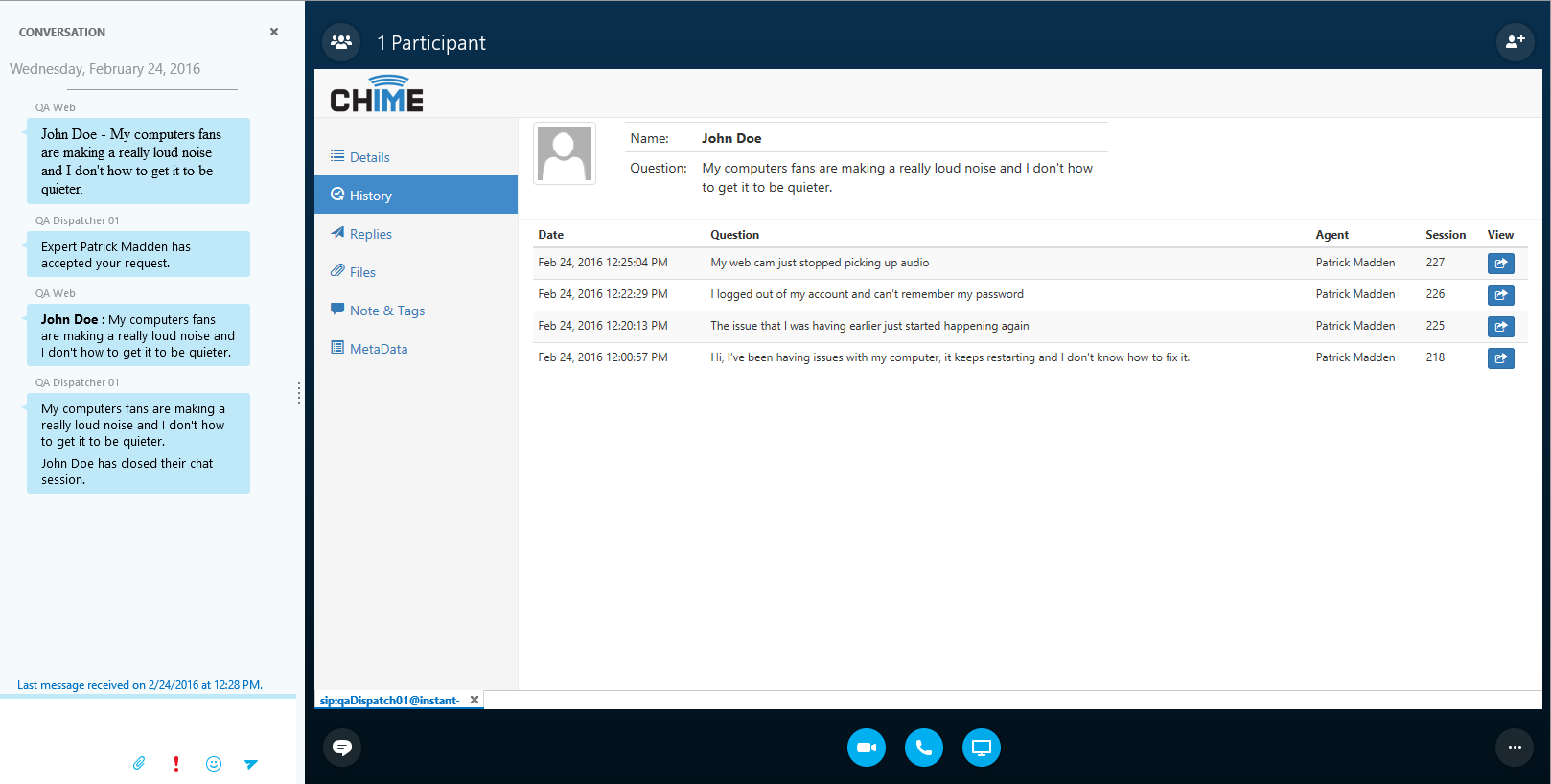
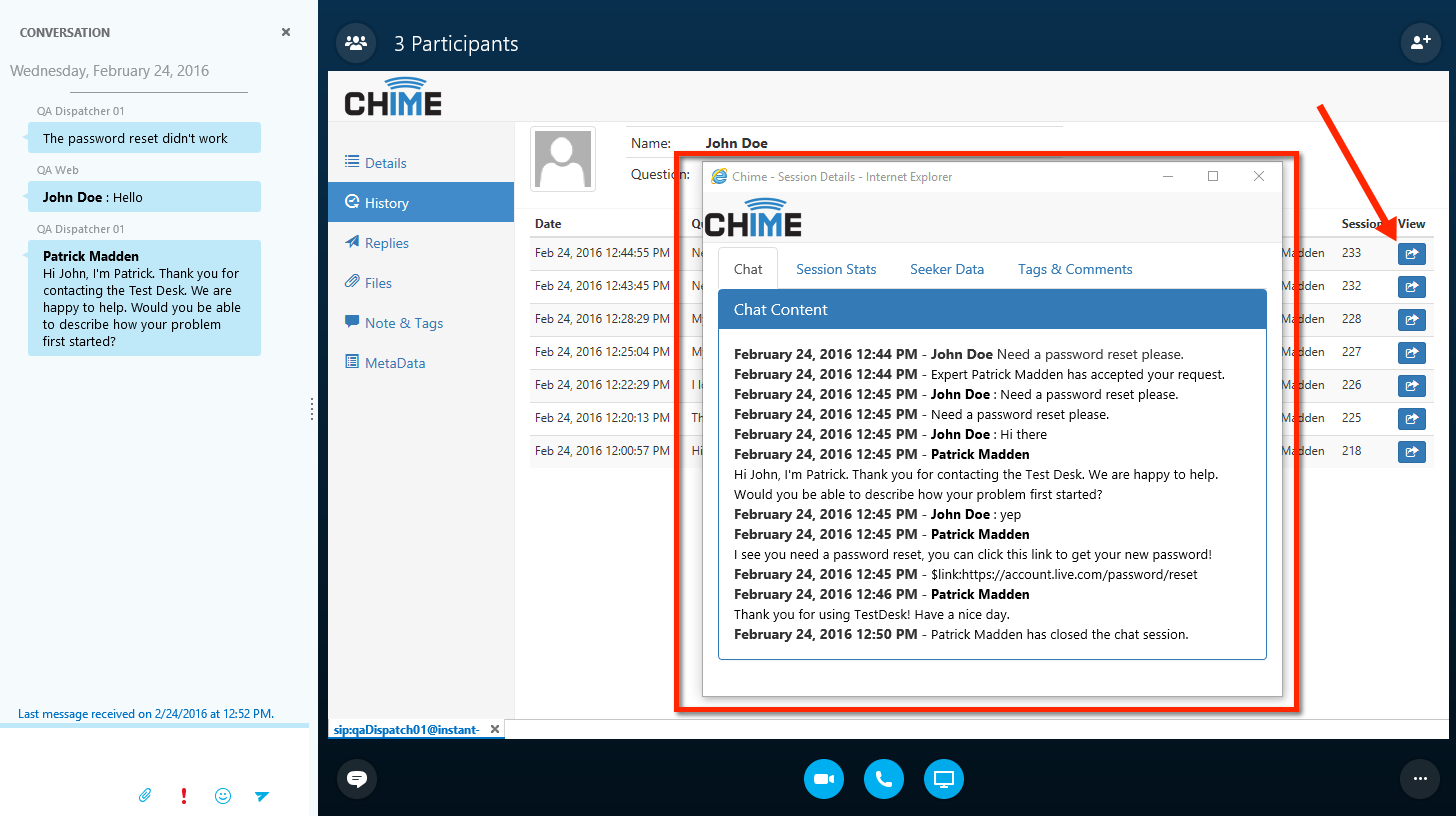
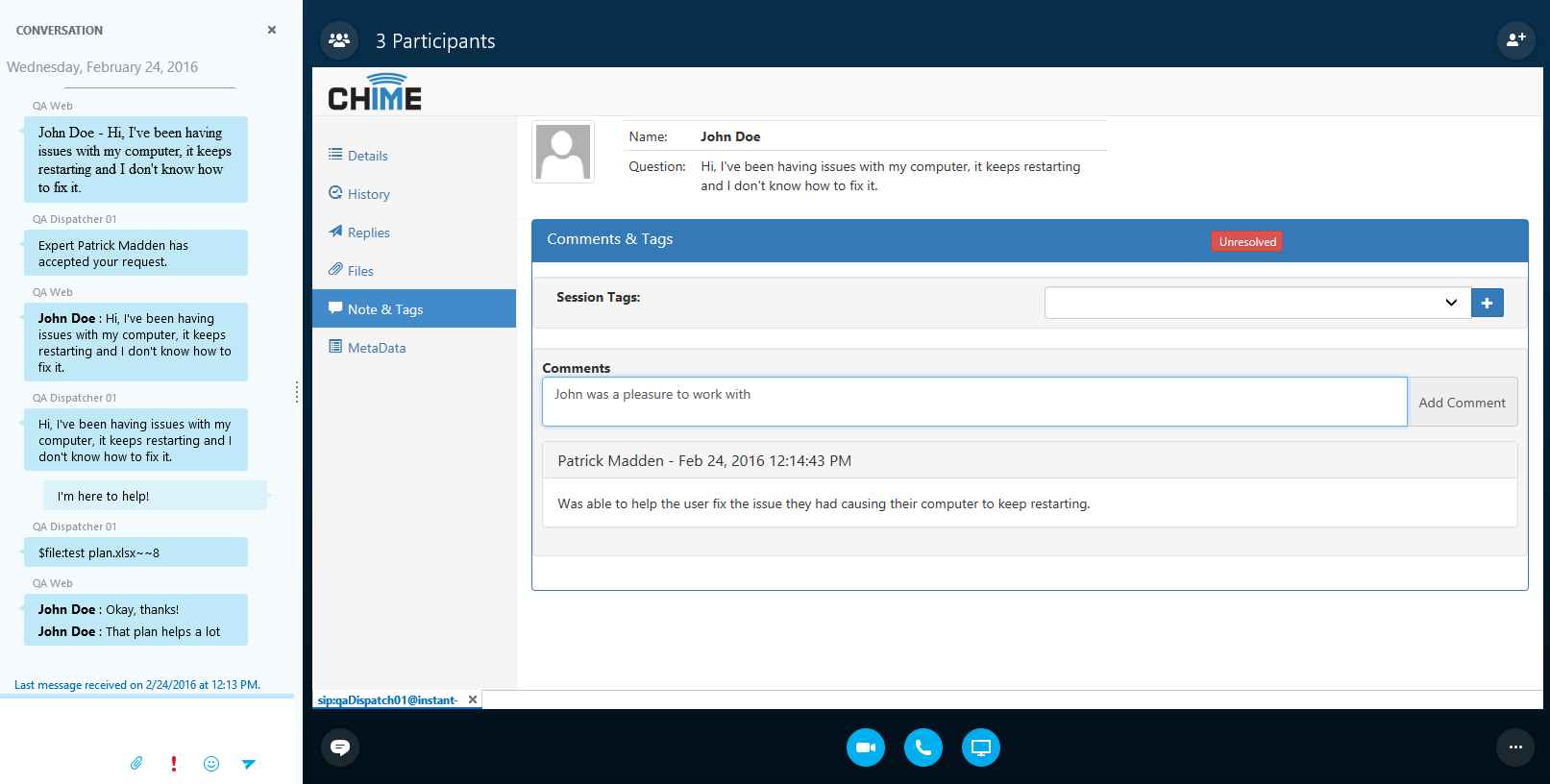
- Edit past conversation's status - Ability to mark a conversation as resolved/unresolved and add additional comments after the conversation is complete
- 'No Chat' option for agents - Ability to turn chats on/off for an agent in queue settings
- Allow reports to have times specified - Date pickers in the reports section would allow a user to specify a time (HH:MM) to search for in the report
- Add date selector to agent dashboard - Allow managers to see agent's past history

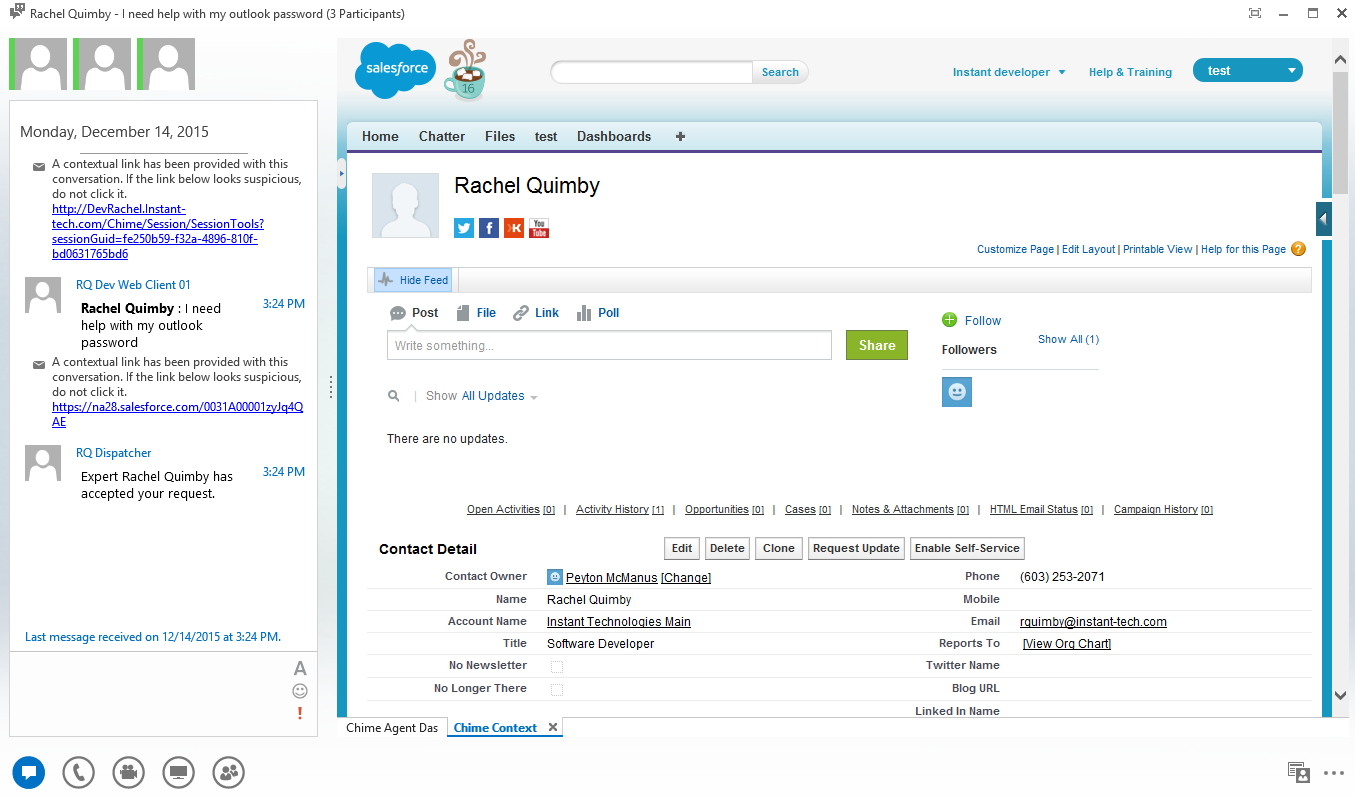 Salesforce® Integration (7)
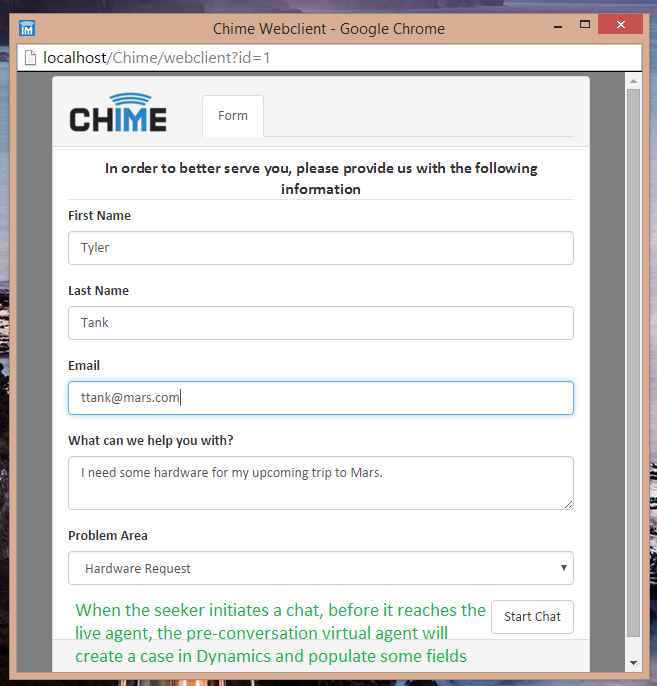 MS Dynamics® Integration (6)
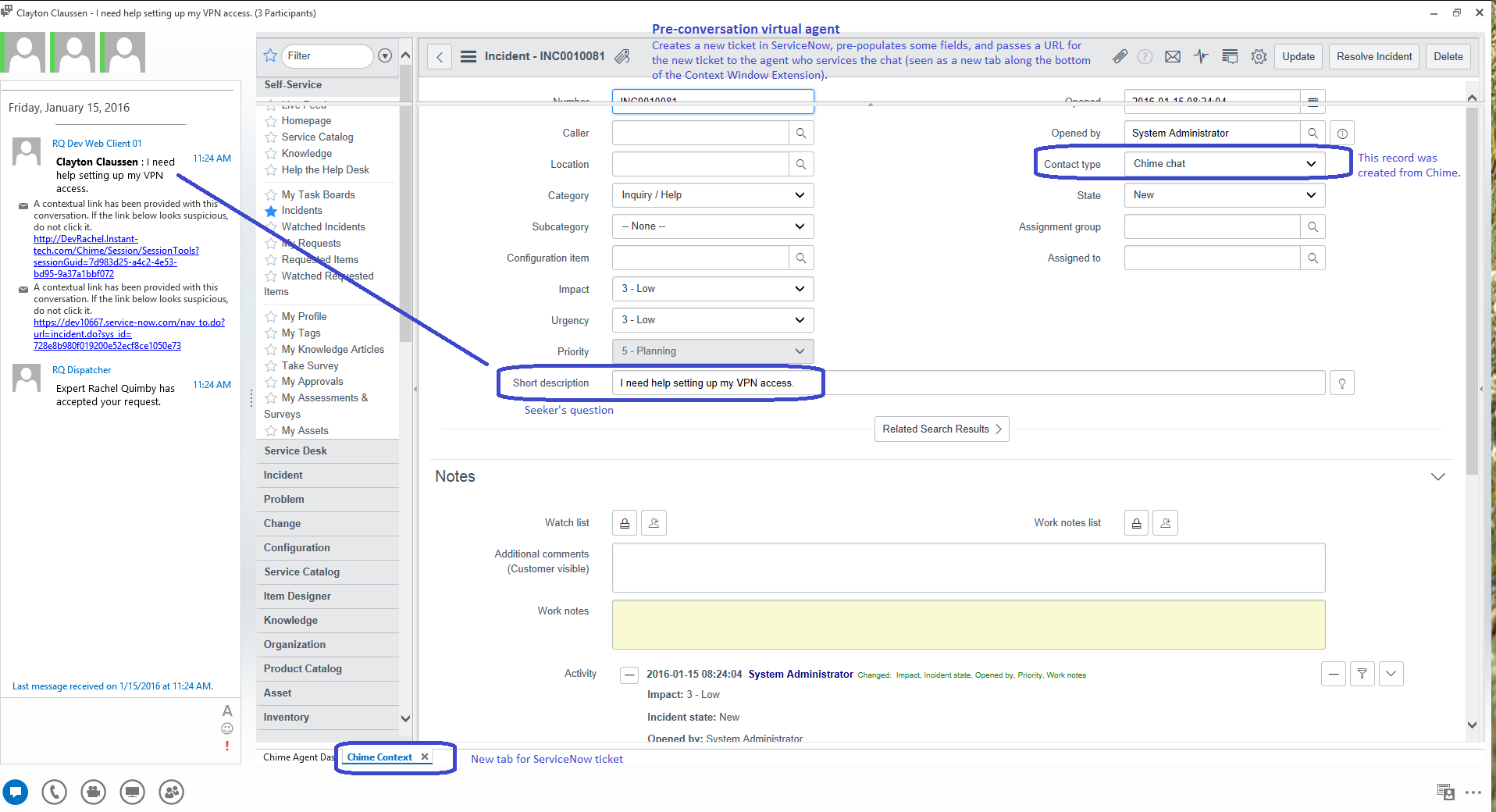 ServiceNow® Integration (8)
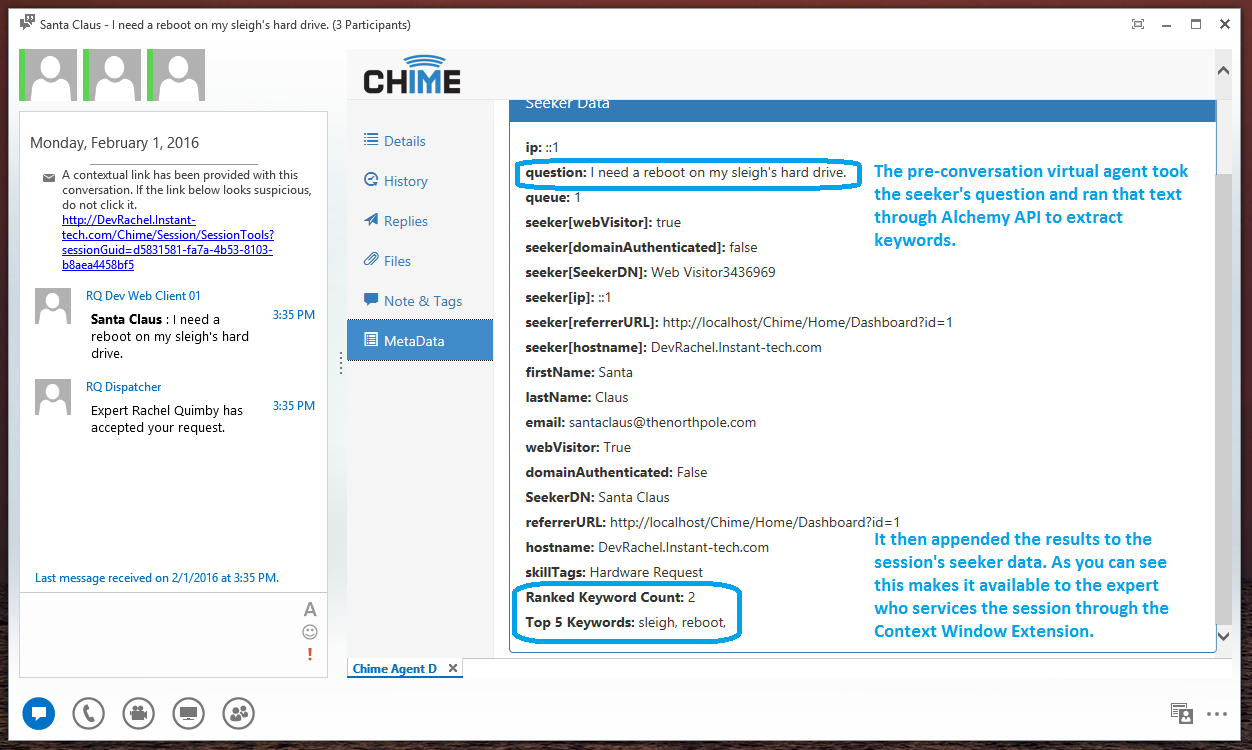 Alchemy® Integration (3)
 Alerts (10)
 Outages (14)
 Chat Rooms (10)
 Custom Form Builder (16)
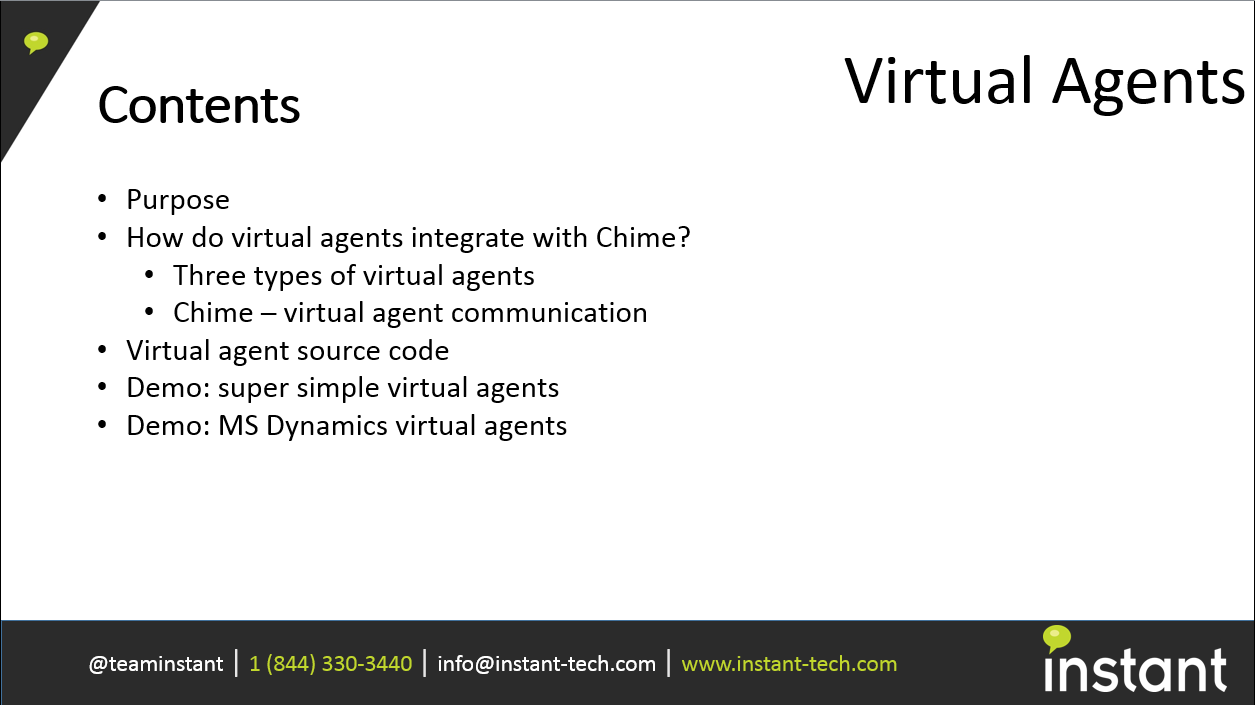
 Virtual Agent Presentation (11)
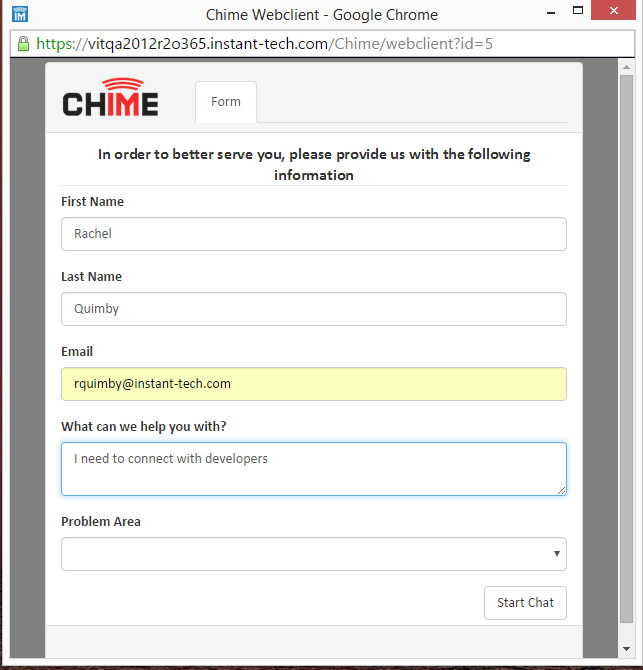 Grabbing Salesforce® Contact (5)
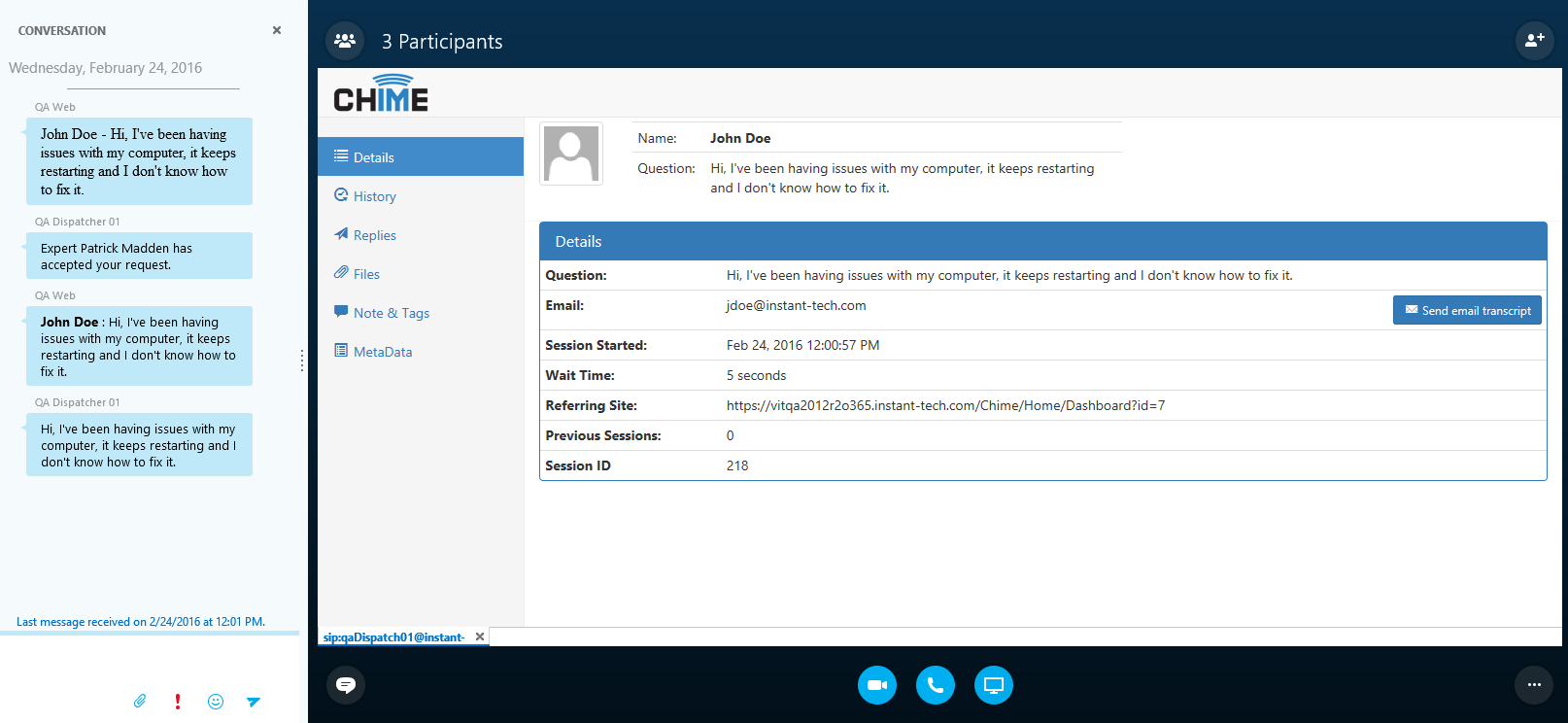 Agent Assist Tool (10)