Toggle navigation
Home
Tour
Instant AI Chatbot Tour
Chime for Teams Tour
Chime for Slack Tour
Chime for Skype Tour
Instant AI Chatbot
Instant AI Chatbot Tour
Instant AI Chatbot Evaluation
Instant AI Chatbot Main Site »
Chime MS Teams
Chime for Teams Tour
Customer Hosted Chime Install
Instant Hosted Chime Setup
Configure Chime Service Desk
Agent Training
Manager Training
Charts and Reports
Virtual Agents
Download Latest Release
Release Notes
API Documentation
Chime for Teams Bot Integration
Chime Slack
Chime for Slack Tour
Download Latest Release
Release Notes
Chime S4B
Chime for Skype Tour
Install & Get Started
Azure Deployment
How to Deploy a Queue
Manager Training
Reviewer Training
Agent Training
Charts & Reports
FAQ
Virtual Agent Integration
Enterprise Bots
Enterprise IM Alerts
All Videos
Demo Pages
System Requirements
Download Latest Release
Release Notes
API Documentation
Chime Code Samples
Chime 2.6 Help
What's New
Stories
Microsoft Teams Help Desk for Agents
Microsoft Teams Help Desk for Employees
Enterprise Service Desk
University Service Desk
Government Service Desk
Global Multi-Language Service Desk
More Apps
Contact List Manager
Instant Login Manager
Chime Chat Widget
Chime Agent Translation Tool
S4B Server Presence
Chime GDPR Tool
Info
Support
Sales
Partners Program
About
Chat with us if you have any questions!
Manager Training
Everything you need to know to get started as a Chime manager.
Need manager training for a different version of Chime?
Chime 2.6 Manager Training

Chime 2.7 Help
Managers
Manager Training
Chime 2.7 Help
Creating a Queue
Deploying a Queue
Updating to Chime 2.7
Queues
Settings
Agents
Agent Training
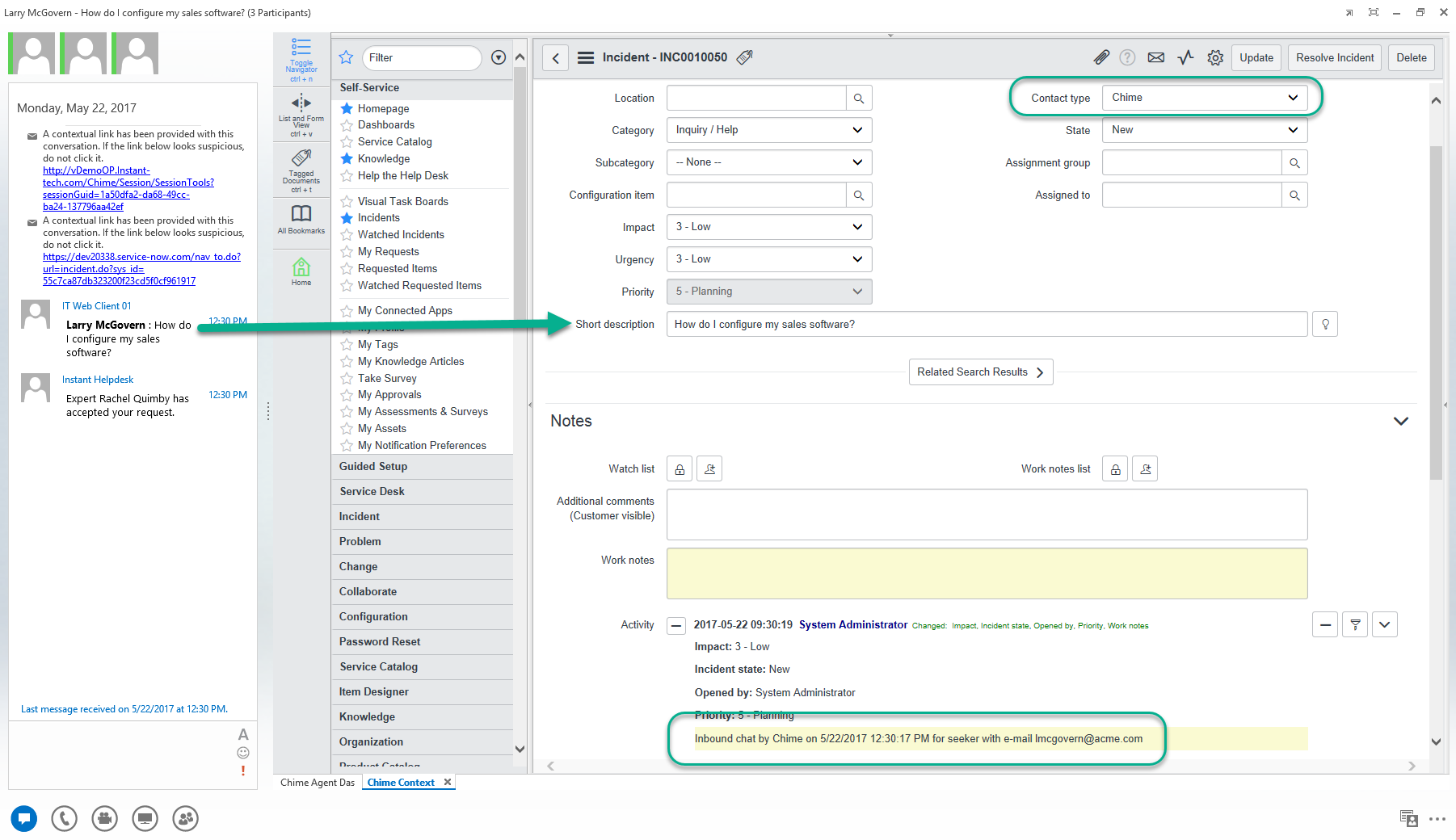
Agent Context Window
Managers
Manager Training
Admins
Dispatchers
People
Virtual Agents
Developer API
System Variables
Glossary
Resources
Manager Training User Guide
Manager Guide Power Point
Getting Started Guide
Chime User Guide
Chime Routing Methods
Chime Alerts Guide
Agent Training Guide
Agent Guide Power Point
Pages
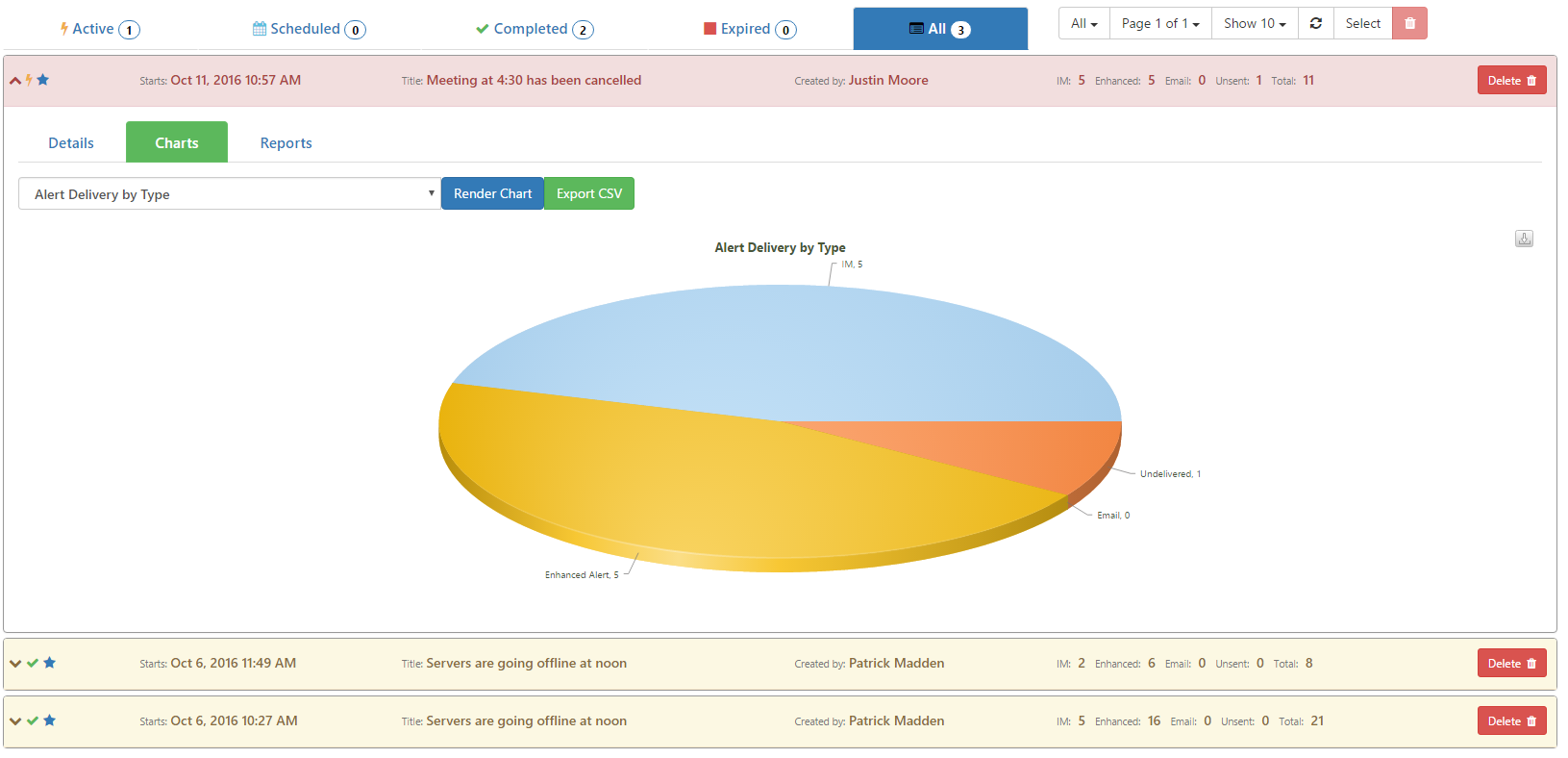
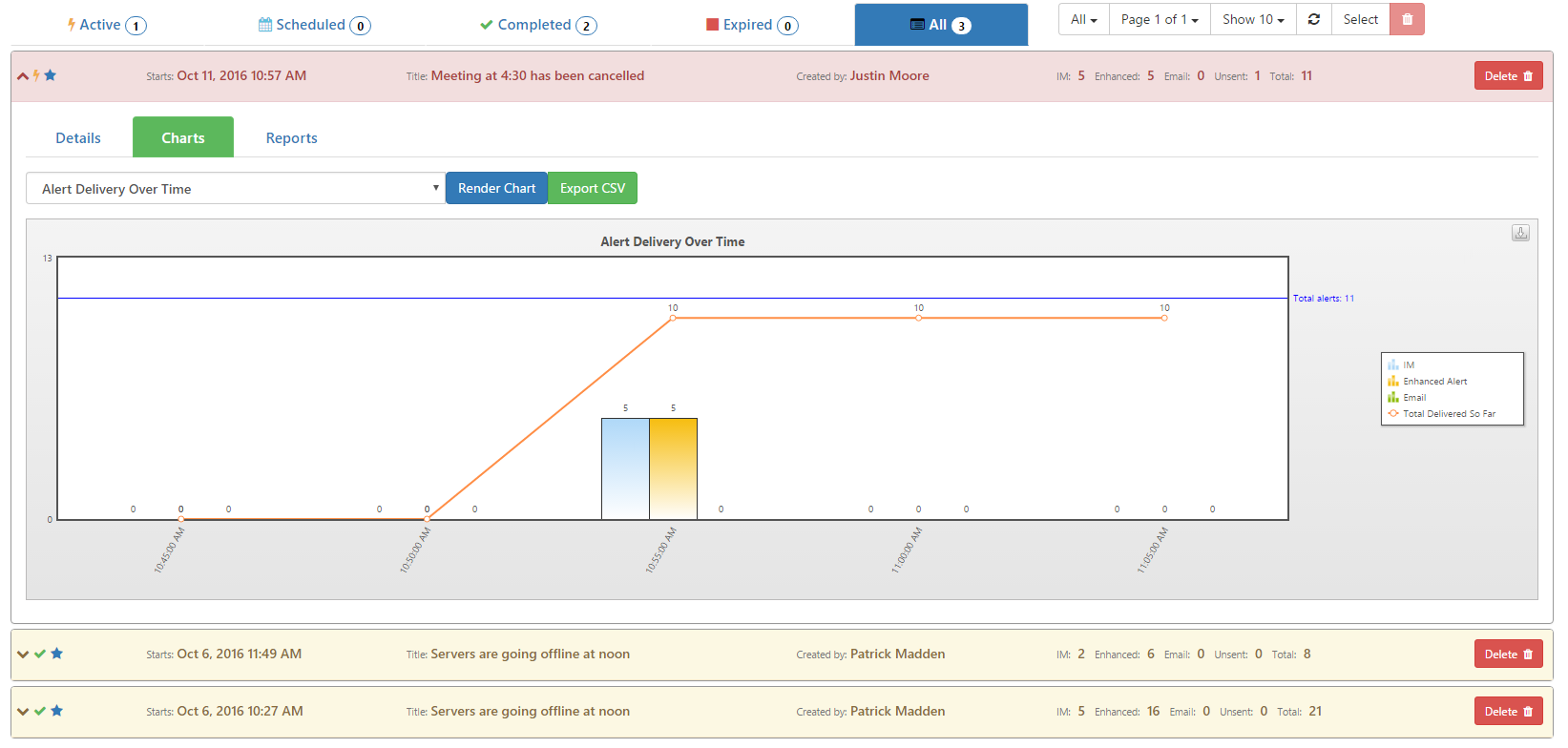
All Charts and Reports
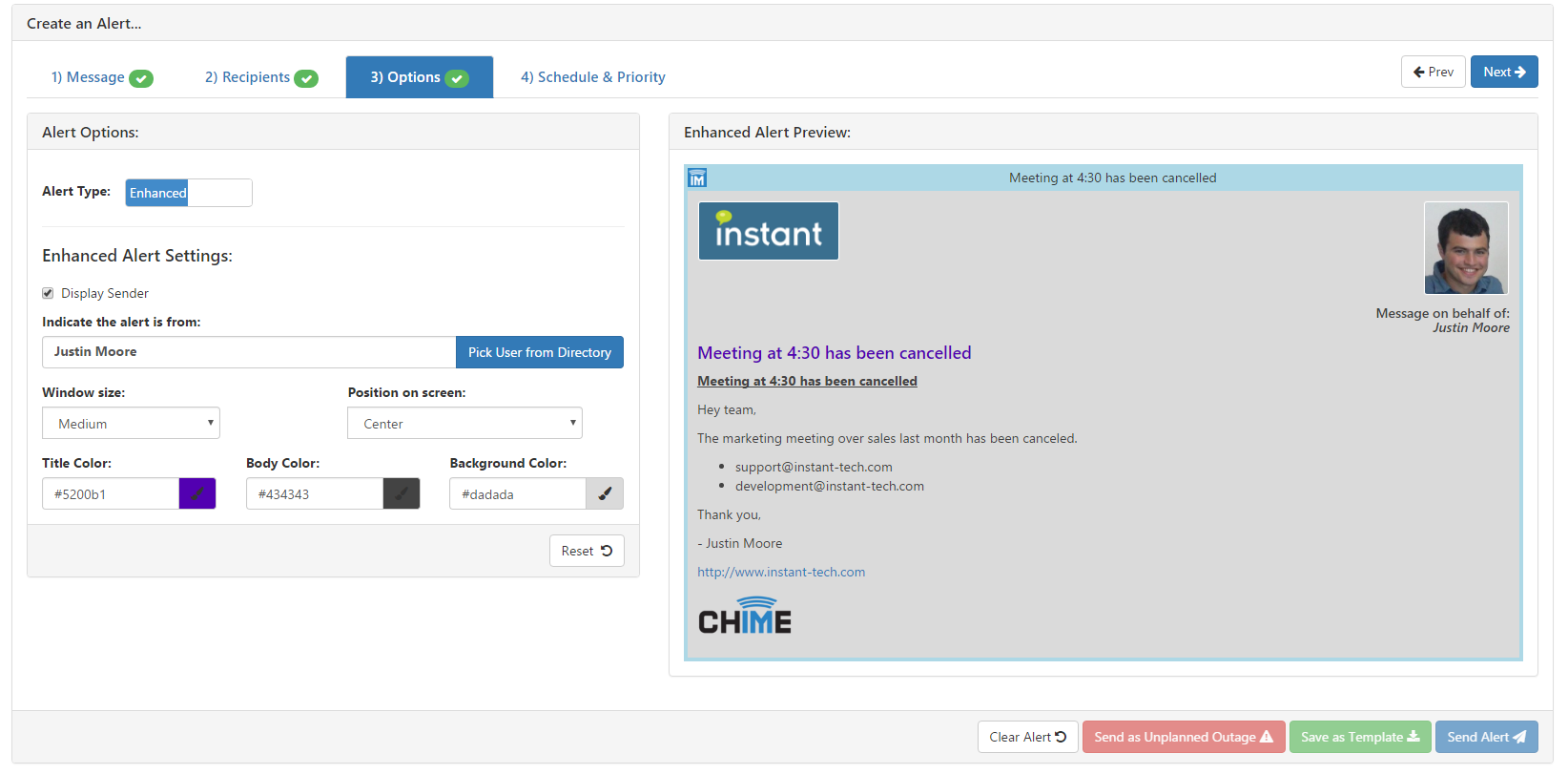
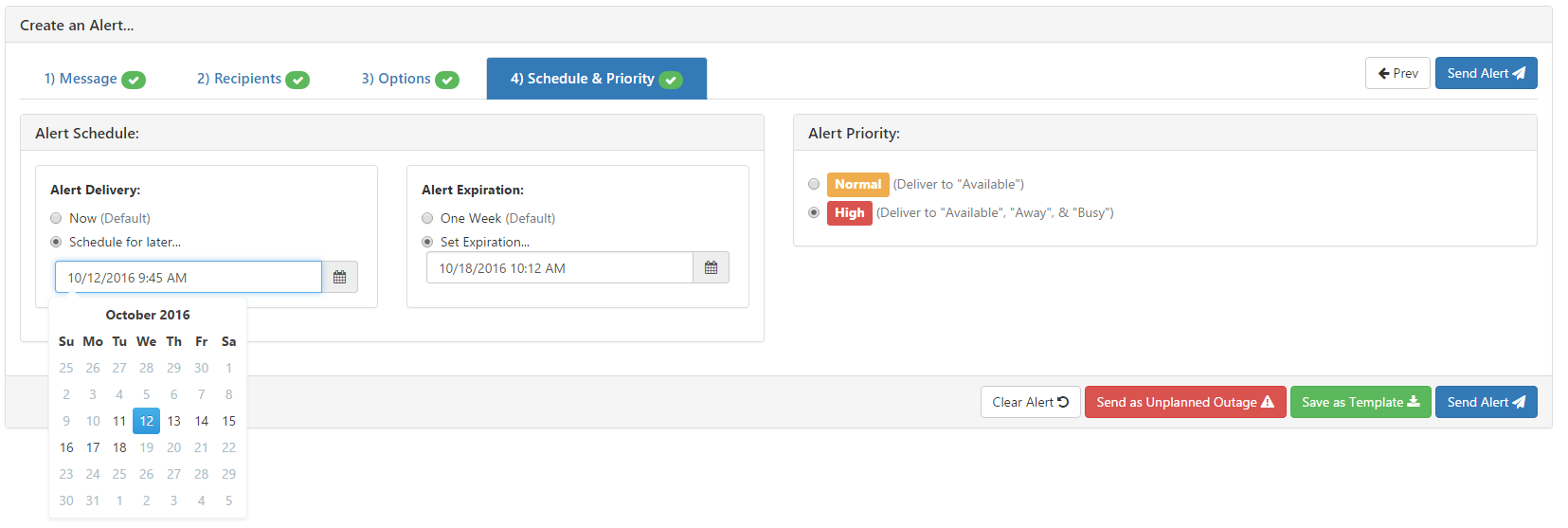
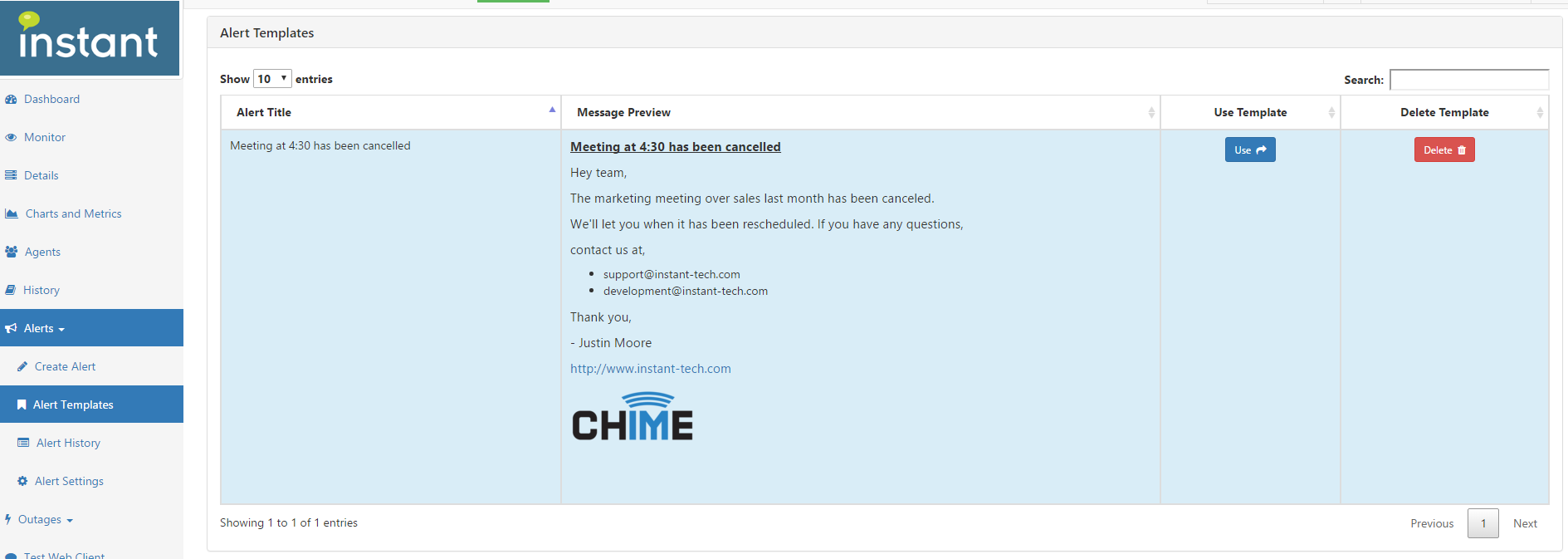
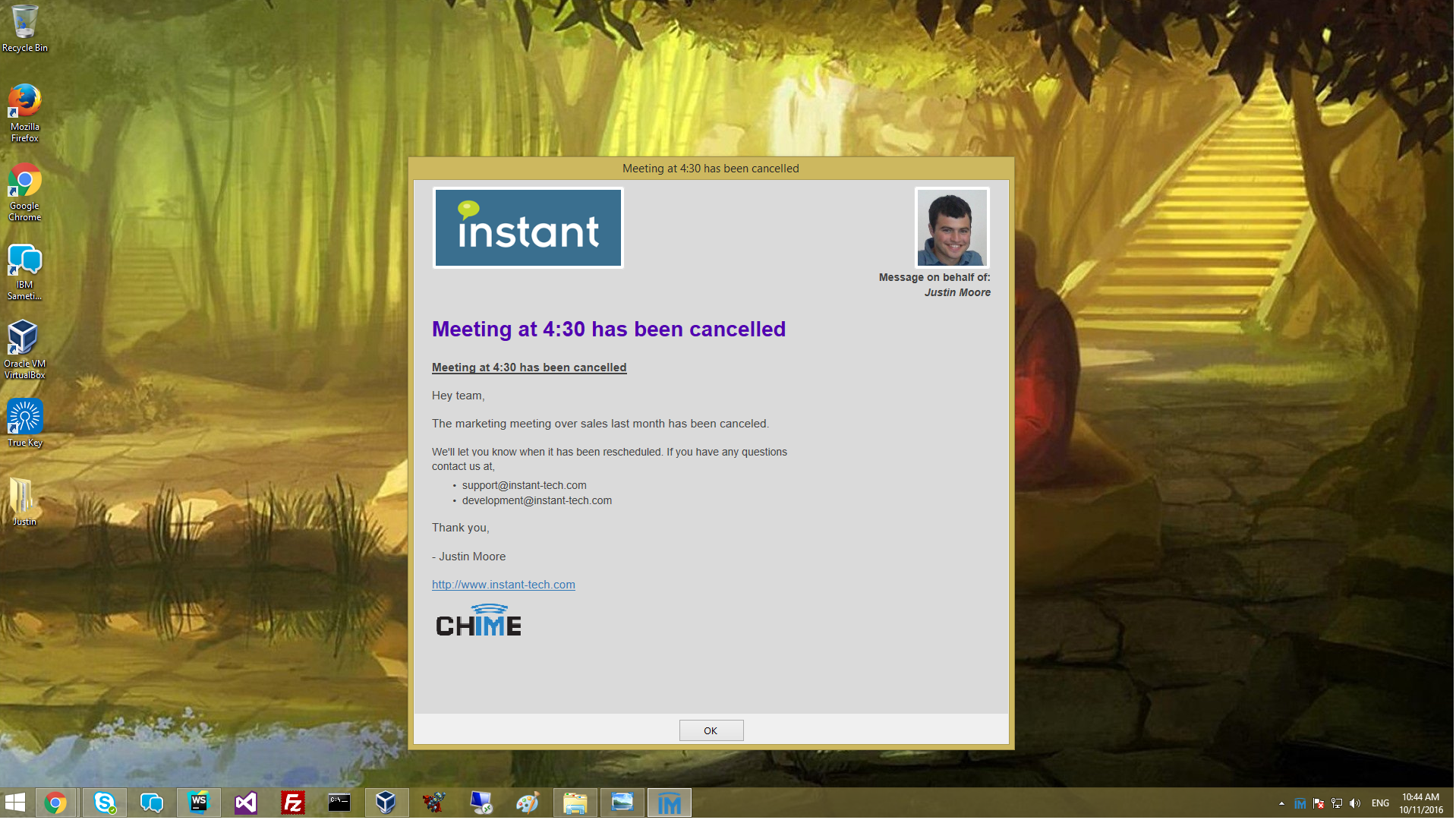
Enterprise Alerts
Resources
Manager Training User Guide
Manager Guide Power Point
Getting Started Guide
Chime User Guide
Chime Routing Methods
Chime Alerts Guide
Agent Training Guide
Agent Guide Power Point
Pages
All Charts and Reports
Enterprise Alerts
Screenshots:
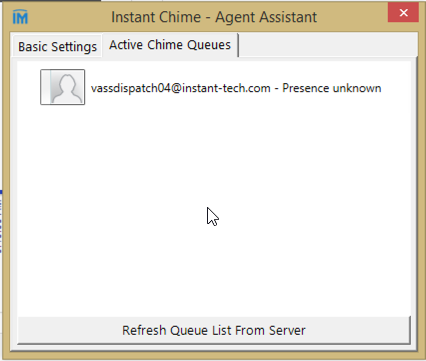
Agent Assist Tool (10)
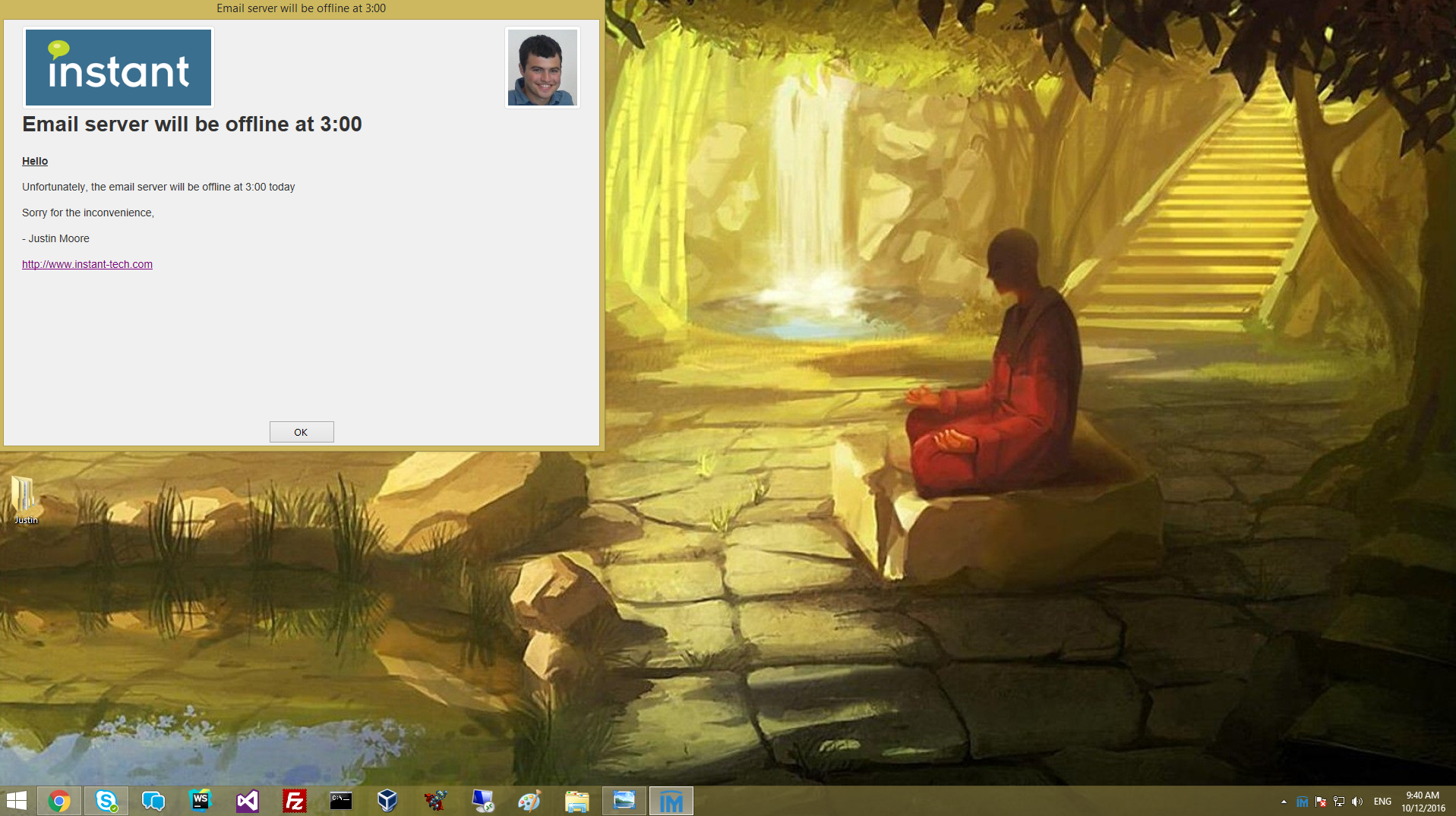
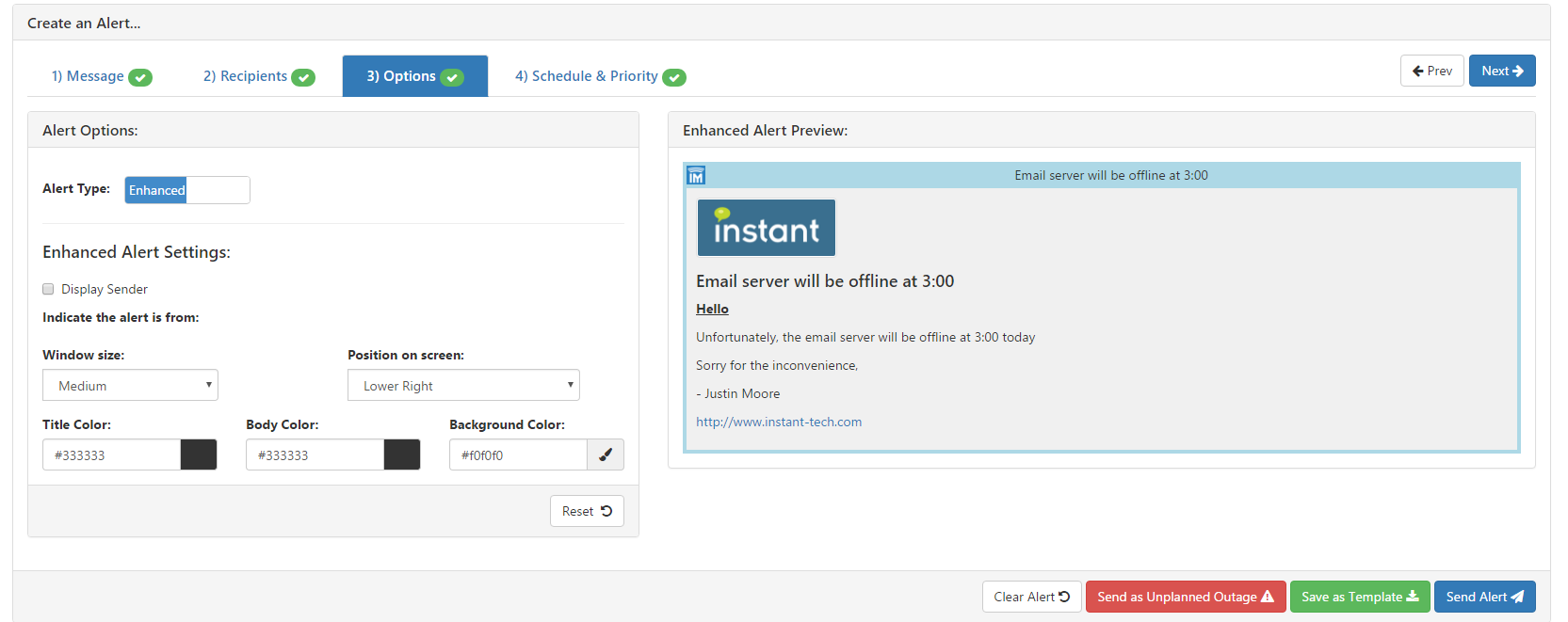
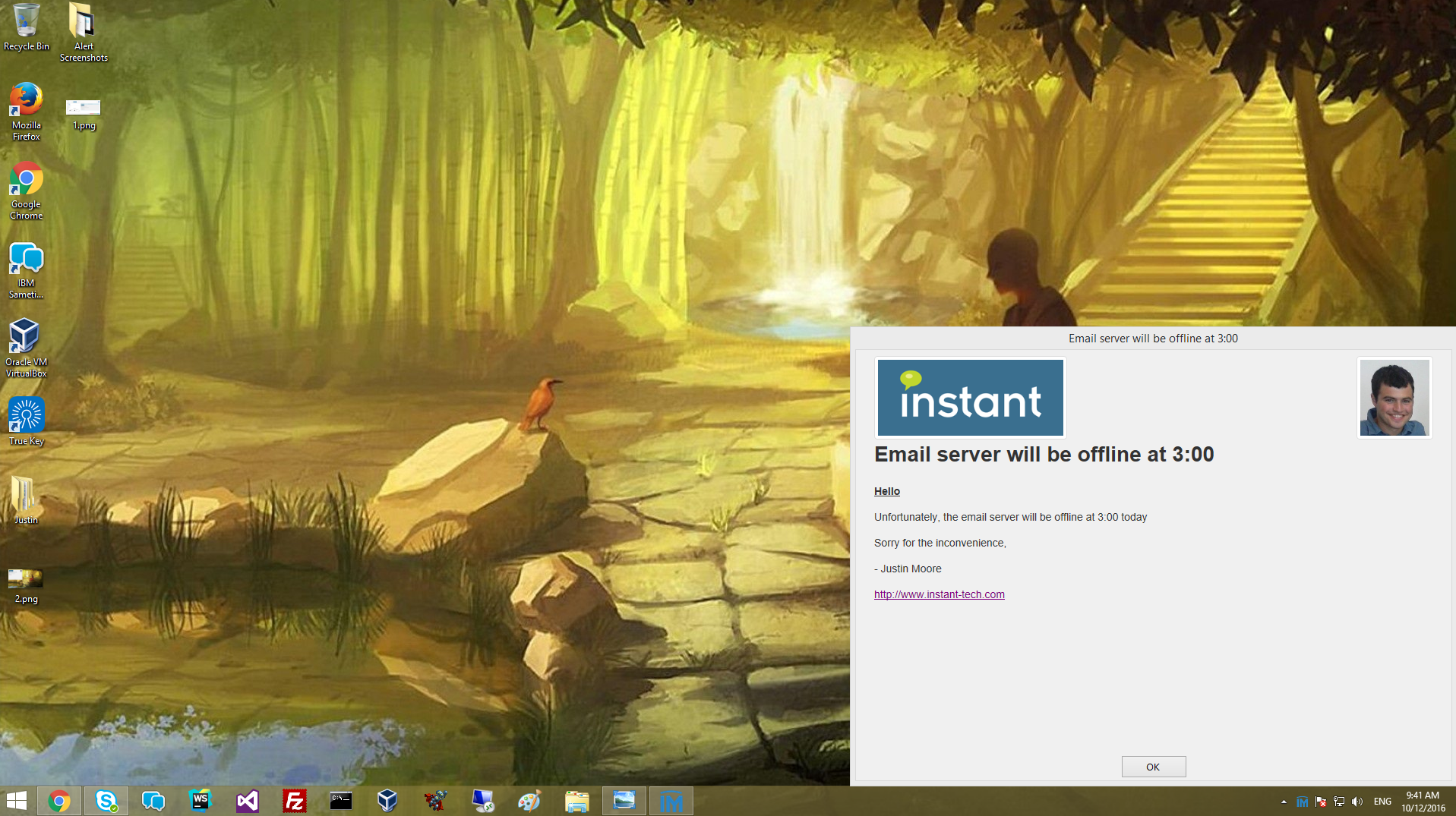
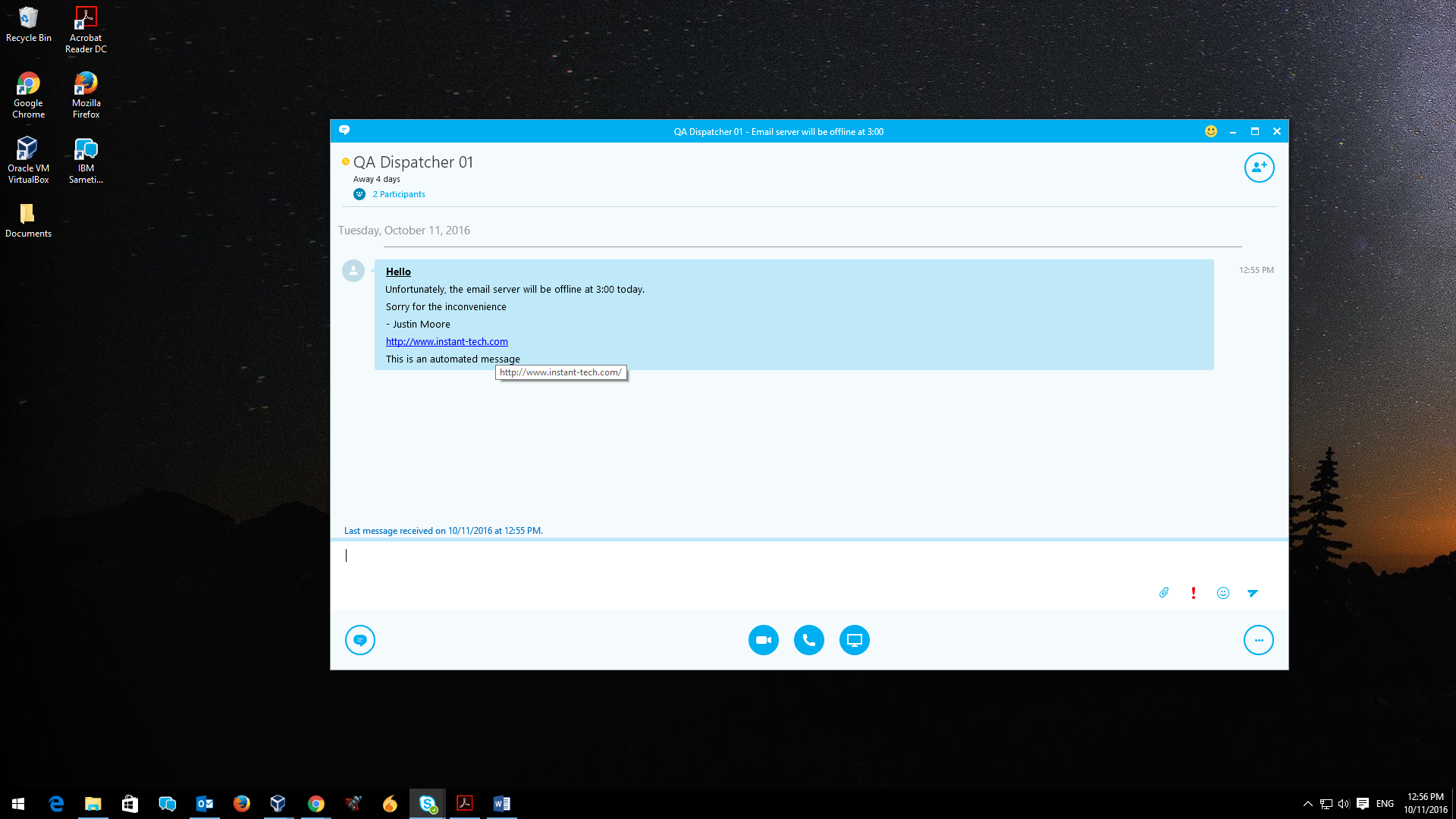
Alerts (10)
Outages (14)
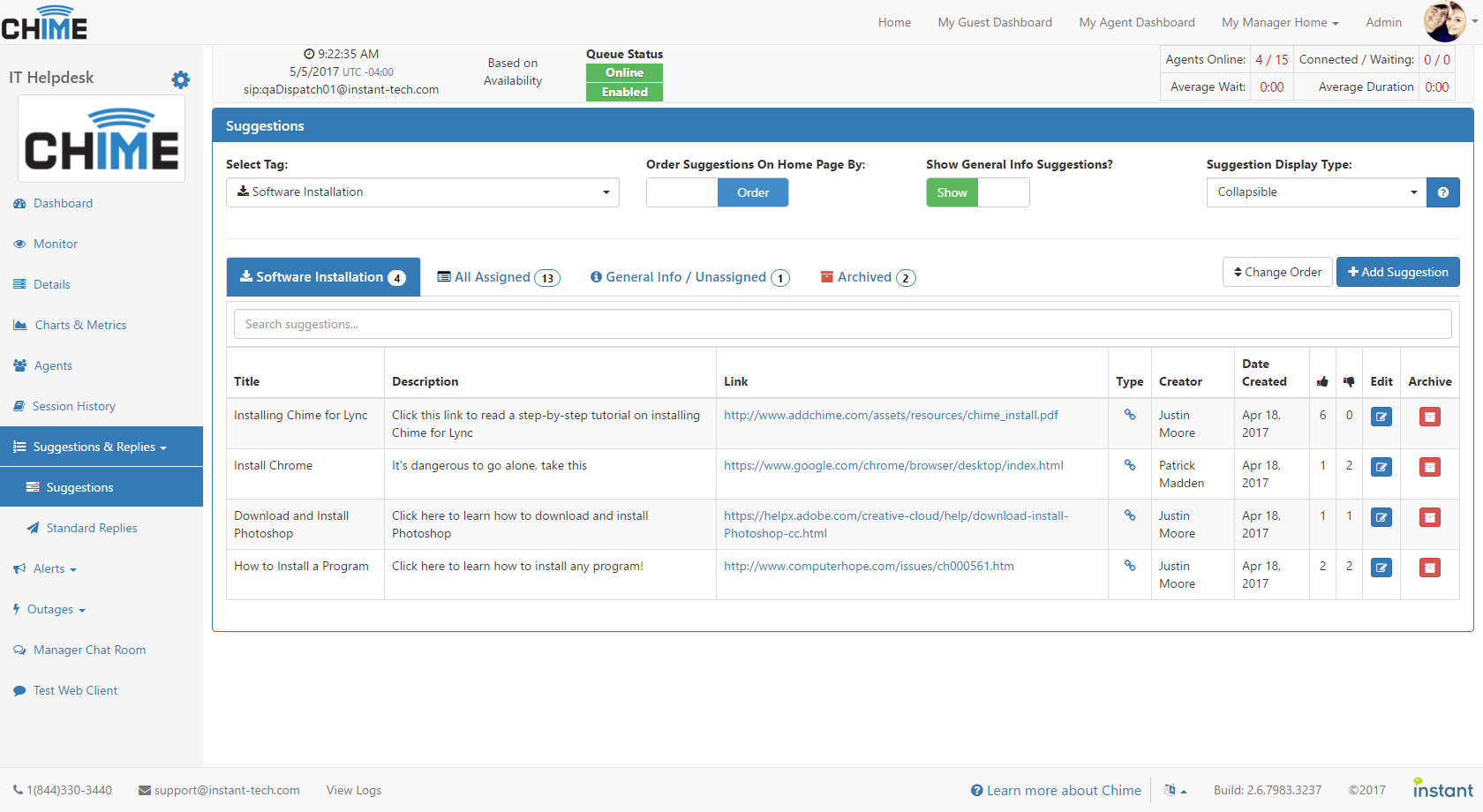
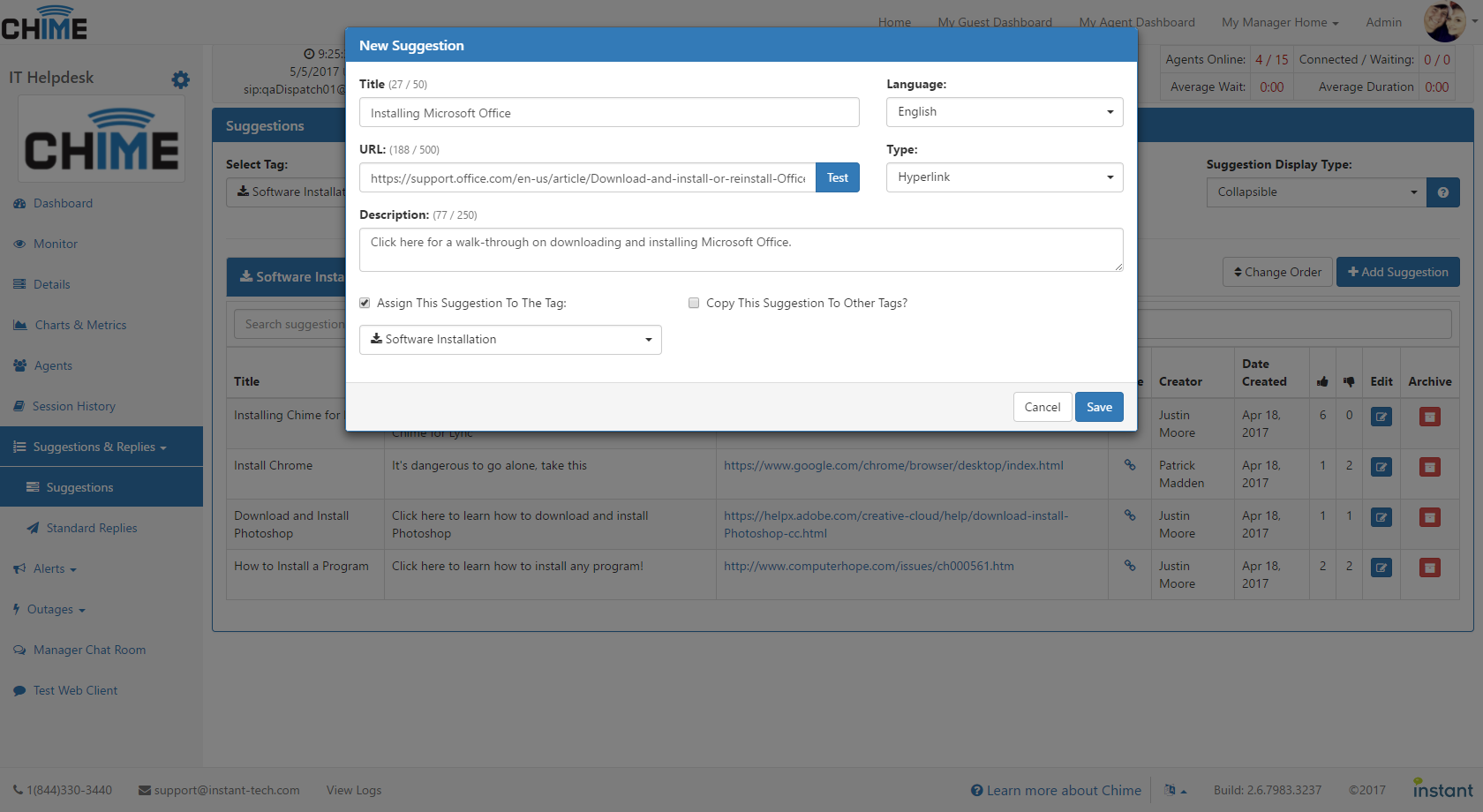
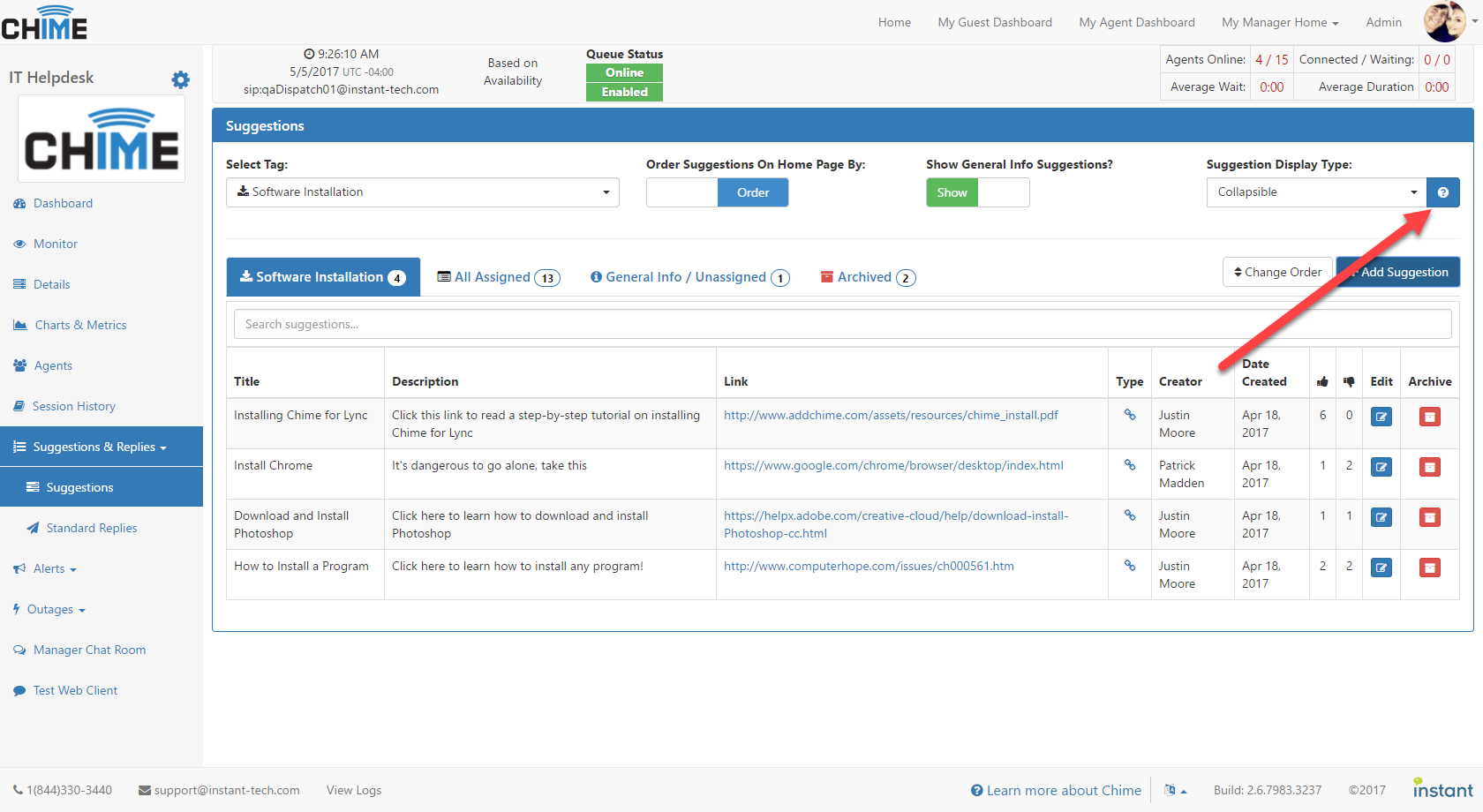
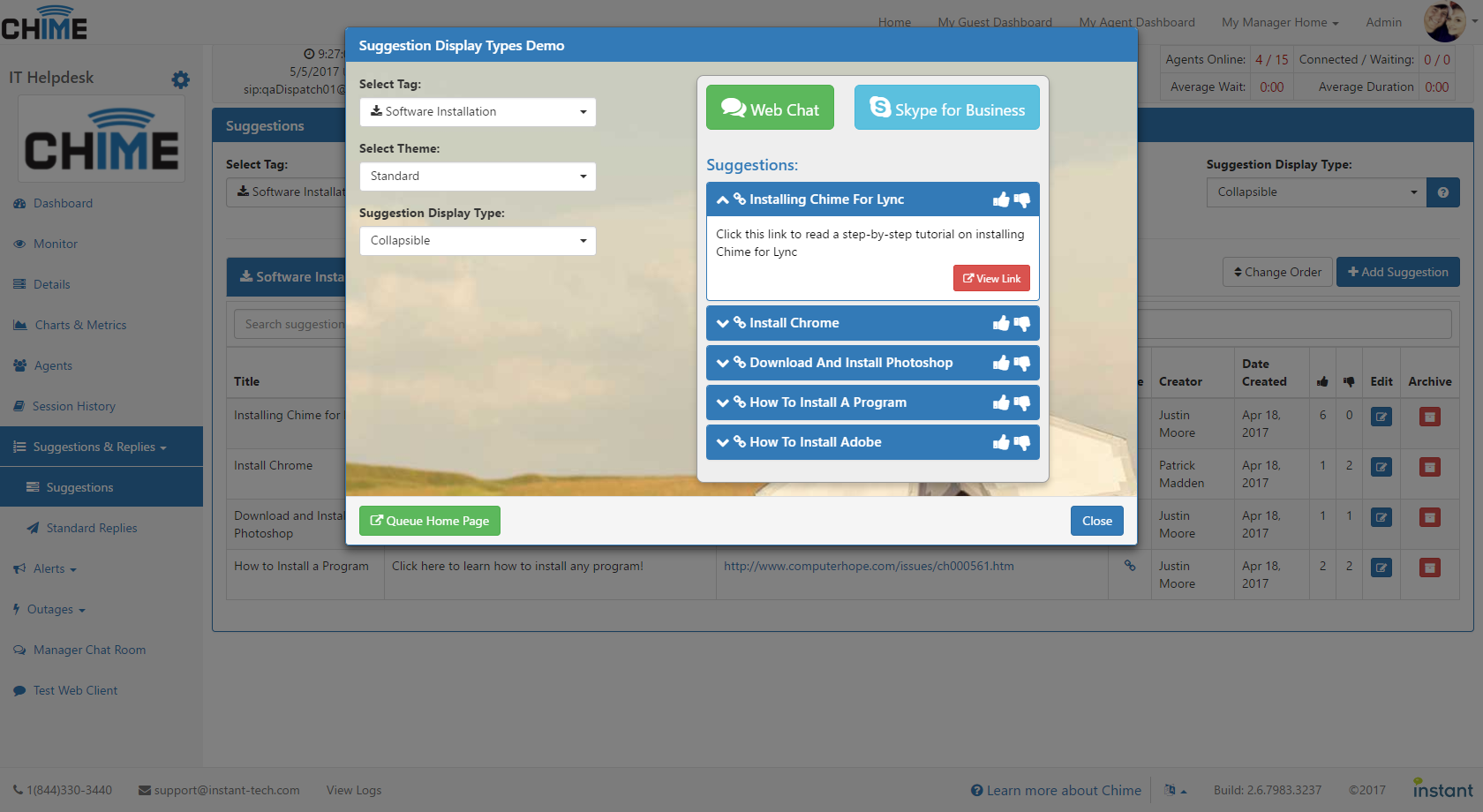
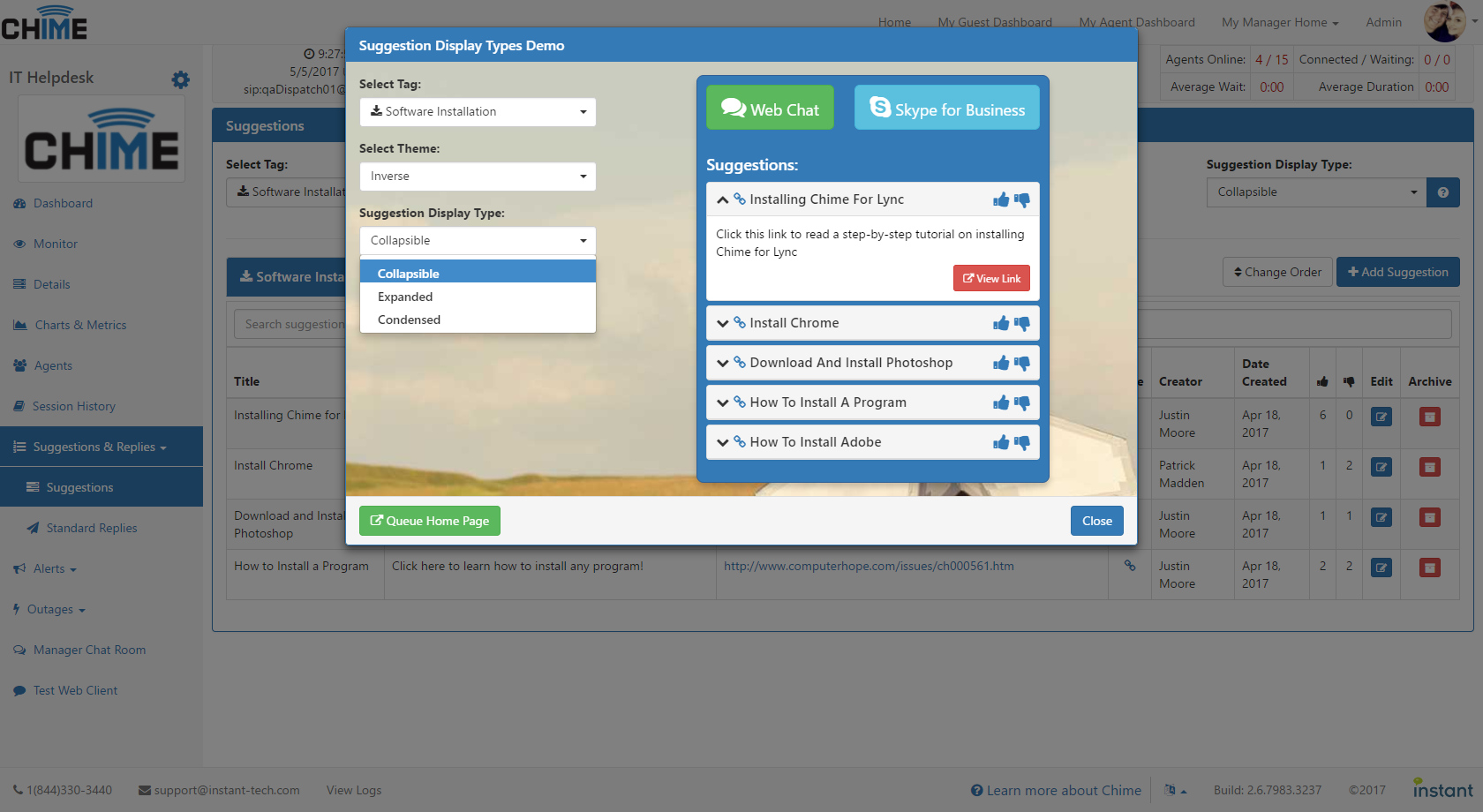
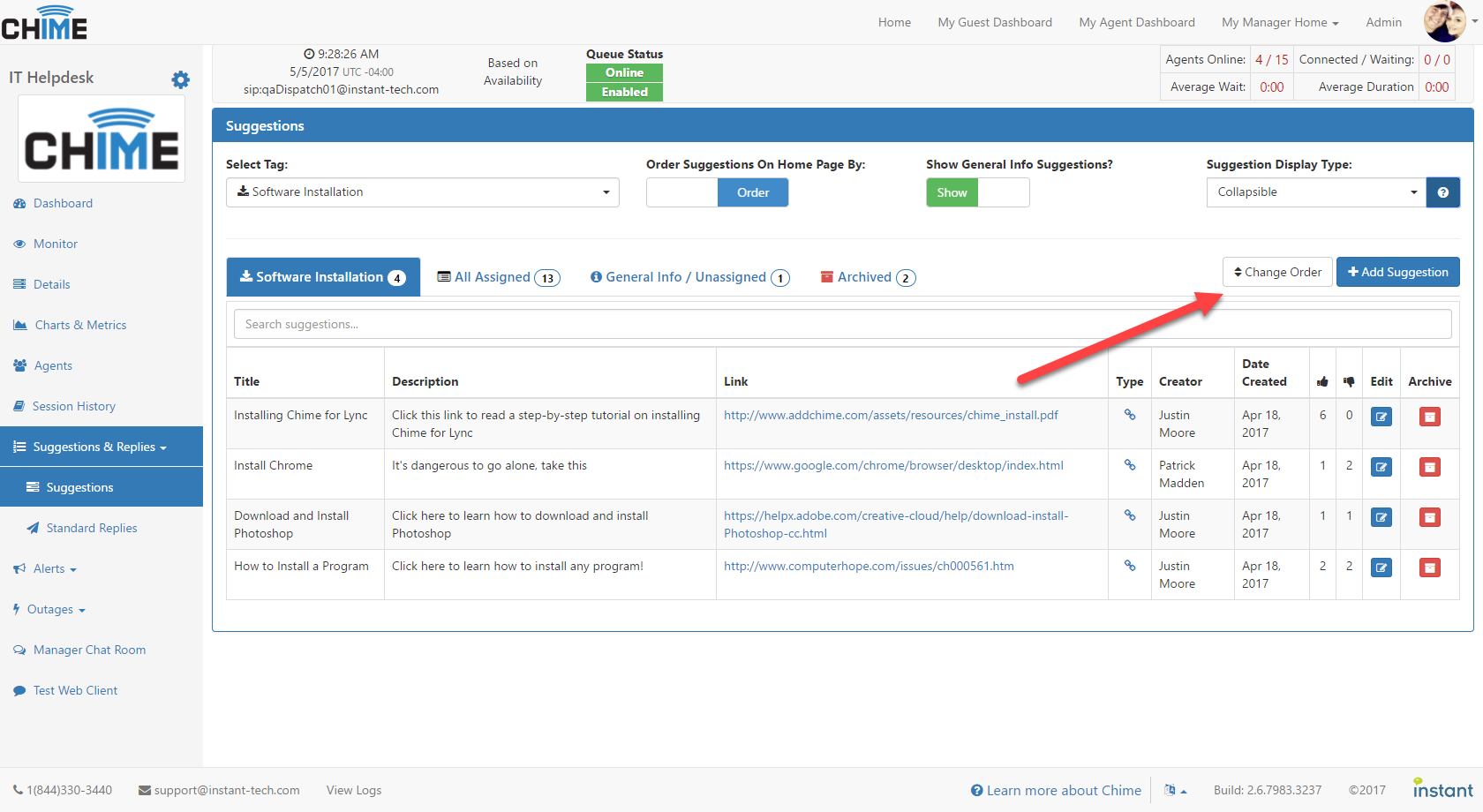
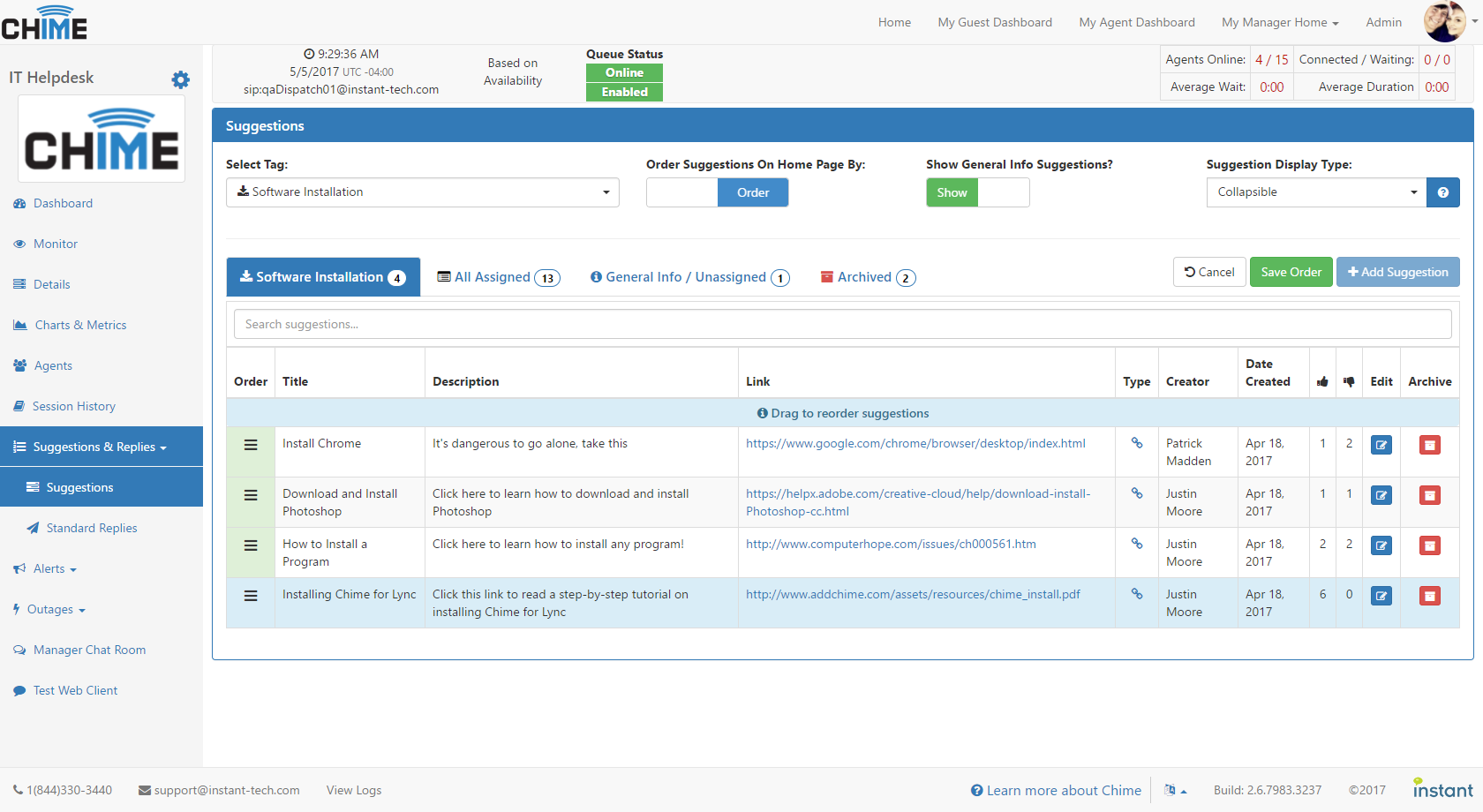
Suggestions (7)
Routing Tags (5)
New Charts in Chime 2.6 (12)
Chat Rooms (10)
Videos:
June 30, 2015
(1:47)
Management Overview
Learn how to track and monitor high level activity across the helpdesk. Track agent performance, seeker issue resolutions, and chat history.
May 20, 2016
(2:13)
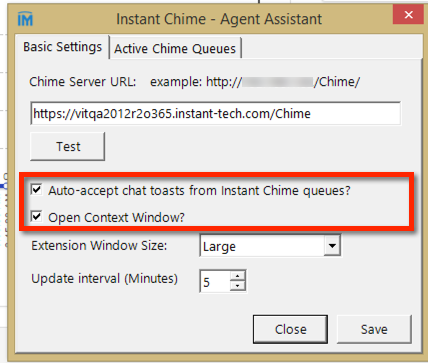
Agent Assist Tool Setup
Learn how to install and configure the awesome little Chime Agent Assist tool.
May 20, 2015
(1:03)
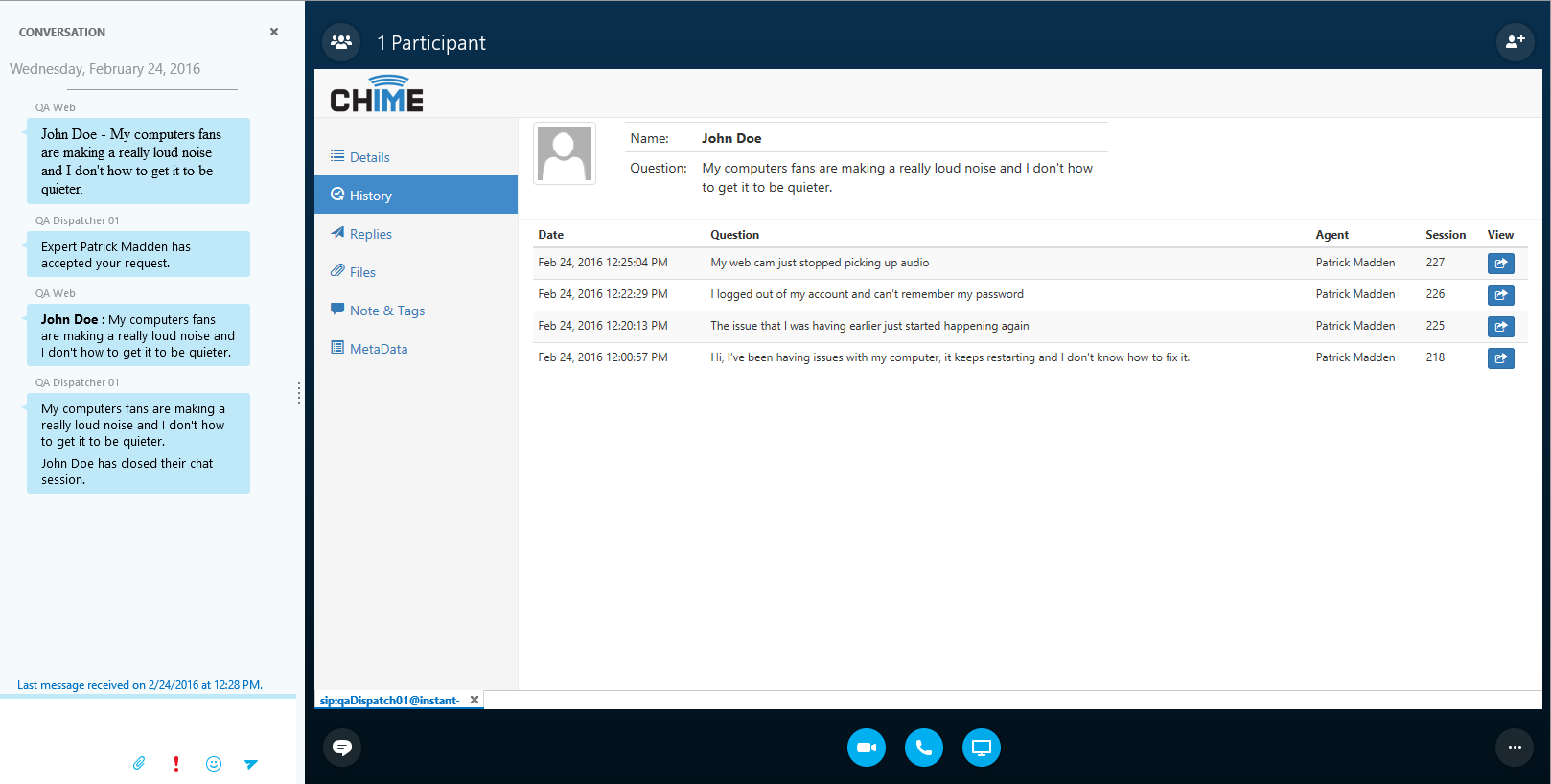
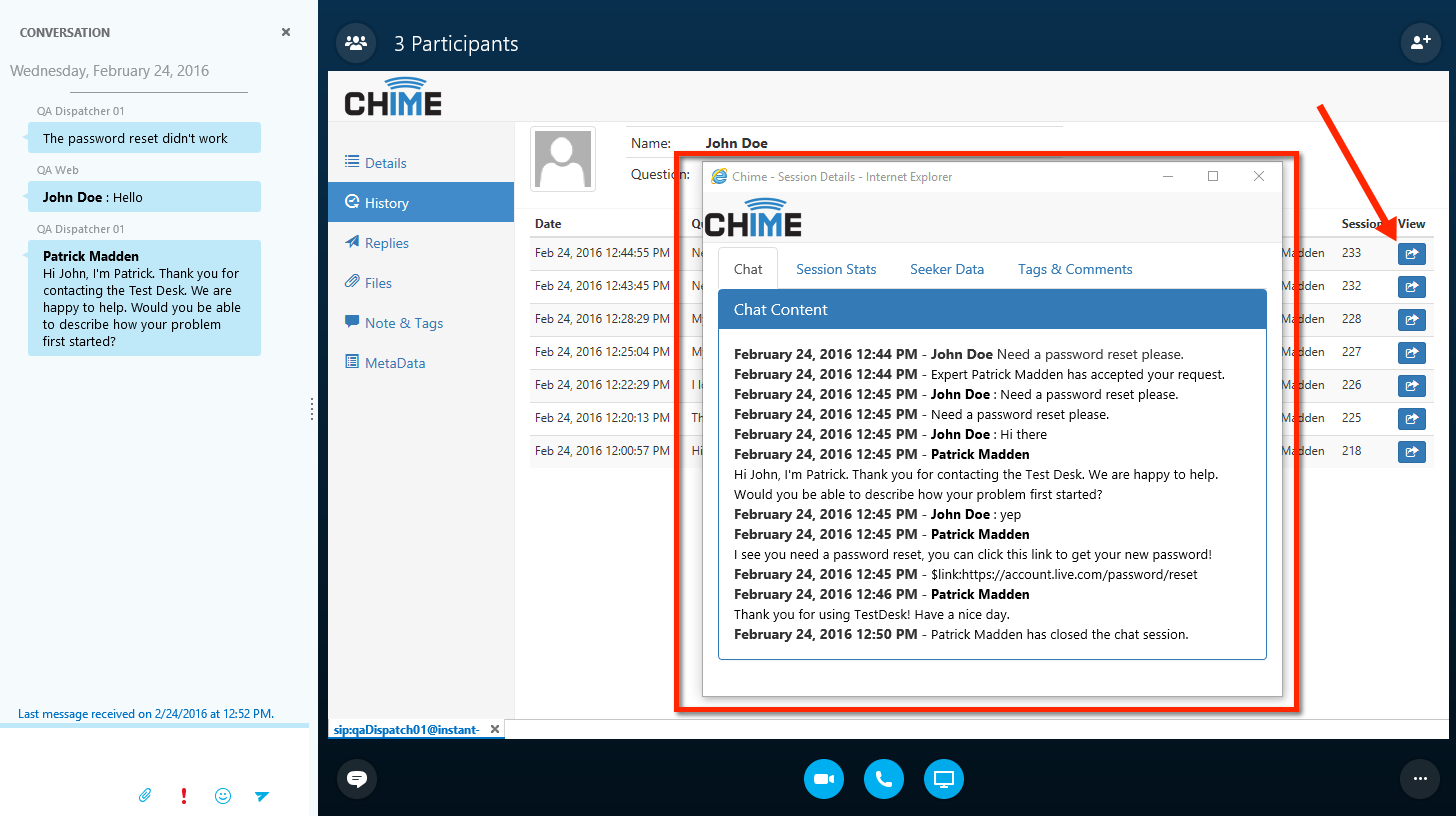
Seeker Chat History
Managers have the ability to search and review agent conversations. This shows how to access seeker chat history from the queue dashboard.
April 3, 2015
(0:51)
Add & Remove Agents
Admins as well as managers who are not marked as read/only have the ability to add and remove agents to/from a queue.
April 9, 2015
(0:51)
Queue Scheduling
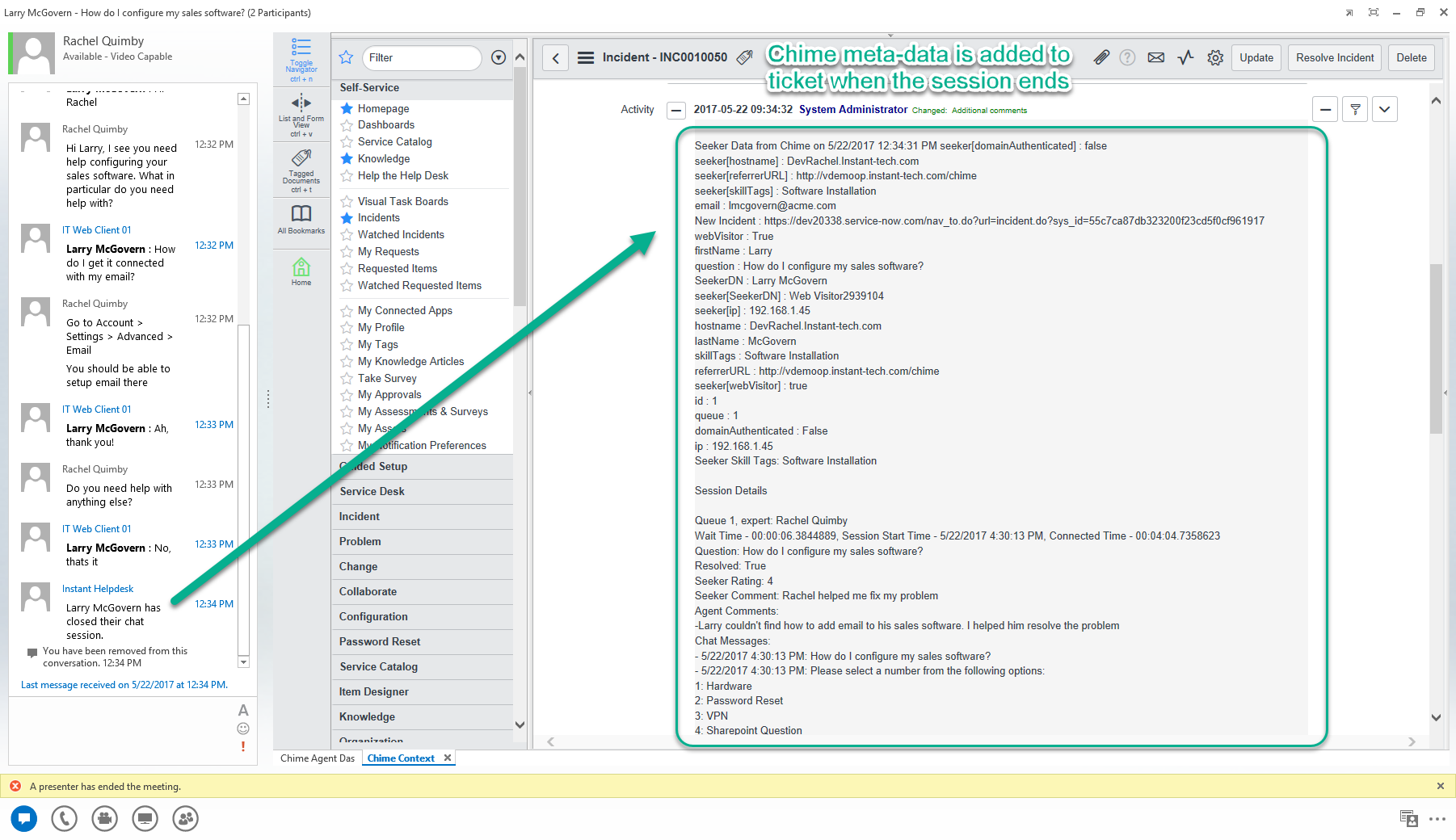
Shows how to configure a queue to turn off or on at specific times. This is configurable by day, time, hourly, and minute intervals.
May 9, 2017
(3:17)
Routing Tags and Suggestions
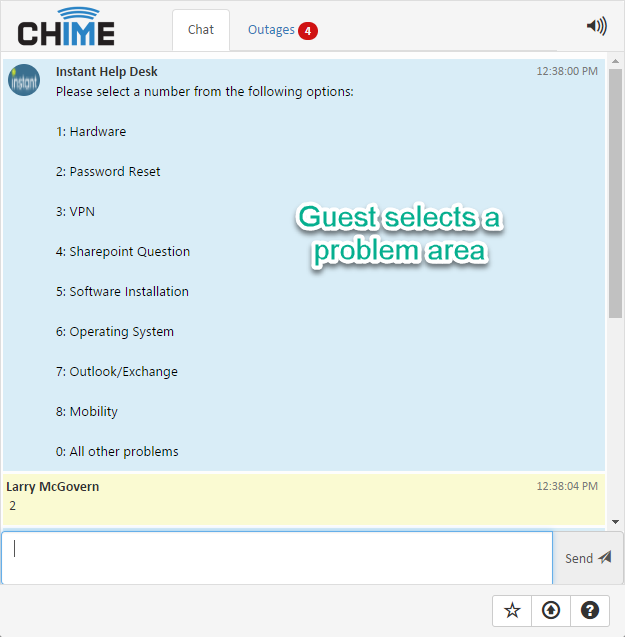
Learn how a manager can set up routing tags and suggestions for the Guest home page.
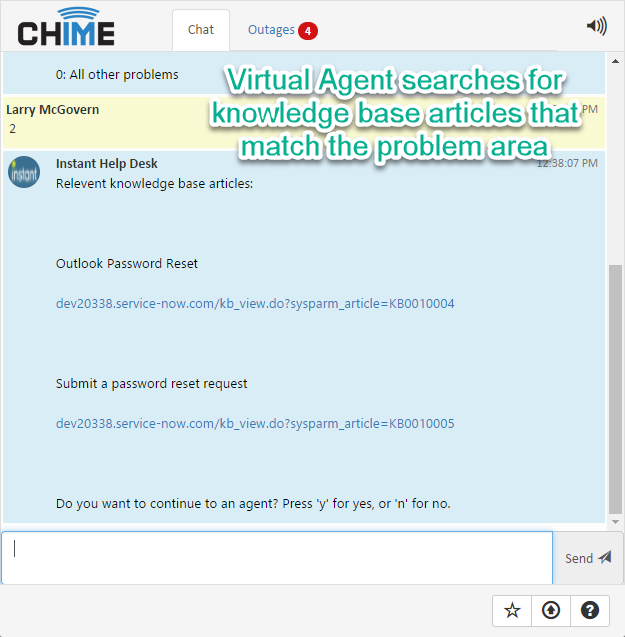
May 9, 2017
(3:31)
Chat Routing with IVR Menu
Learn how to let guests select problem tags from the Skype for Business Client.
May 15, 2015
(1:03)
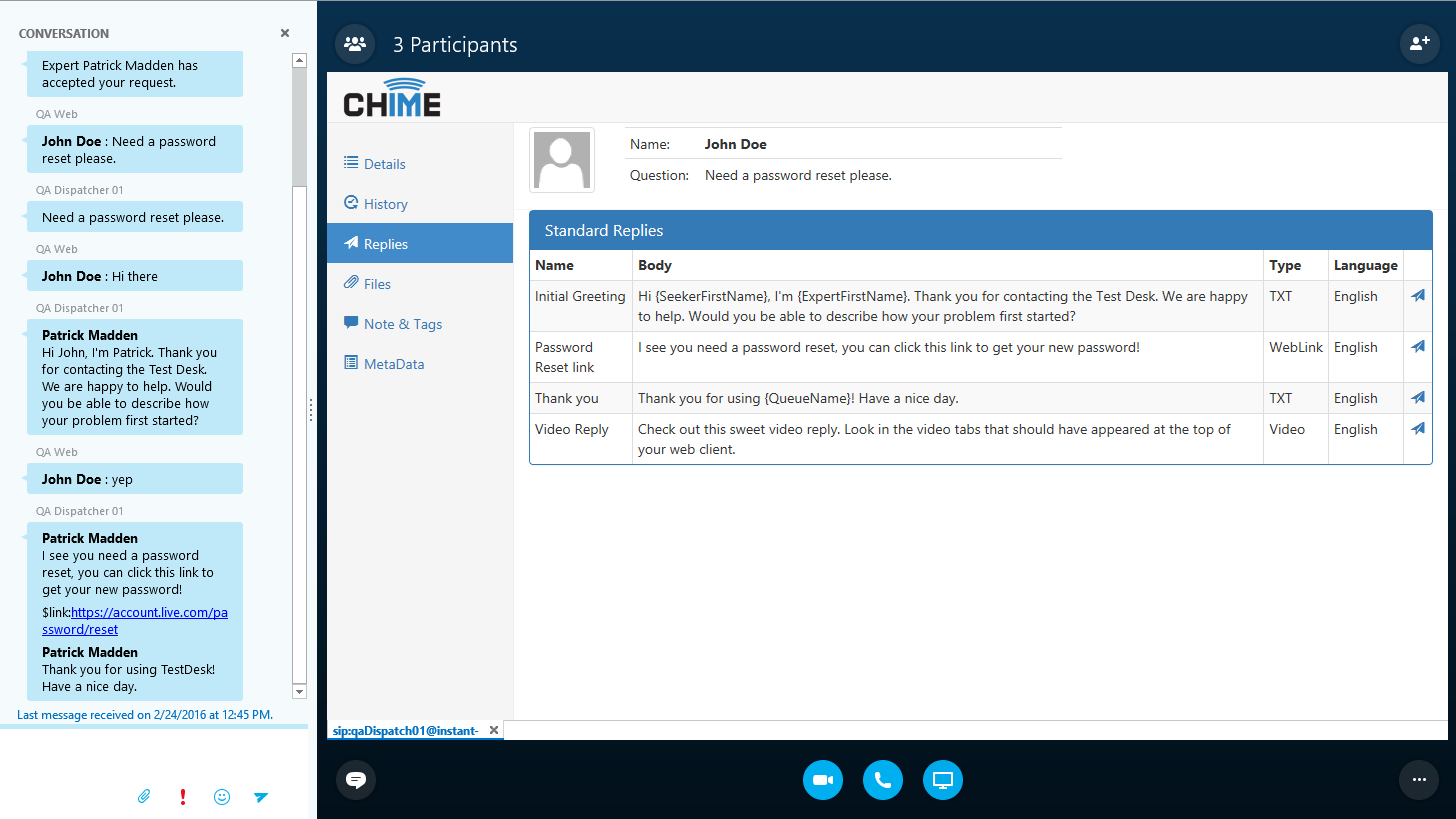
Standard Replies
Shows how to configure standard replies. These are configured at a queue level in each queue's settings.
December 29, 2016
(1:21)
Chime Outage Notifications
Learn how to use Chime outages to display issues to customers or employees coming in on the web client.
February 11, 2016
(1:46)
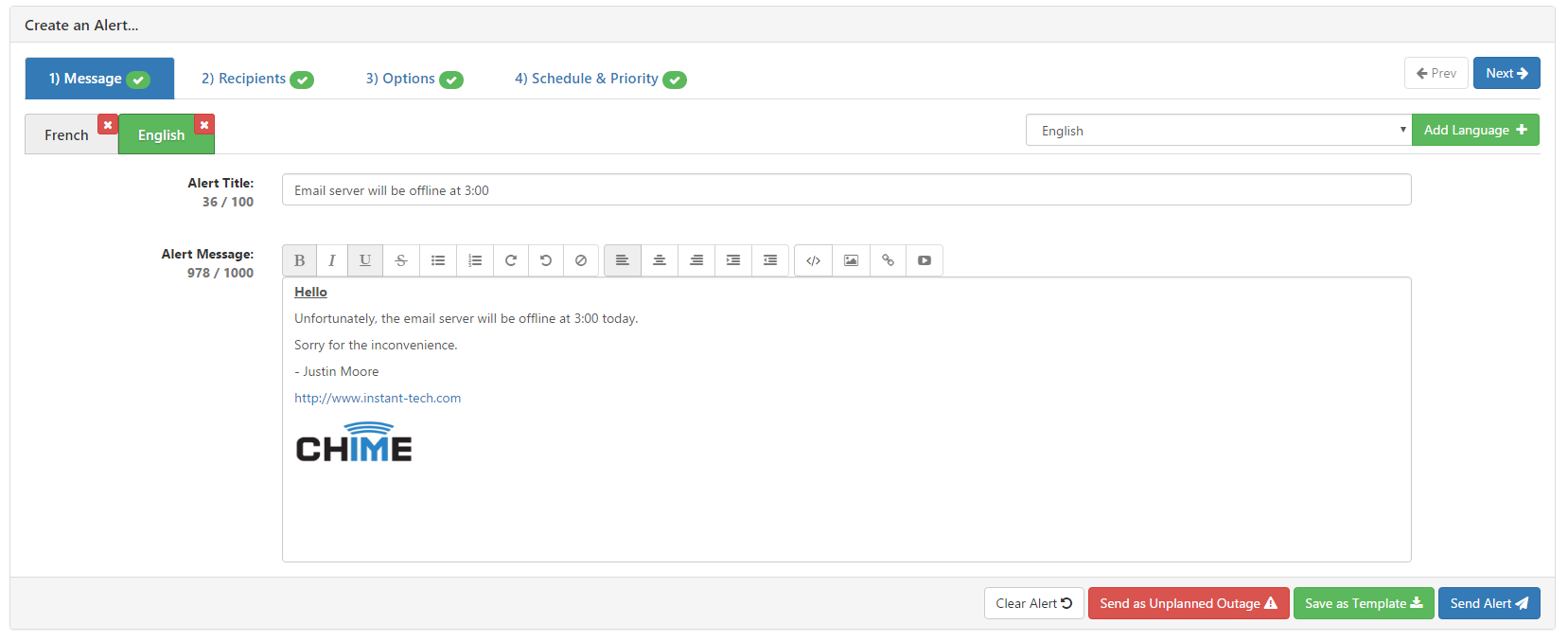
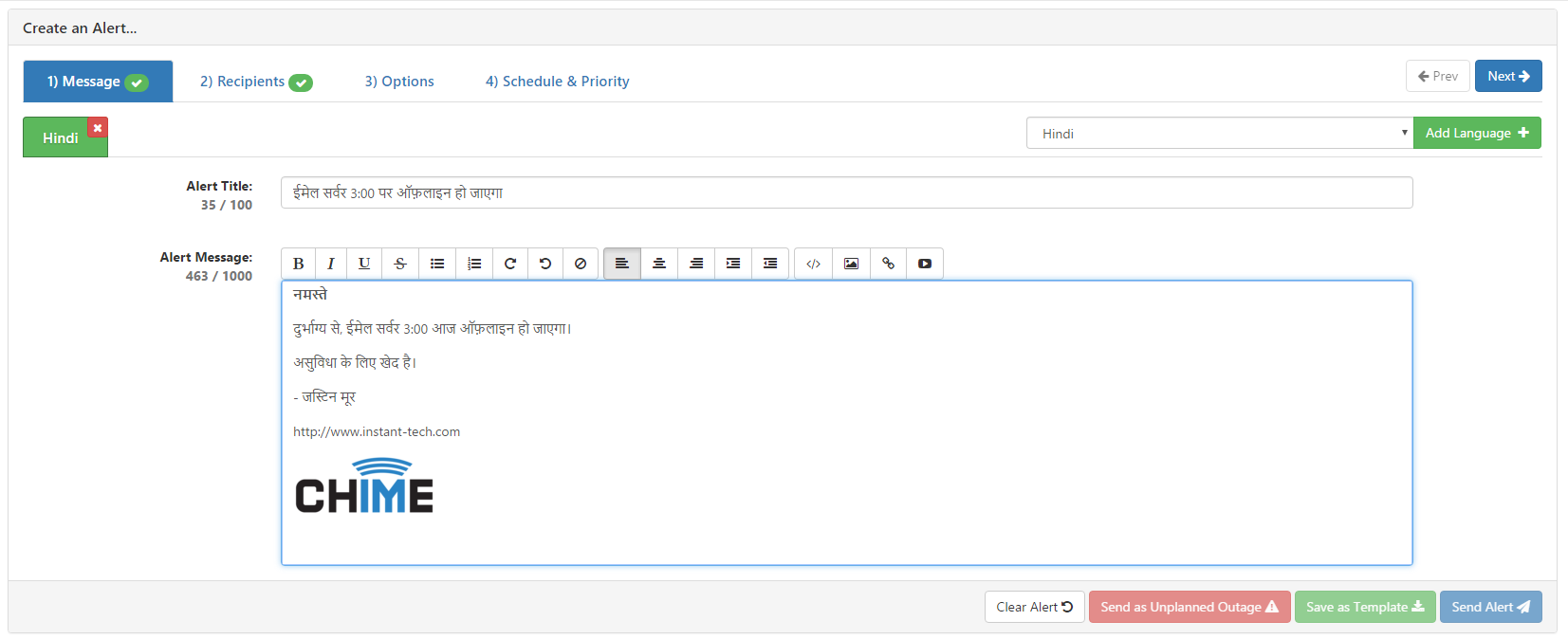
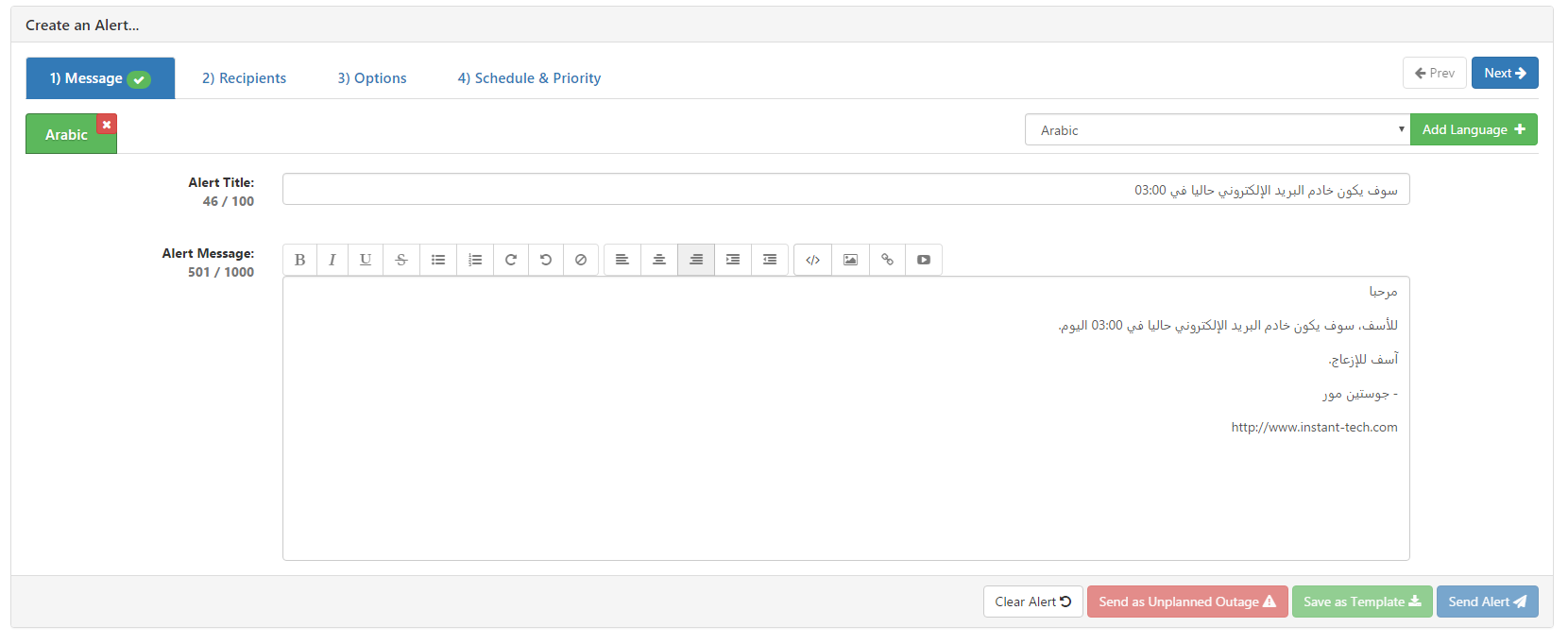
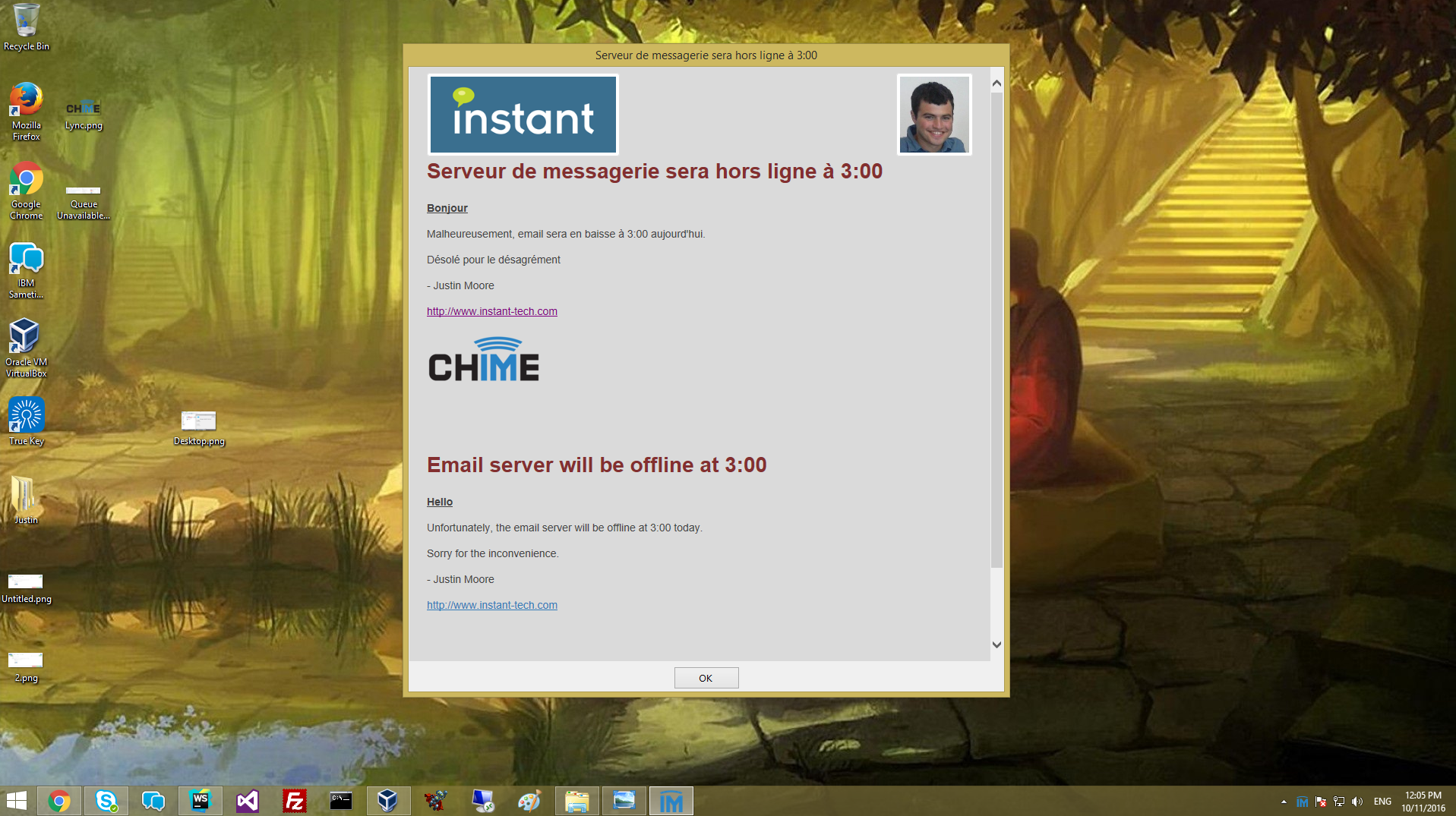
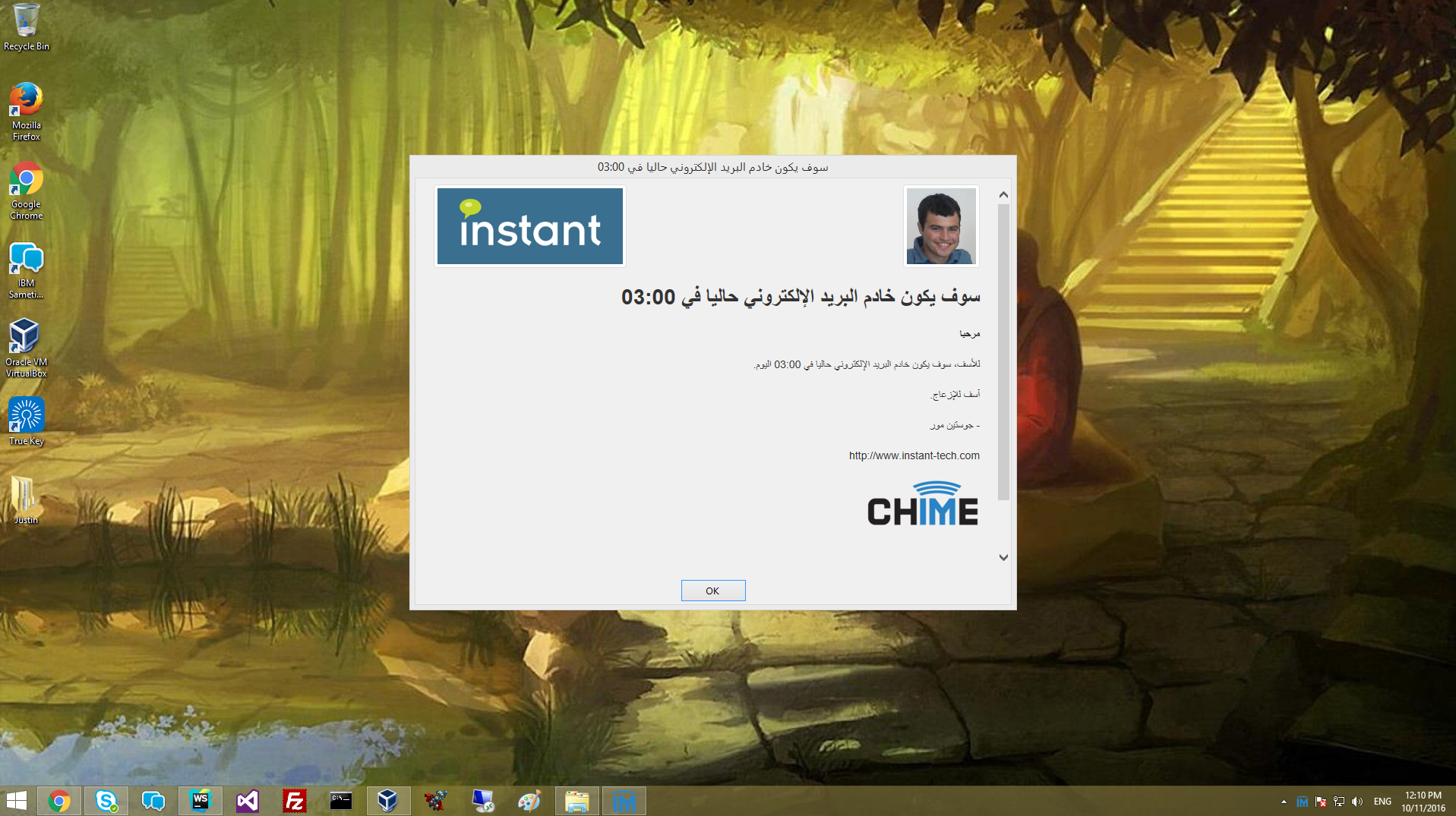
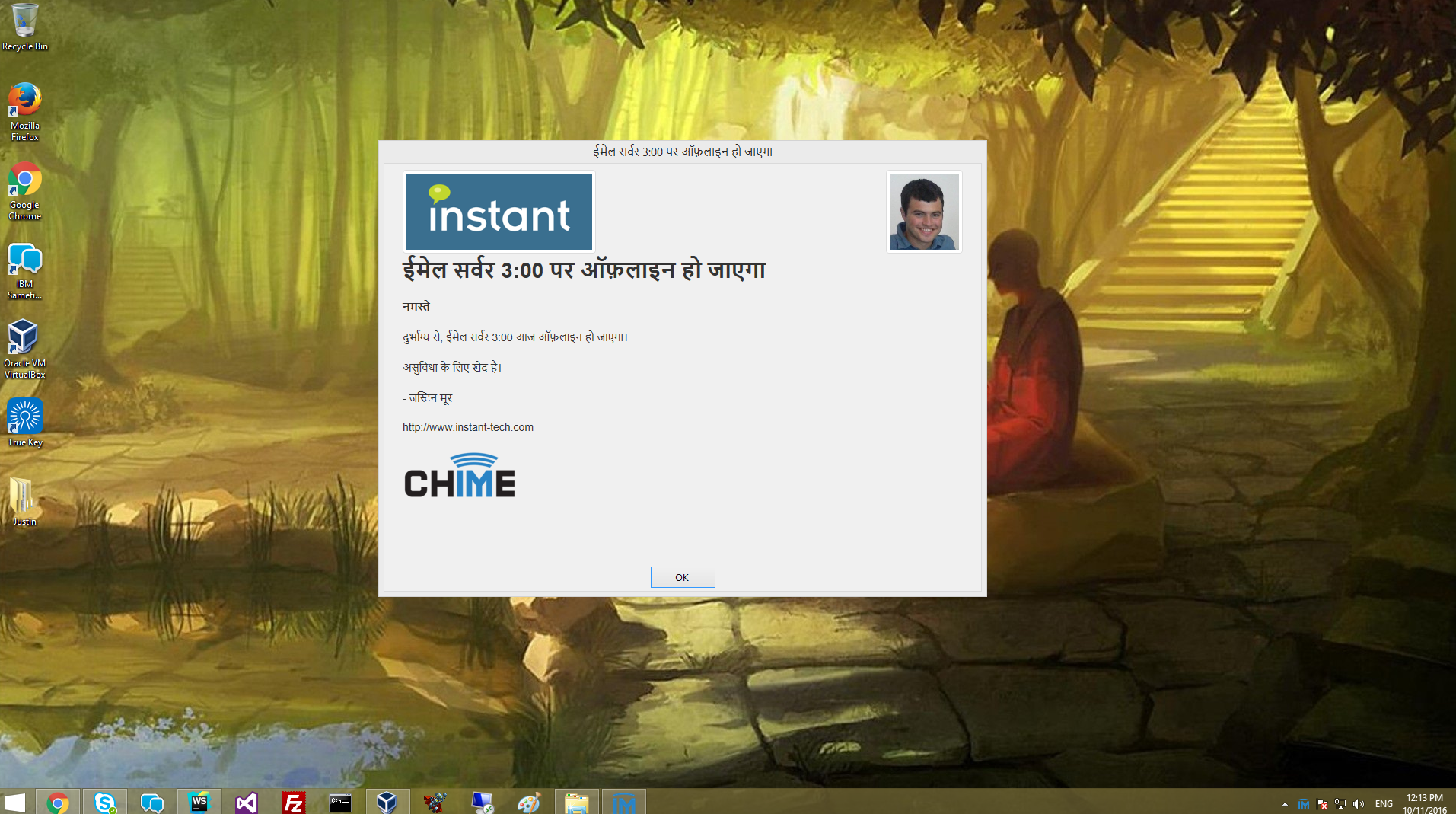
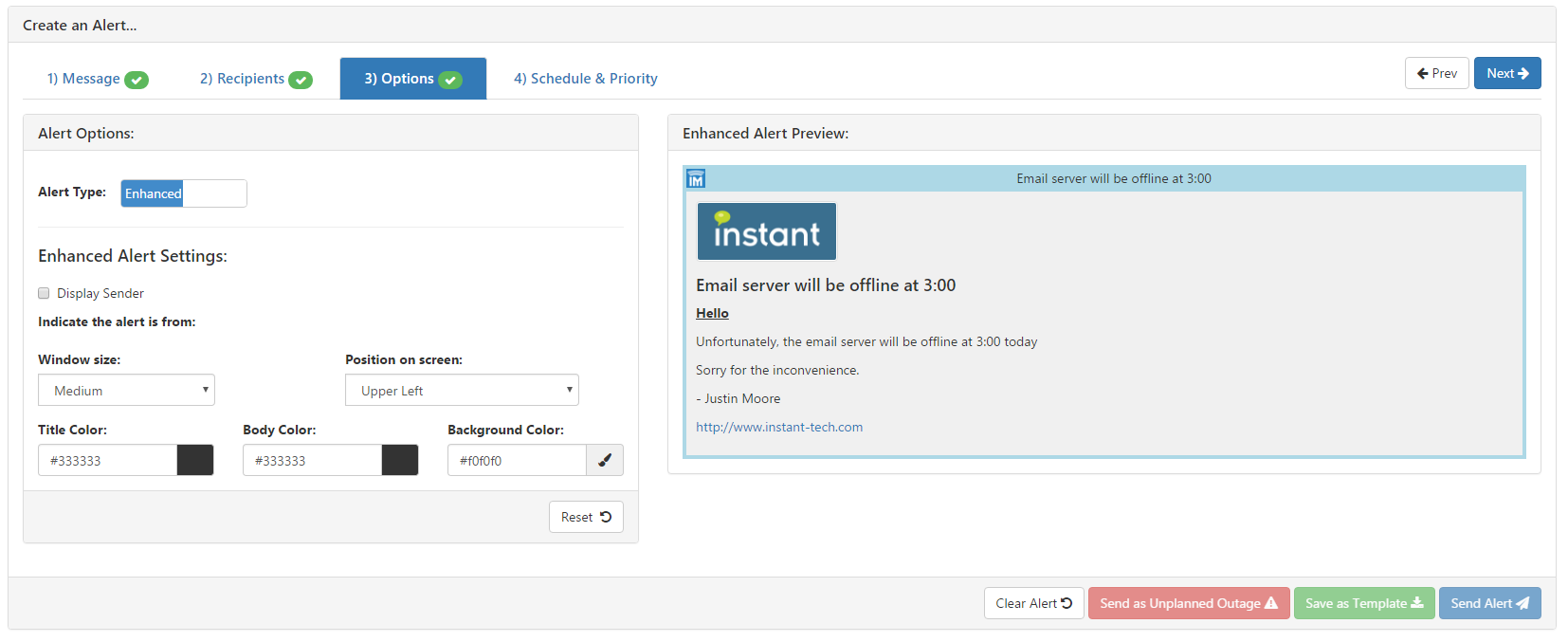
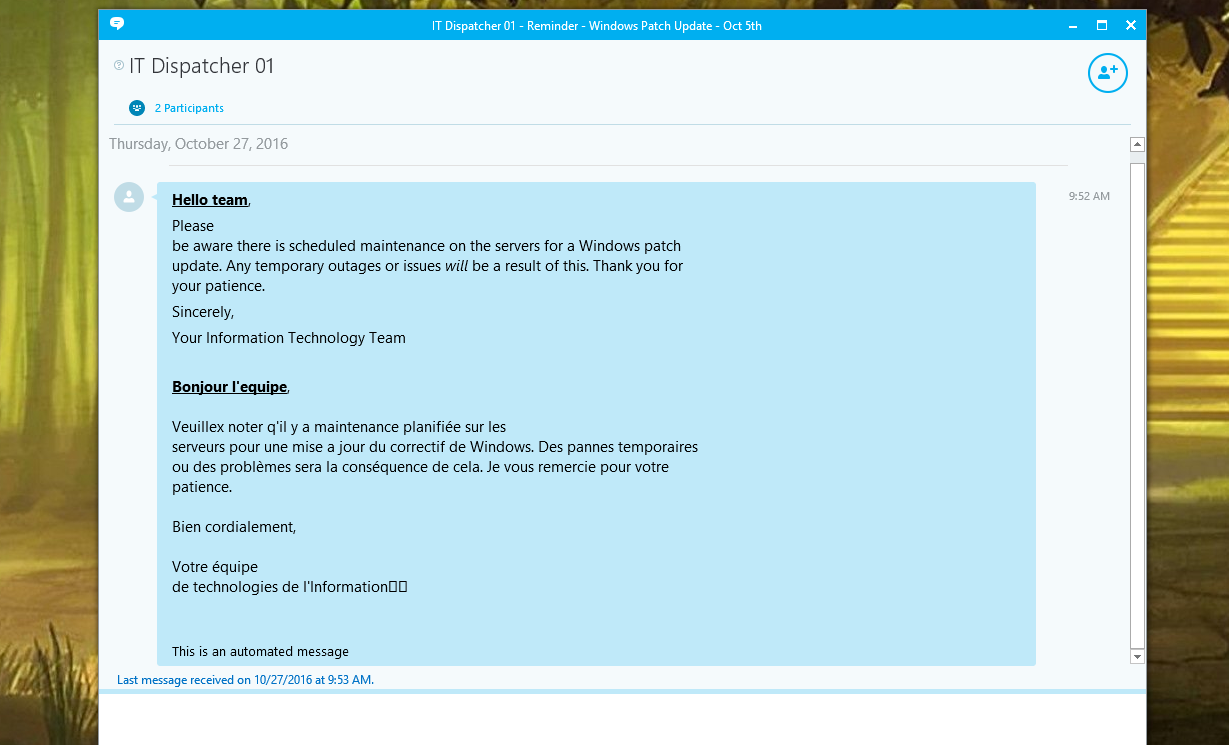
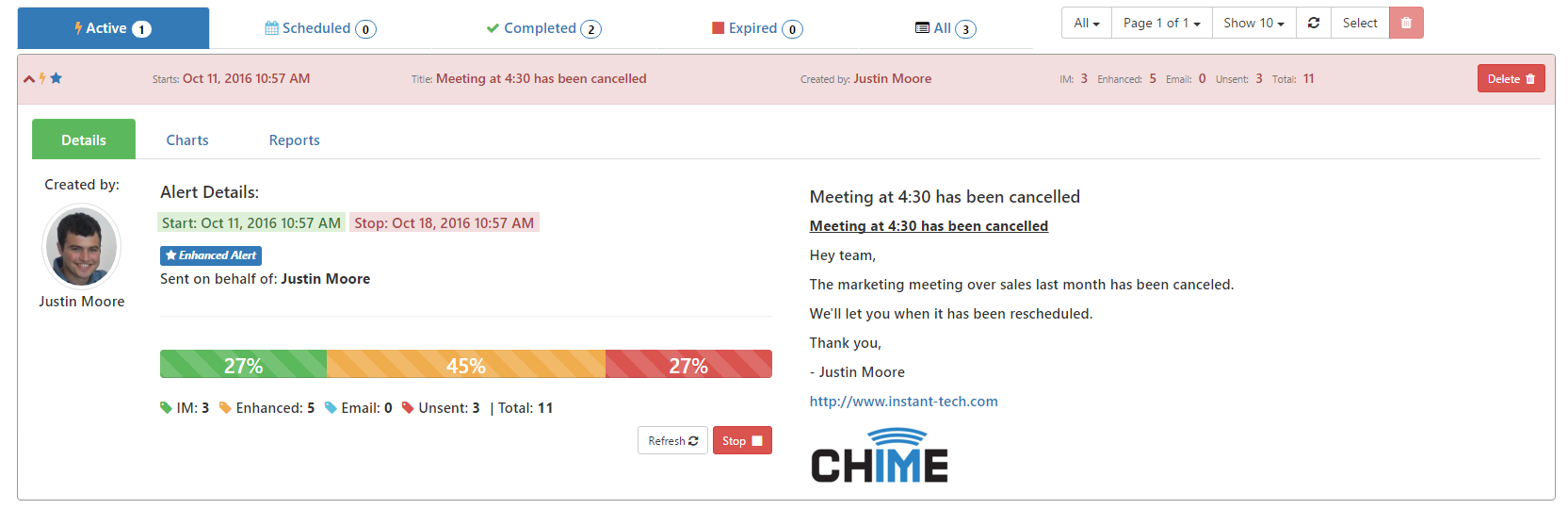
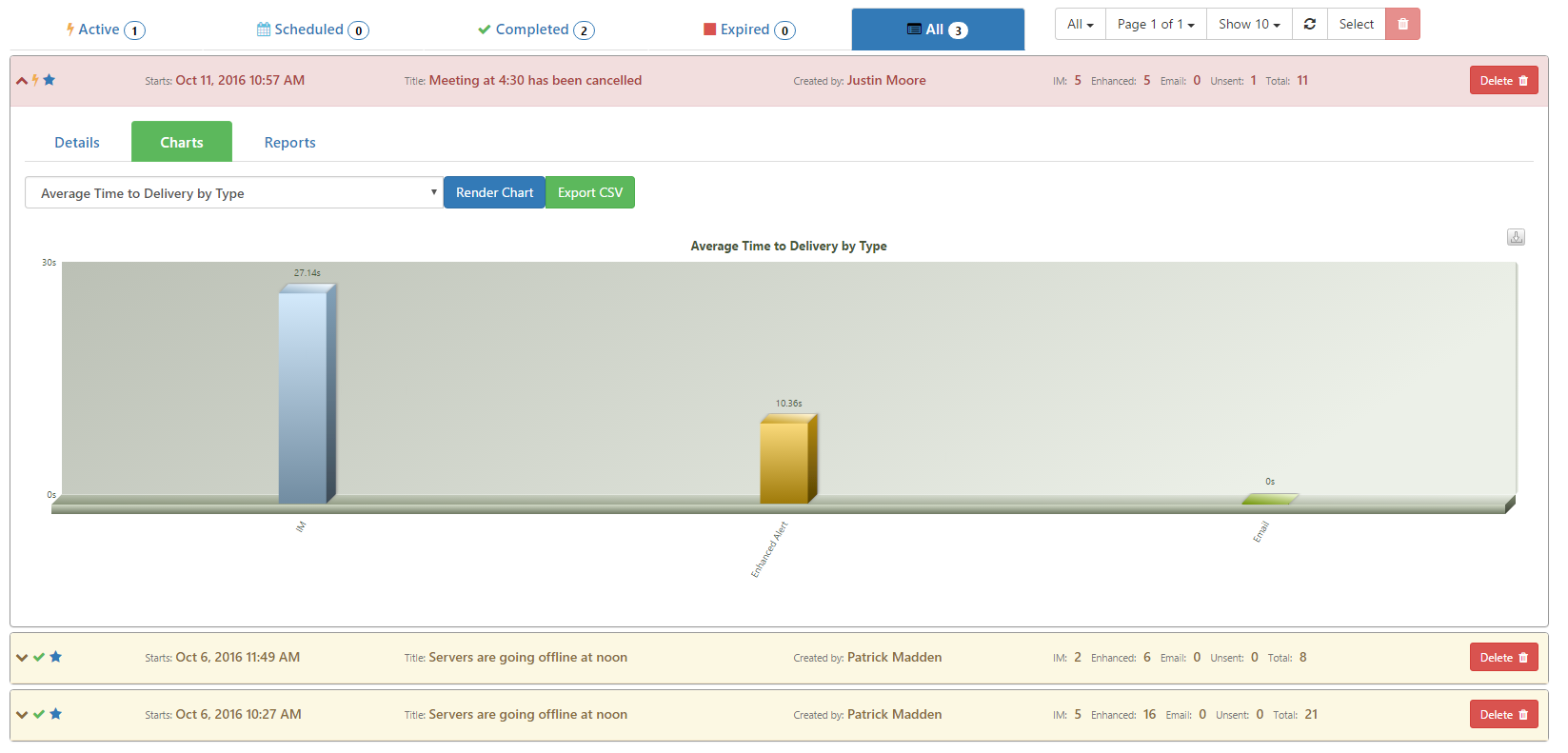
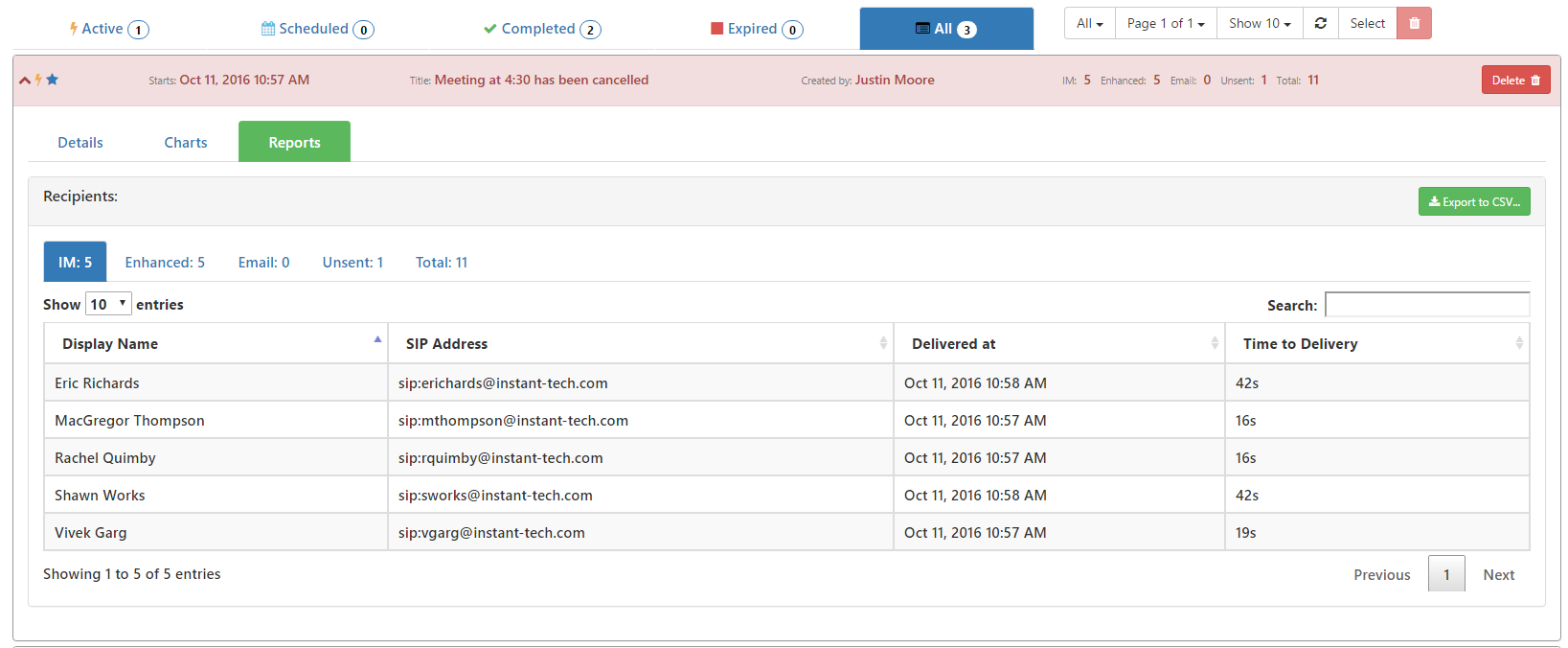
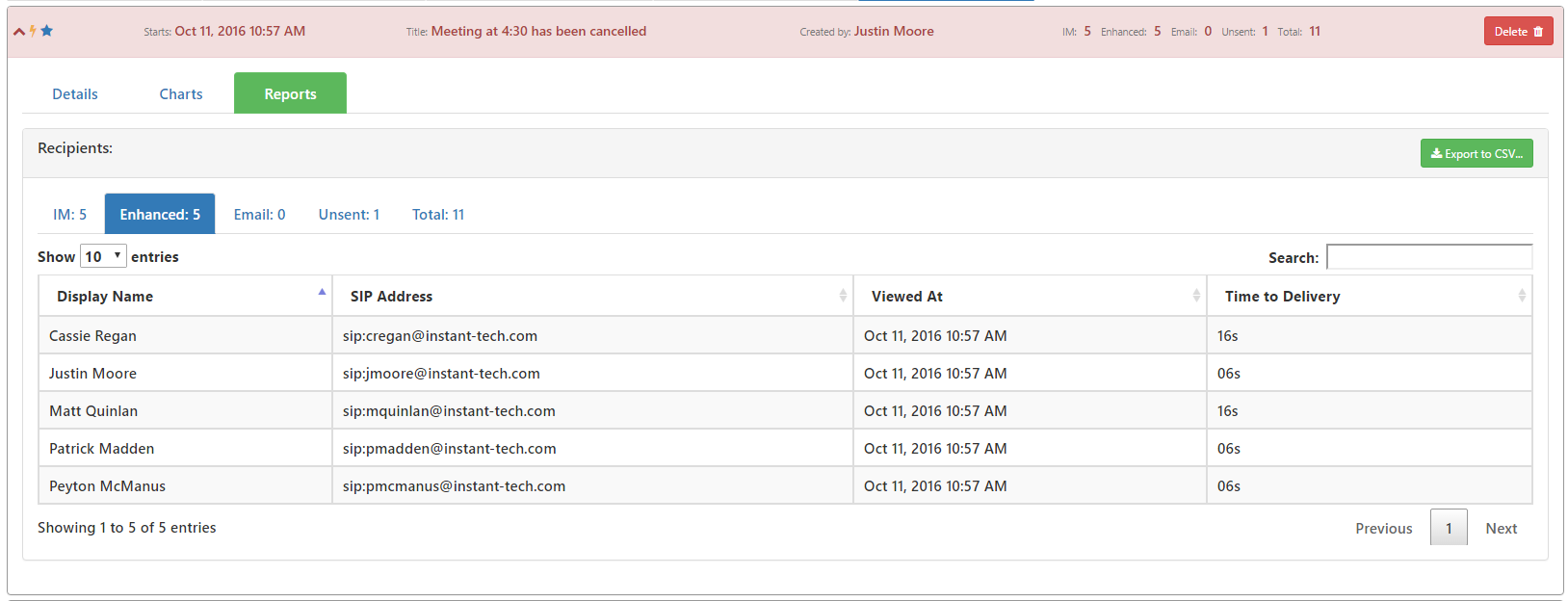
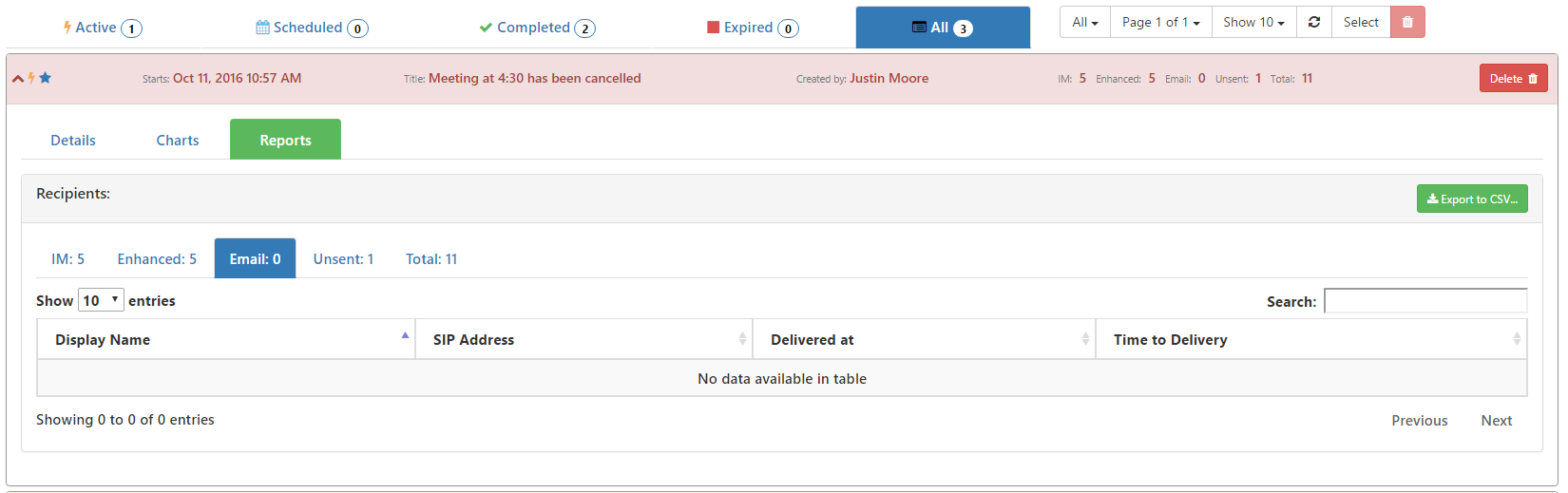
Enterprise IM Alerts
Quickly send out Lync-based alerts to everyone about outages, meetings, or anything you want!
December 9, 2016
(3:22)
New Features for Enterprise IM Alerts
Learn about some of the newest features for sending enterprise IM alerts in Chime 2.5.
October 6, 2016
(4:02)
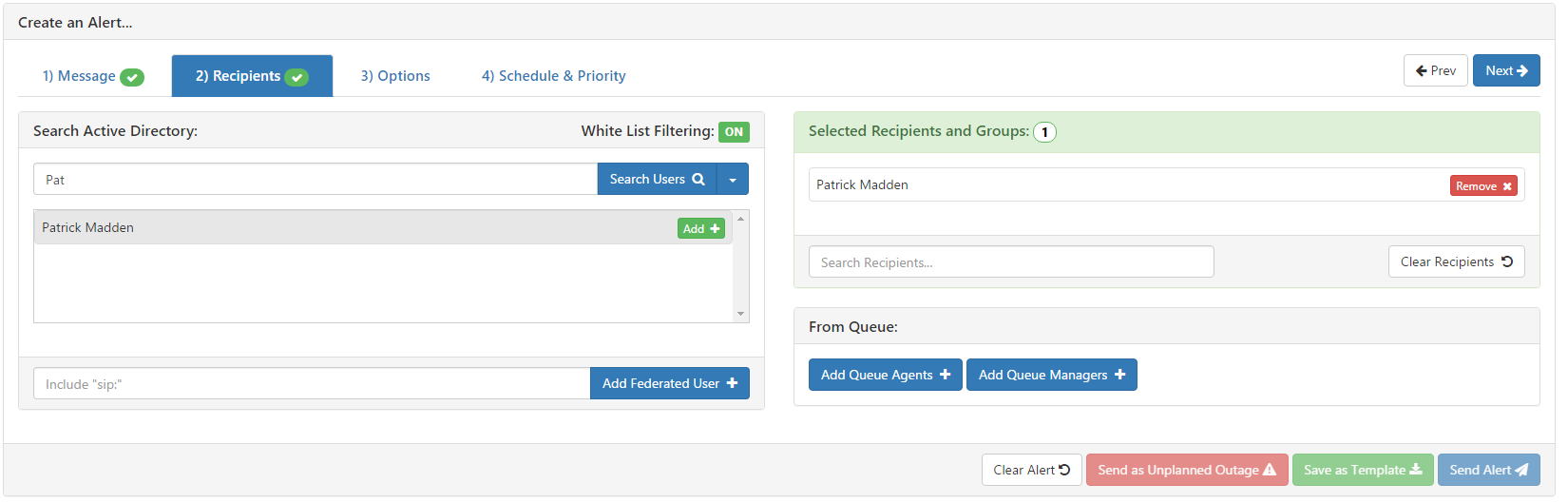
Alerts with White List Filtering
Learn how to use White List Filtering when sending Chime Alerts
February 2, 2016
(1:51)
Persistent Chat Rooms
The all new persistent chat rooms feature allows for back channel communications among agents and managers.
March 23, 2015
(1:56)
Screen Sharing Chime 2.1
Shows how to configure a standard reply to allow agents to send a link to the seeker to join a web conference.
More Videos
×
Complete the Form to Receive a Free Trial
First Name:
*
Last Name:
*
Email:
*
Phone:
(optional)
Company:
(optional)